Appendix F: TFTPUtil
To install the TFTPUtil tool:
1. Navigate to the installation file on the Eclipse installation USB.
USB\3rd_Party_Software\V-Panel TFTO Server
App\TFTPUtil_GUI_Version_1.3.0_Installer.exe
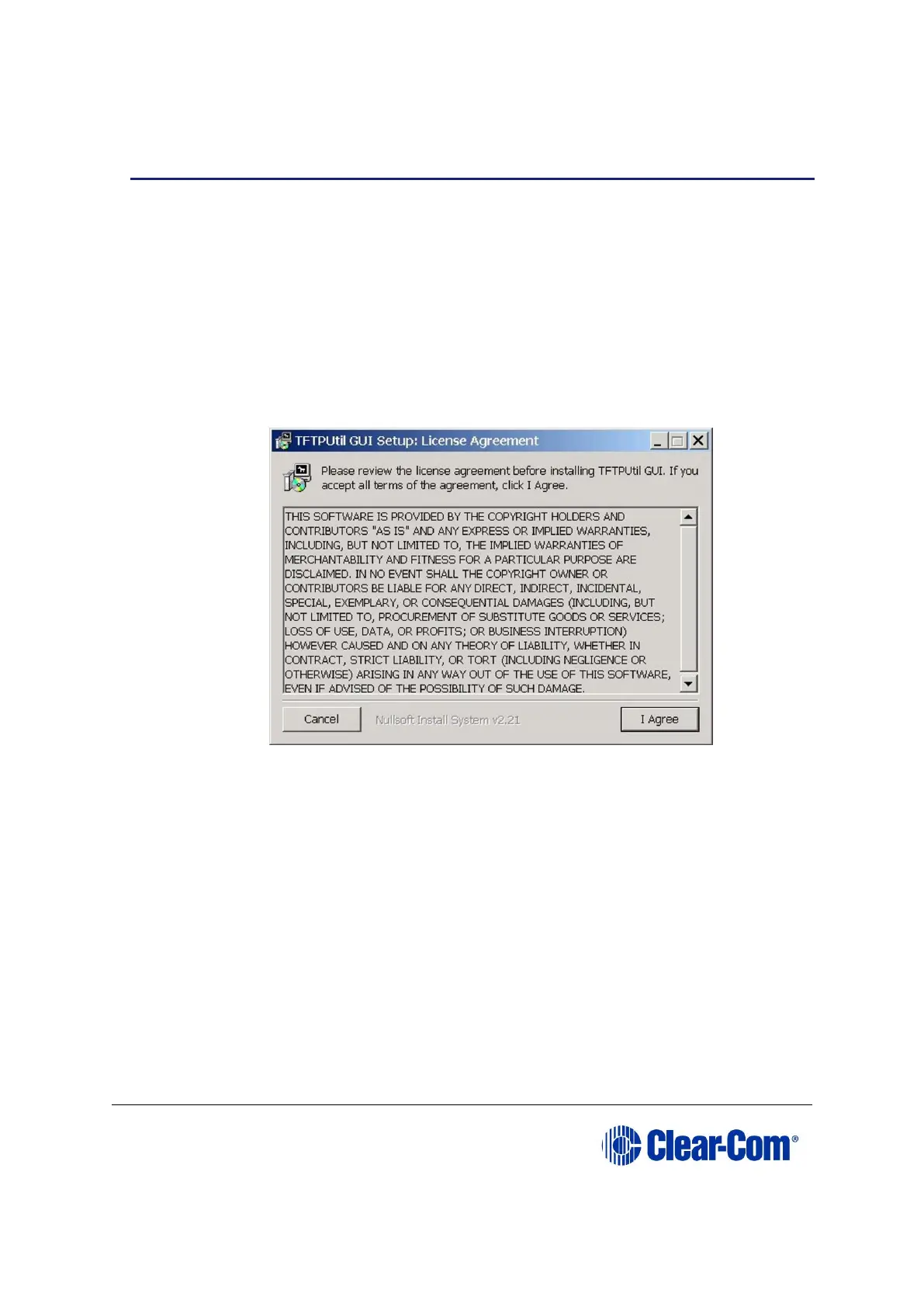
2. When the installation file is run, the installer will display a series of setup screens
to configure the installation. The first screen is the License Agreement. Click I
Agree.
Figure 17-15: License Agreement
3. The TFTPUtil Components screen is displayed. Accept the defaults and click
Next.



 To Next Page