Appendix H: Flash Magic
To install Flash Magic:
1. Navigate to the installation file on the Eclipse installation USB.
USB\3rd_Party_Software\FlashMagic\FlashMagic.exe
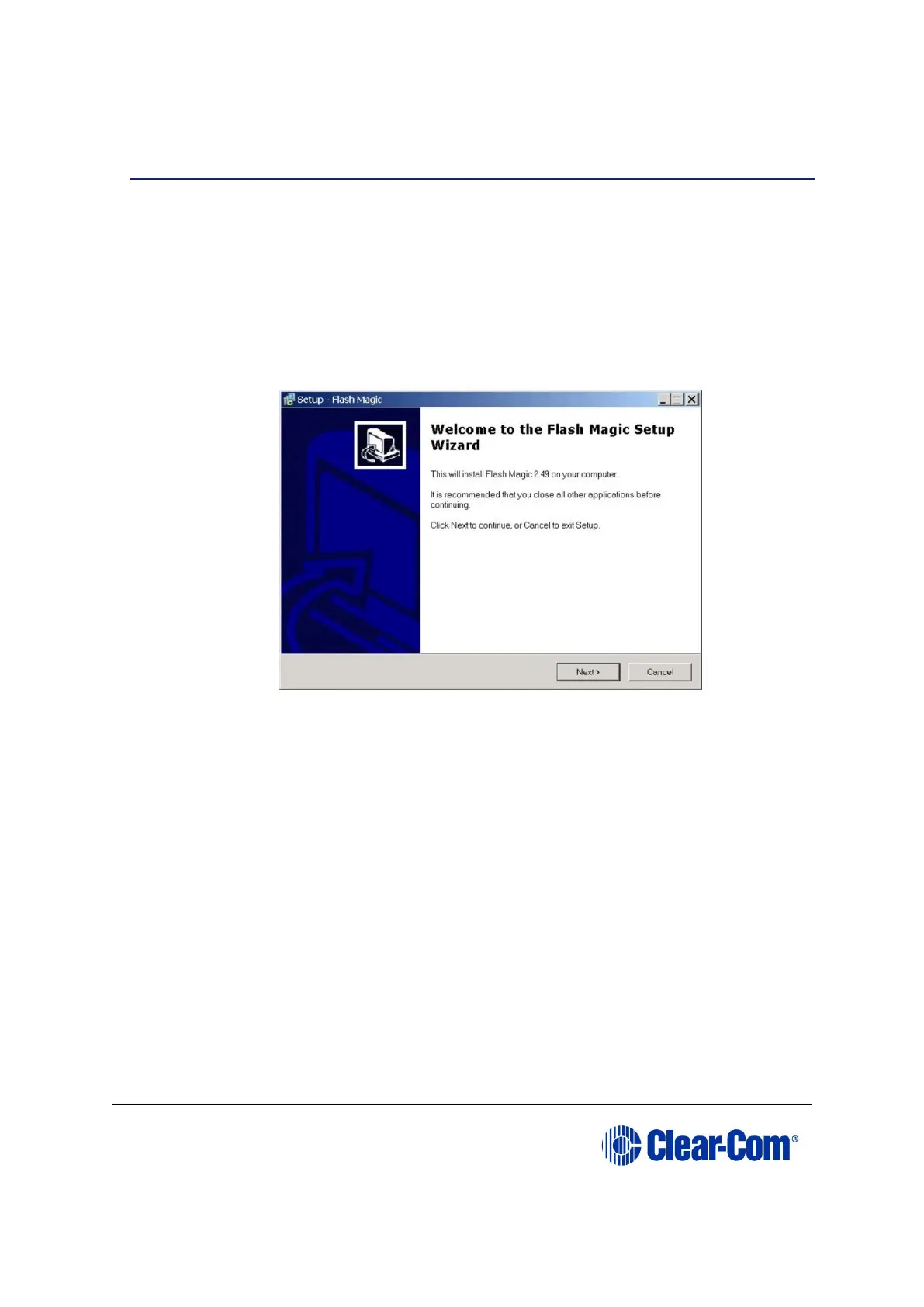
2. Execute the file to start the installation. The Flash Magic Setup Wizard
welcome screen is displayed. Click Next.
Figure 17-21: Welcome screen (installer)
3. The License Agreement screen is displayed. Accept the agreement and click
Next.
4. The Select Destination Location screen is displayed. Select the destination
folder for FlashMagic (normally the default is accepted). Click Next.



 To Next Page