Appendix G: Tera Term
To install Tera Term:
1. Navigate to the installation file on the Eclipse installation USB:
USB\3rd_Party_Software\Teraterm\tterm23.zip
2. Open the file with WinZip and execute Setup.exe to start the Tera Term
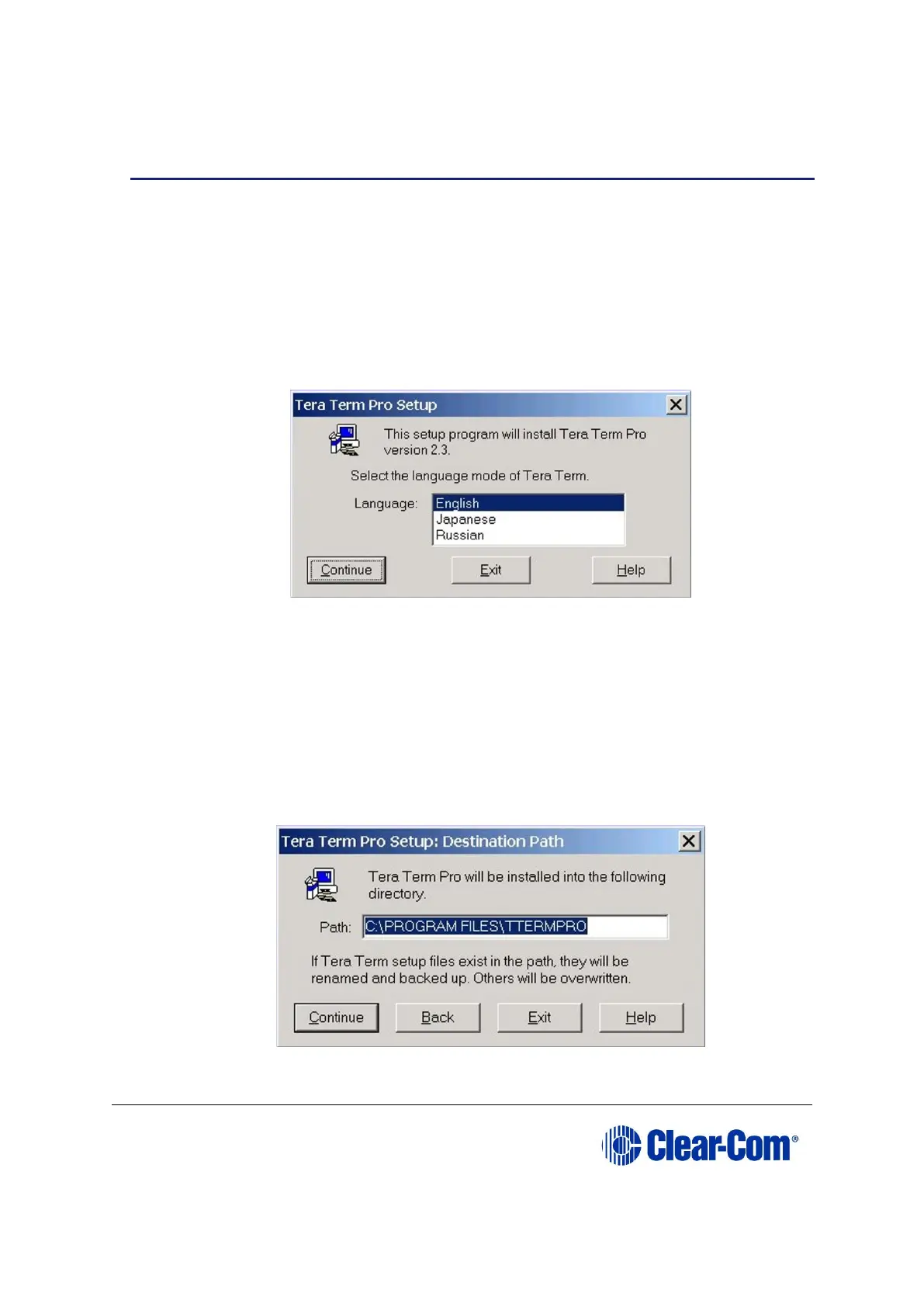
installation. The language options screen will be displayed.
Figure 17-18: Language selection
Select the required language mode and click Continue.
3. You are asked to close any old versions of Tera Term that are running. Close any
old versions and click Continue.
4. The Destination Path screen is displayed. Enter the required installation
directory name if it is different to the default. It is recommended that the default
is used. Click Continue.
Figure 17-19: Destination Path



 To Next Page