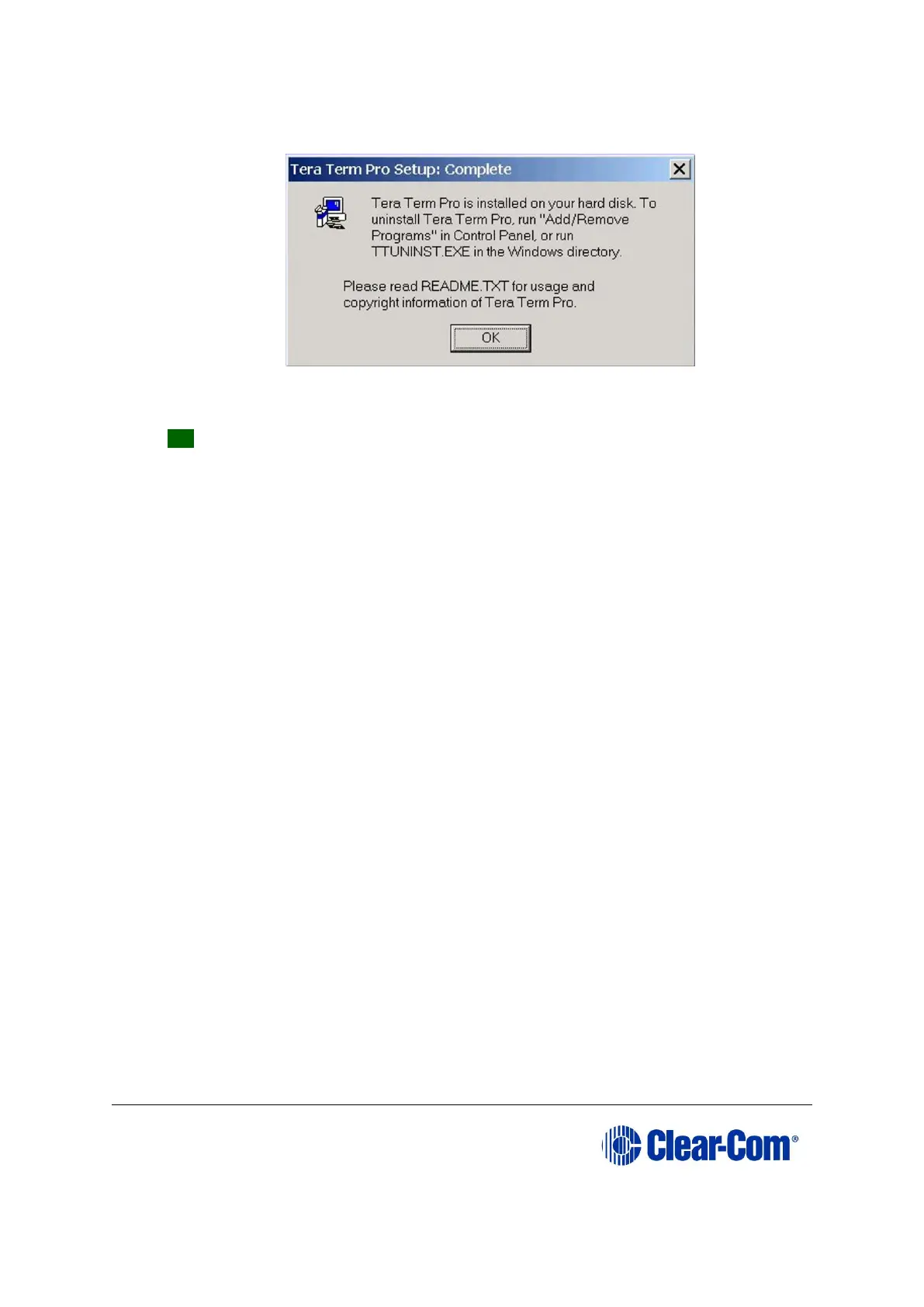
The Installation complete screen is displayed. To exit the installer, click OK.
Figure 17-20: Installation complete
TIP: The Tera Term application is used for many of the Eclipse system upgrade
processes. You can save and recall the relevant com port settings by selecting the
Setup / Save or restore settings options.



 To Next Page