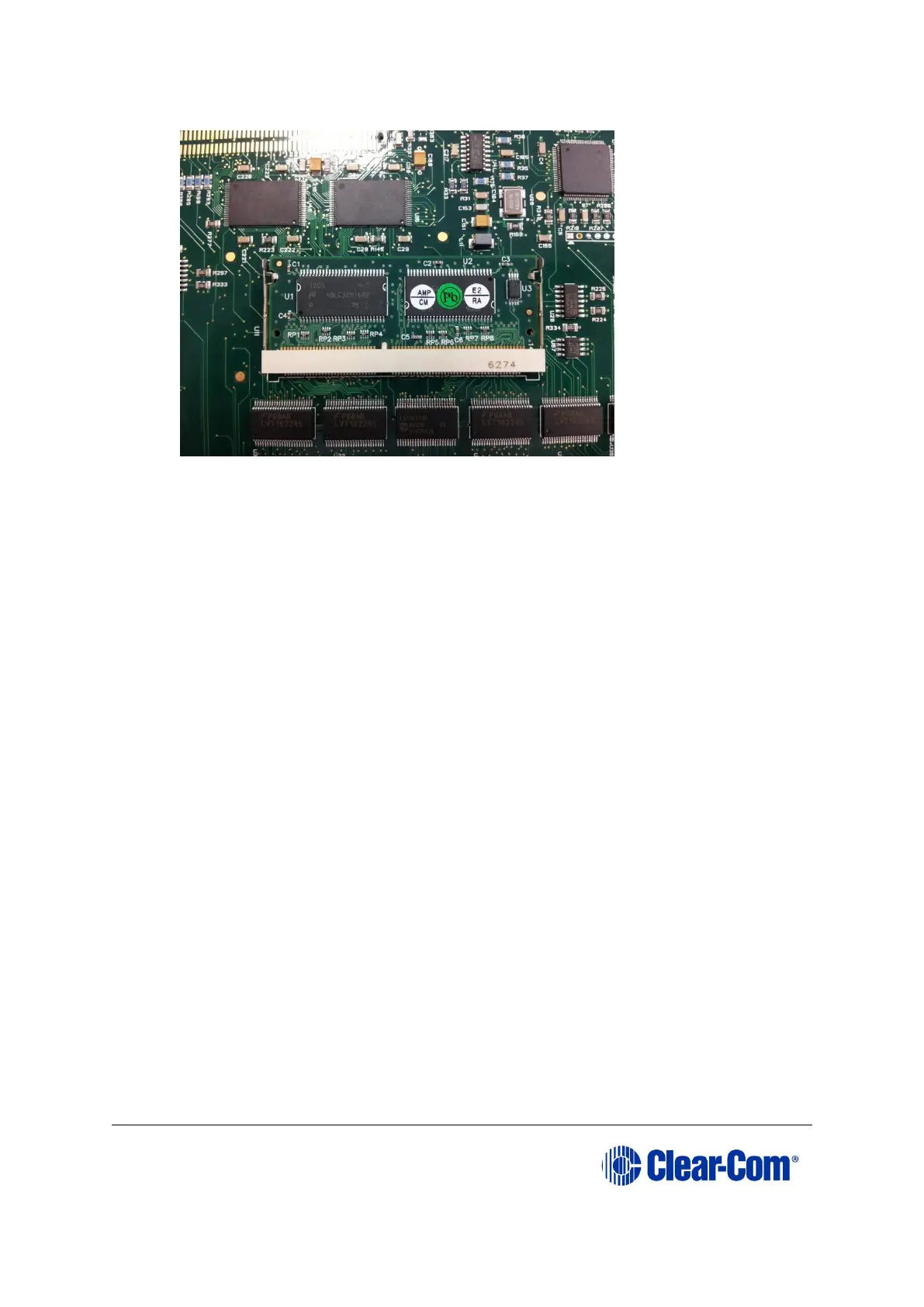
Figure 5-2: CPU card 256Mb RAM daughter board
5) Secure the RAM daughter board by closing the levers to either side of the
cassette.
6) Return the CPU card to the Eclipse HX-Median, Eclipse HX-Omega or Eclipse HX-
Delta matrix.
5.3 Changing the CPU card DIP switches
To change the CPU card DIP switches to the appropriate Eclipse HX v9.1 settings, see
either:
• Appendix B: CPU card DIP switches
• 5.4.3 Upgrading the CPU Card app code using Tera Term
5.4 Upgrading the CPU card application code
5.4.1 Upgrading the CPU card app code using EHX with
Ethernet connection
Before you upgrade the CPU card application code, check that:
• The PC can successfully connect to the matrix with an Ethernet connection by
viewing the Event Log (Diagnostics > Event Log) in EHX.
• There is a valid configuration in the matrix. A valid configuration enables the
matrix to identify its IP address and run its TCP / IP stack.
Note: Both CPU cards may remain in place (inserted) for this procedure.
To upgrade the CPU card application code, using EHX with an Ethernet connection:



 To Next Page