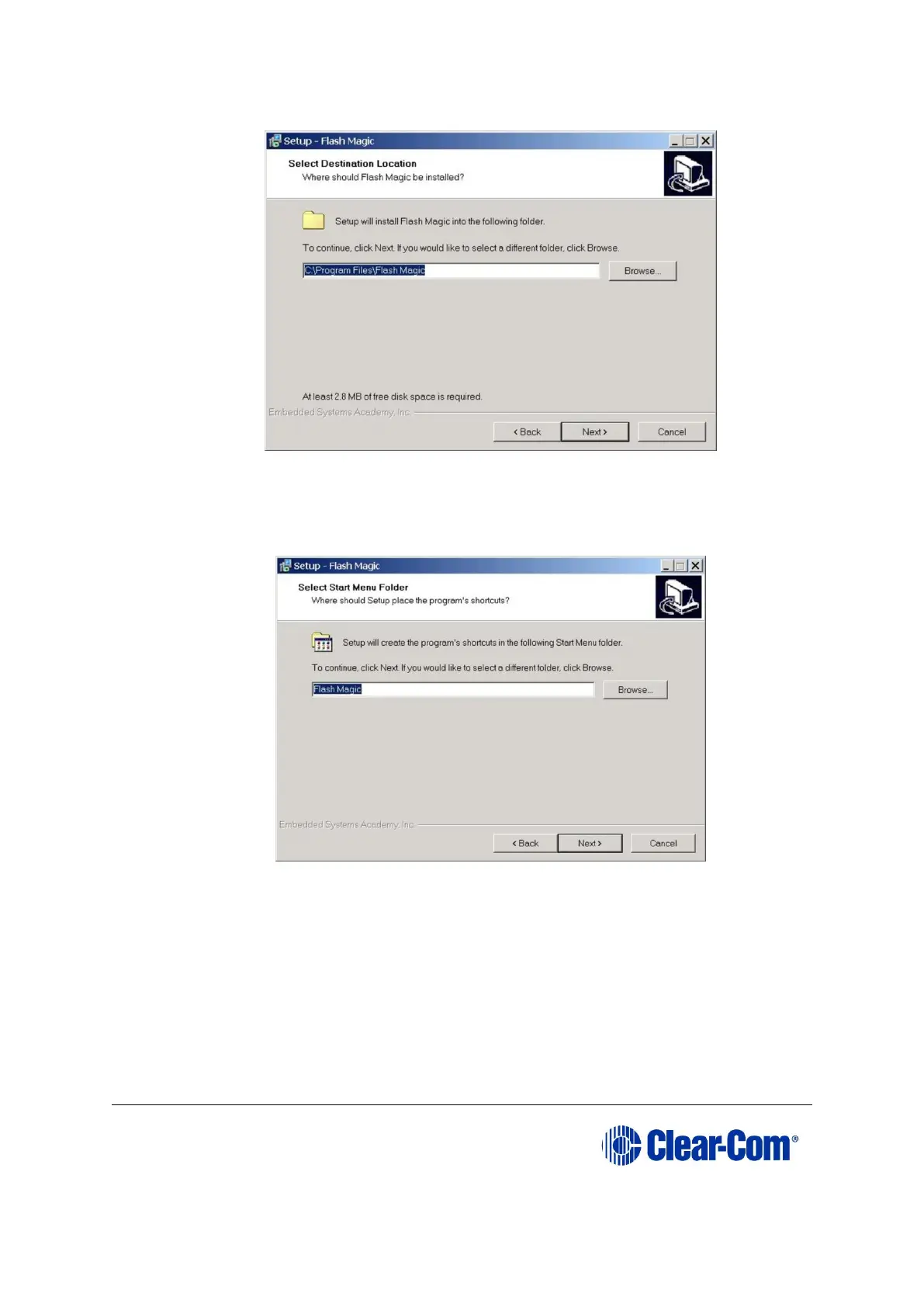
Figure 17-22: Select Destination Location
5. The Select Start Menu Folder is displayed. Select the Start menu folder for
Flash Magic; (normally the default is accepted). Click Next.
Figure 17-23: Select Start Menu Folder
6. The Select Additional Tasks screen is displayed. Select Create a Desktop icon
and / or Quick Launch icon, if desired. Click Next.



 To Next Page