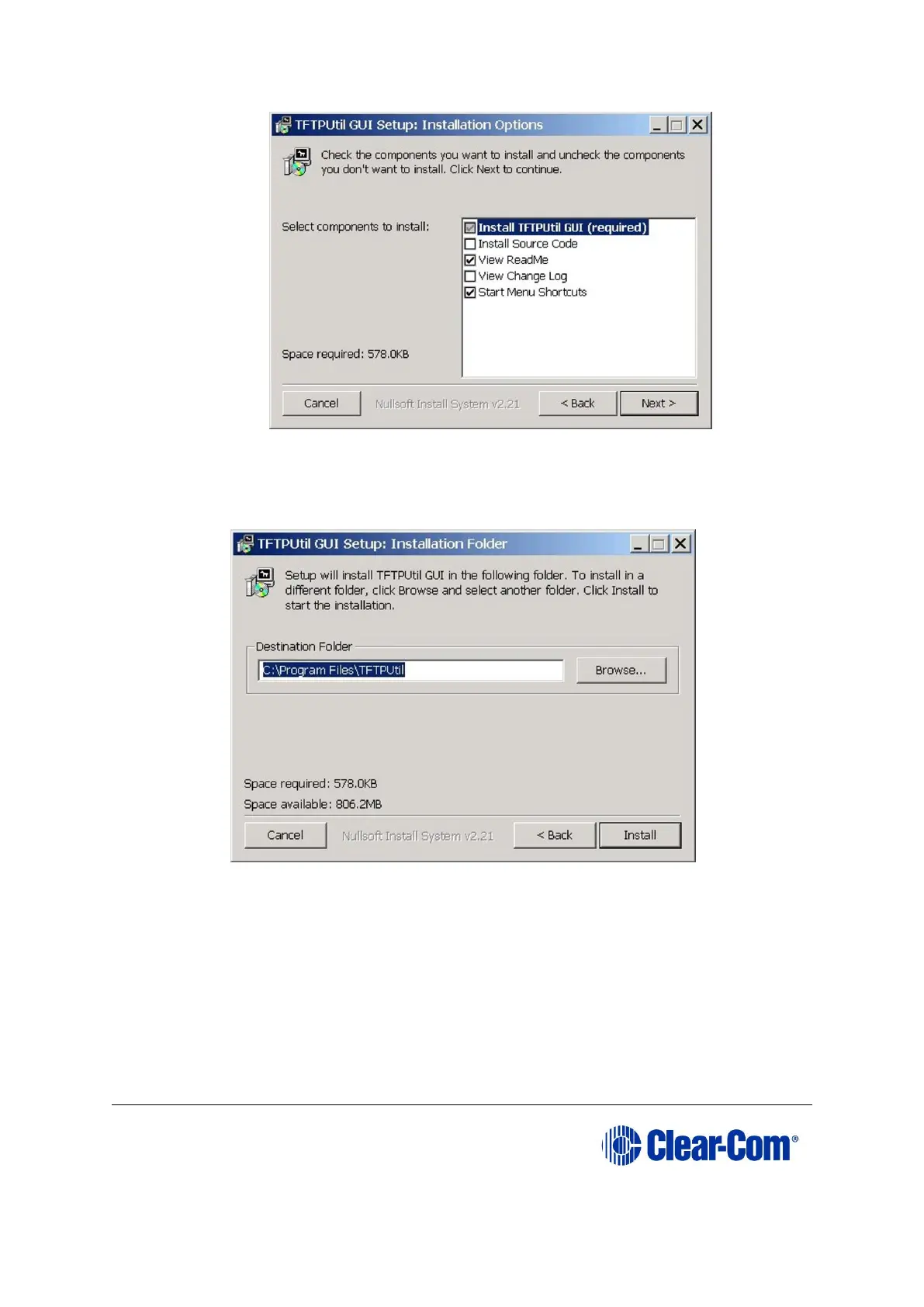
Figure 17-16: Components
4. The Installation Folder destination screen is displayed. Accept the default
destination folder unless it clashes with other system setups. Click Install.
Figure 17-17: Installation Folder destination screen
5. When the installation is completed, click Close to exit the installer. If the defaults
were accepted the TFTPUtil server can be run from Programs under TFTPUtil.
TFTPUtil on Vista and Windows 7 PCs
The TFTP Util TFTP server has been known to fail on Vista or Windows 7 PCs. In this
case, you use any TFTP server that is known to work on your PC.



 To Next Page