Click Next.
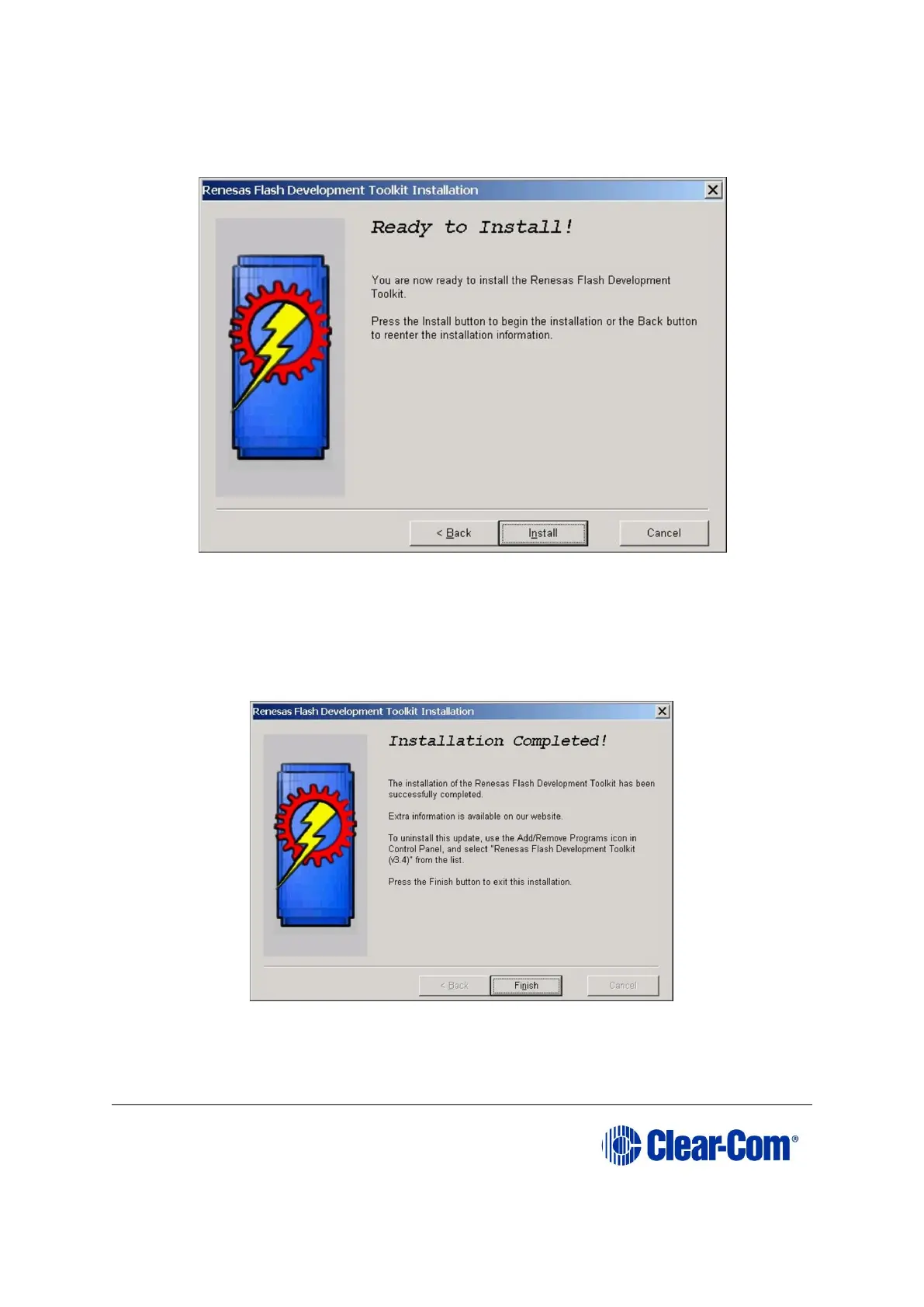
10. The Ready to Install screen is displayed. Click Install. The files will be installed
in the selected directory.
Figure 17-13: Ready to install
11. When the installation is complete a completion screen is displayed:
Figure 17-14: Installation completed
To exit the installer, click Finish.



 To Next Page