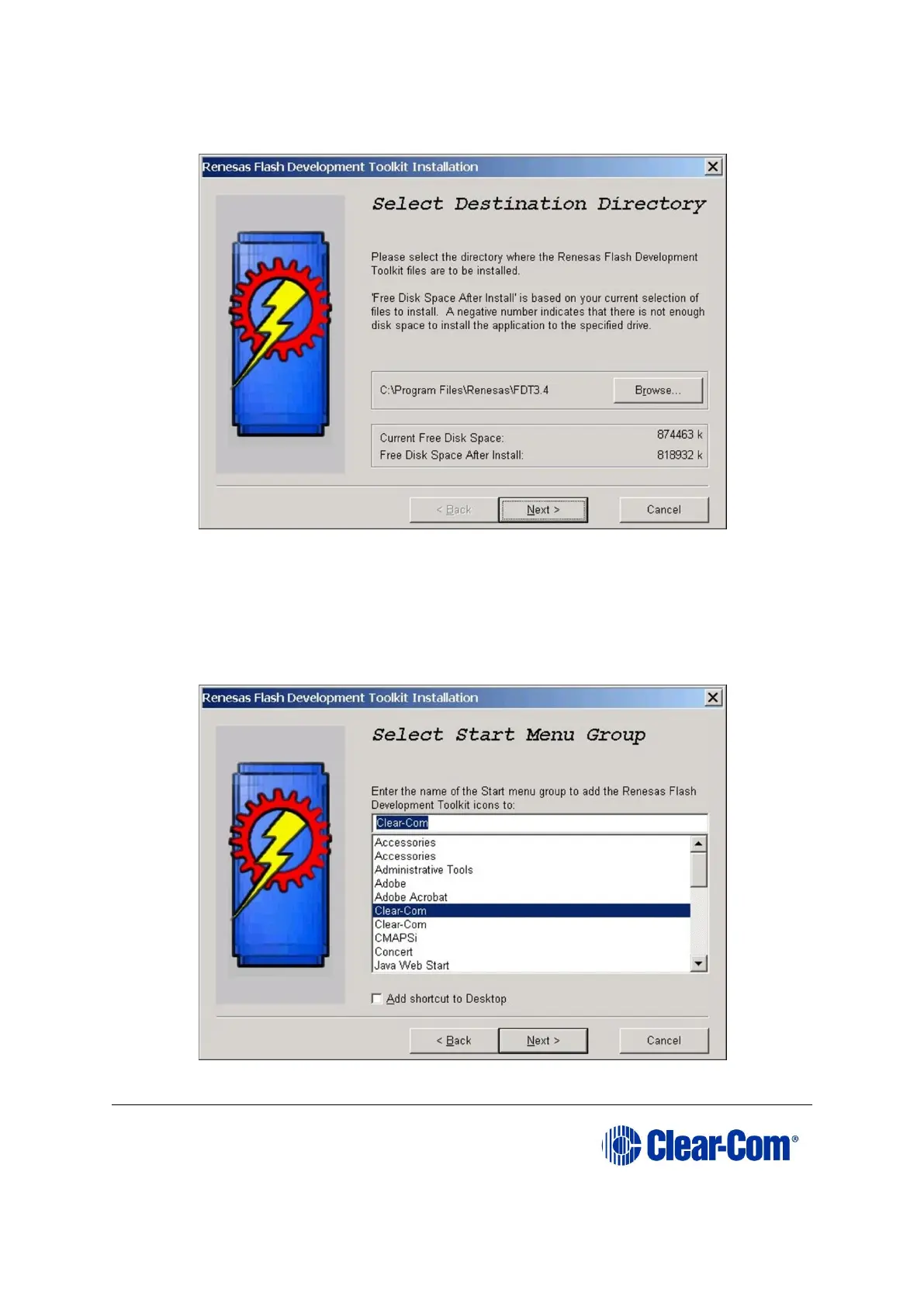
8. The Select Destination Directory screen is displayed. The default installation
directory is usually recommended.
Figure 17-11: Select Destination
Click Next.
9. The Select Start Menu Group screen is displayed. The default menu can be used
or the programmer can be added to the Clear-Com menu.
Figure 17-12: Select Start Menu Group



 To Next Page