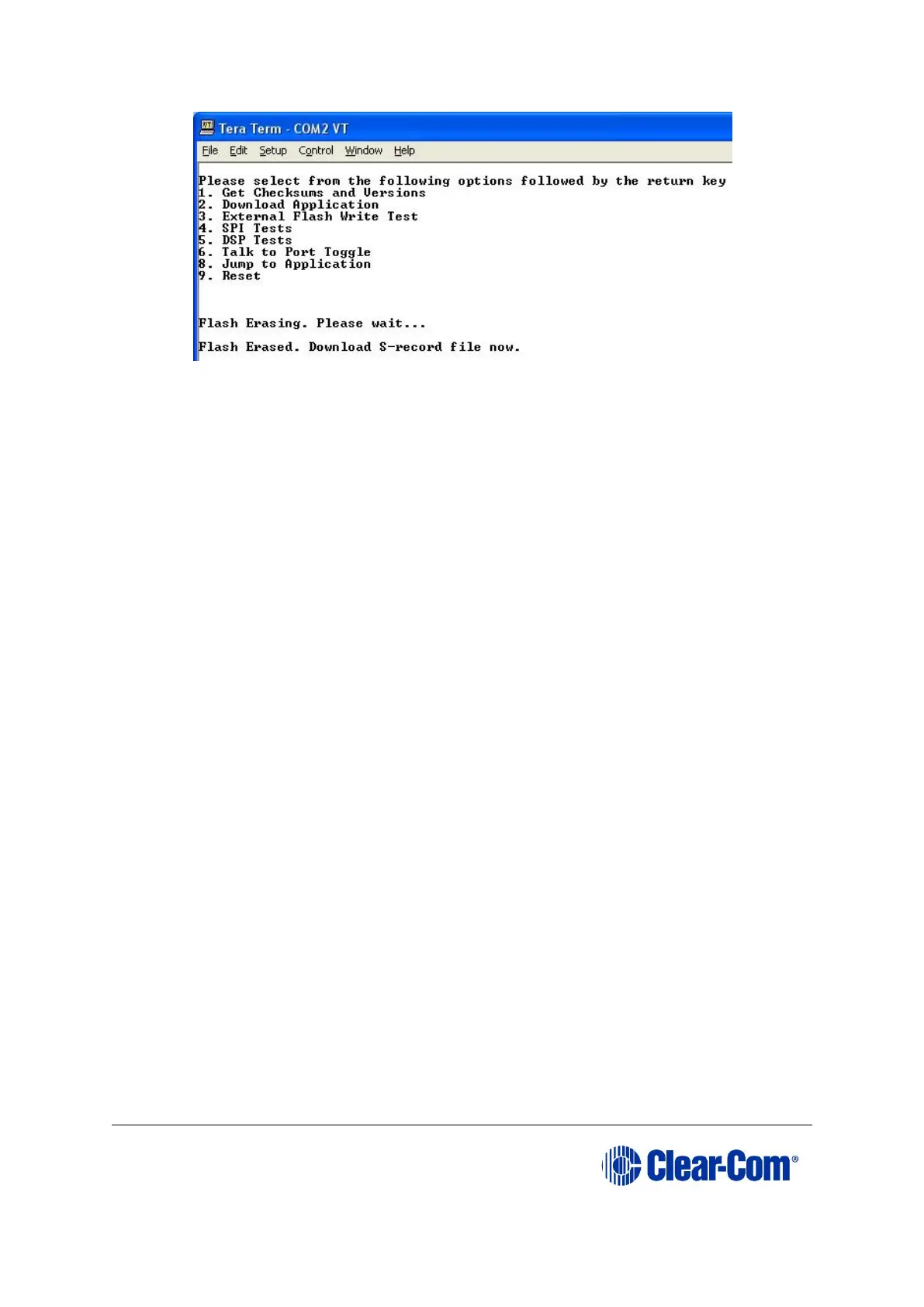
Figure 14-15: Erasing Flash ROM
6. In File, select the Send File. This prompts the user to browse for the correct E-
Station *.s19 file for download to the unit undergoing the firmware upgrade:
Drivers USB > ECLIPSE DRIVERS > Panel Software > E-Station > xxxxxx-E-Station App
Where xxxxxx represents the product number.
7. When you have selected the E-Station *.s19 file, select Open to start the s19 file
download process to the E-station Flash ROM.
Note:
The download process take several minutes to complete.
8. When the download process is complete Tera-Term will display the message on
the PC Download Success!
Exit Tera Term and reboot the E-station out of maintenance / update mode.
Press 9 on the PC keyboard and then Enter. The E-station begins its reset
process.
Note:
When the reset process is underway, the display modules briefly display the
updated firmware version. If the E-station is re-connected to an Eclipse matrix
with a valid configuration press keypad button 9 to access the updated
firmware/rack code version.



 To Next Page