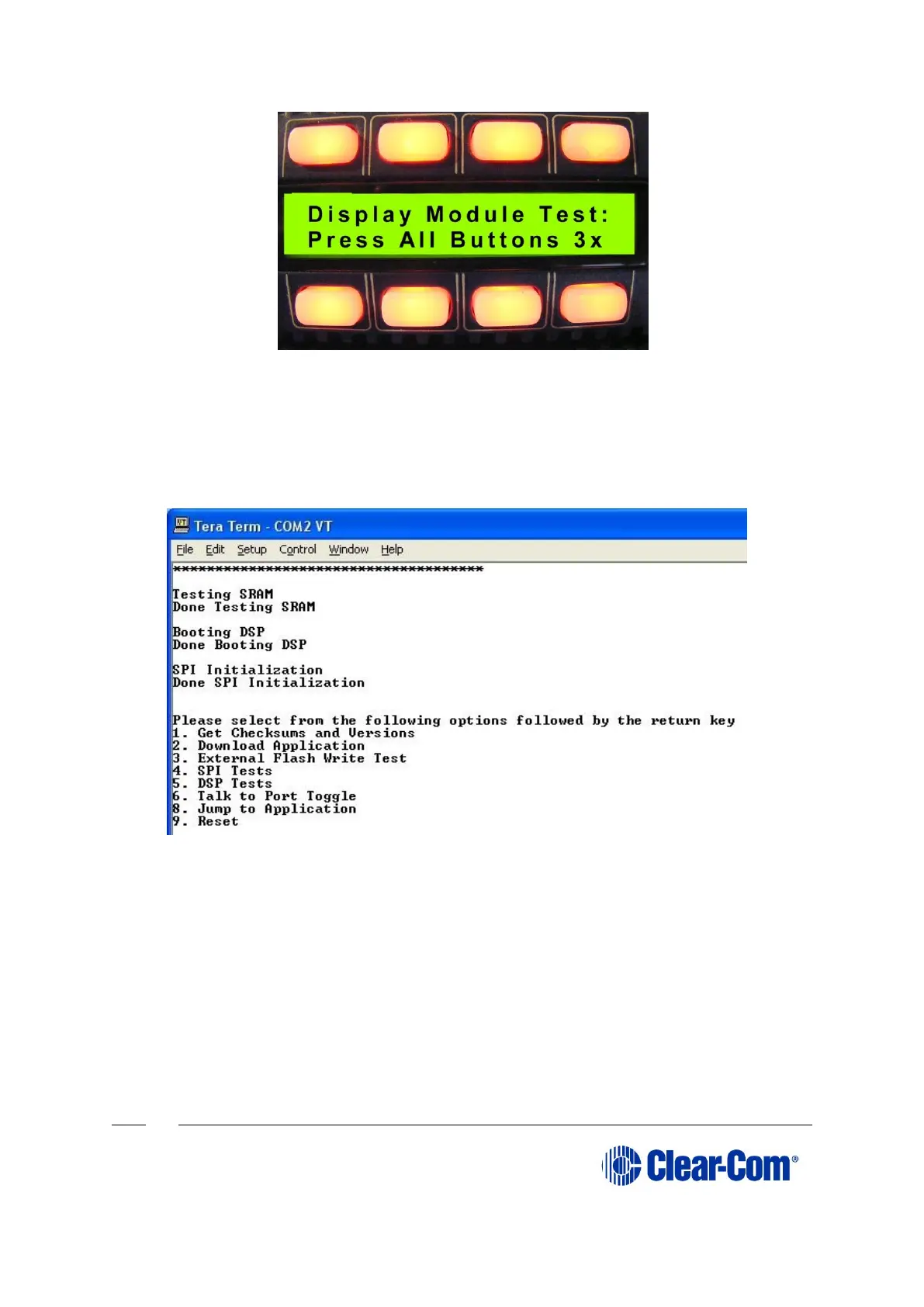
Figure 14-13: Module display message
Note:
Do not proceed until you see the boot up message. If you do not see the boot up
message, check your wiring connections and software settings. Repeat steps 1 –
6.
Figure 14-14: Tera Term boot up message
5. Before loading the new application code (*.s19 format file), you must erase the
Flash ROM on the E-station.
Press in the 2 key on the PC keyboard and press Enter, a message is displayed
indicating Flash Erasing – Please wait.
After the Flash ROM is erased, a message is displayed asking you to Download
S-record file now.



 To Next Page