2. Start Tera Term.
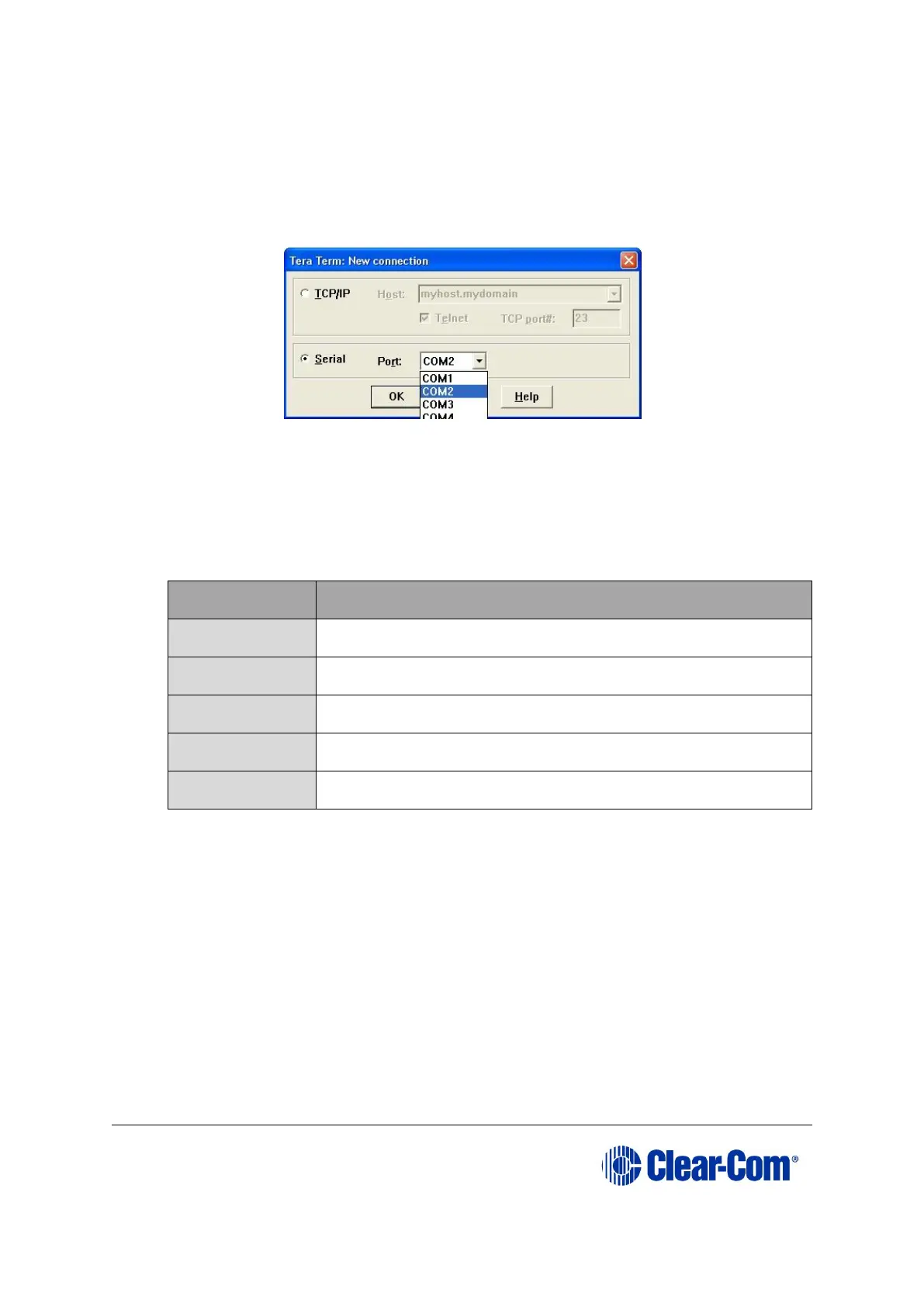
Configure Tera Term for the appropriate COM port on the PC, as shown in the
following figure. Select the Serial radio button and then the correct COM port
setting for the PC from the Port drop-down menu. Click OK.
Figure 14-12: Tera Term: COM port setting
3. From the Tera Term main screen select Setup > Serial port….
The serial port setup screen should now be visible. Select the following settings to
configure Tera Term for updating the E-station:
Table 14-4: Serial port setup screen settings
Note:
Do not configure (ignore) the Transmit delay settings.
Click OK.
4. Power up the E-station into maintenance mode by first holding in the recessed
button found on the rear panel during a simultaneous AC power up.
The reset button must be held in until all front panel keys turn bright red and
the front panel display modules show the message Display Module Test, Press
All Buttons 3x.
If the recessed button cannot easily be accessed, use a bent paper clip or small
flat blade screwdriver to press the button in.
The following Tera Term boot up message is displayed.



 To Next Page