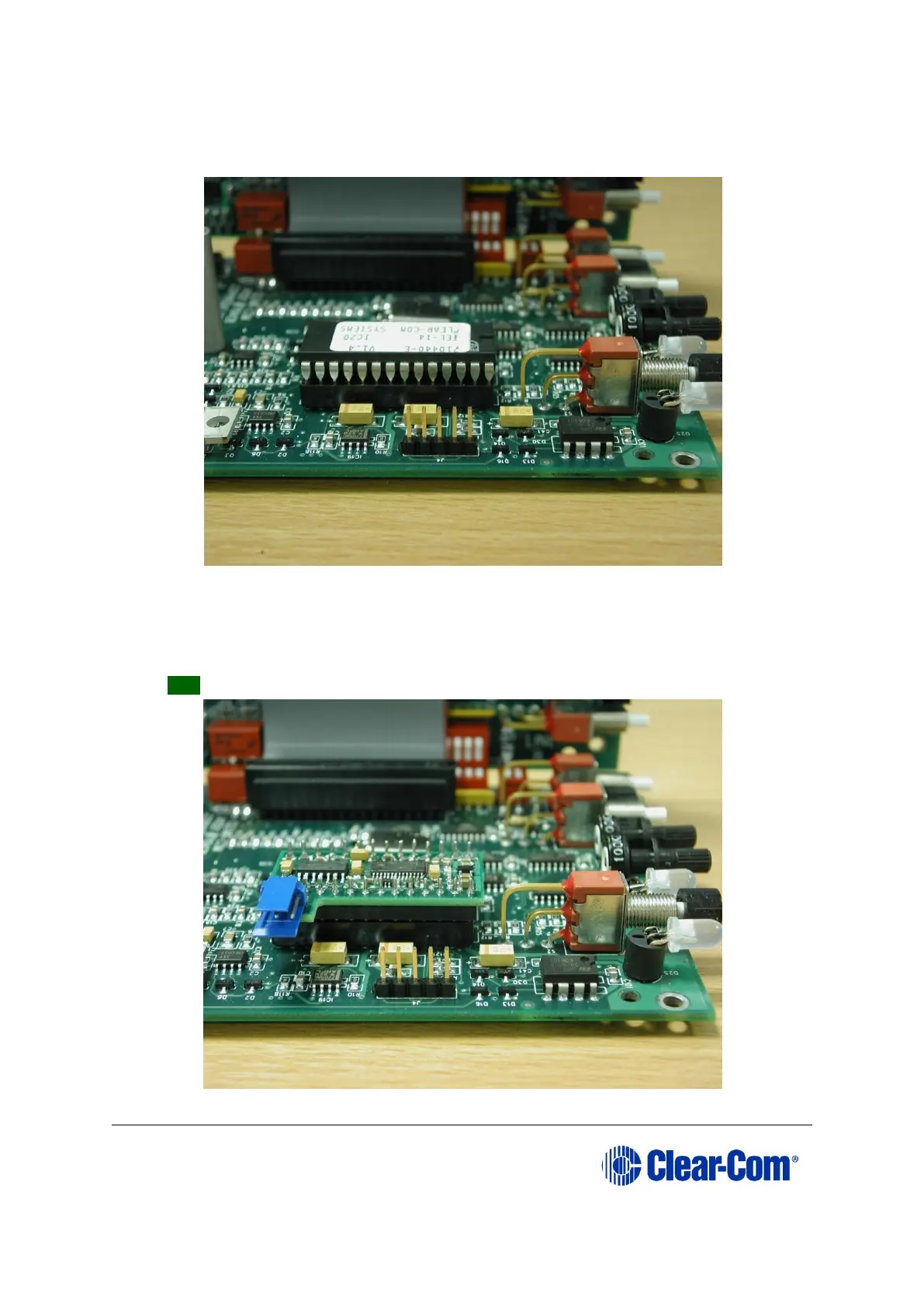
3. Remove the original processor (IC20) from its socket.
Figure 15-1: original IC20 in position
4. Replace the old processor with the new processor module, ensuring that it is
correctly positioned.
Tip: The blue serial connector should be farthest away from the front panel.
Figure 15-2: replacement processor module in position



 To Next Page