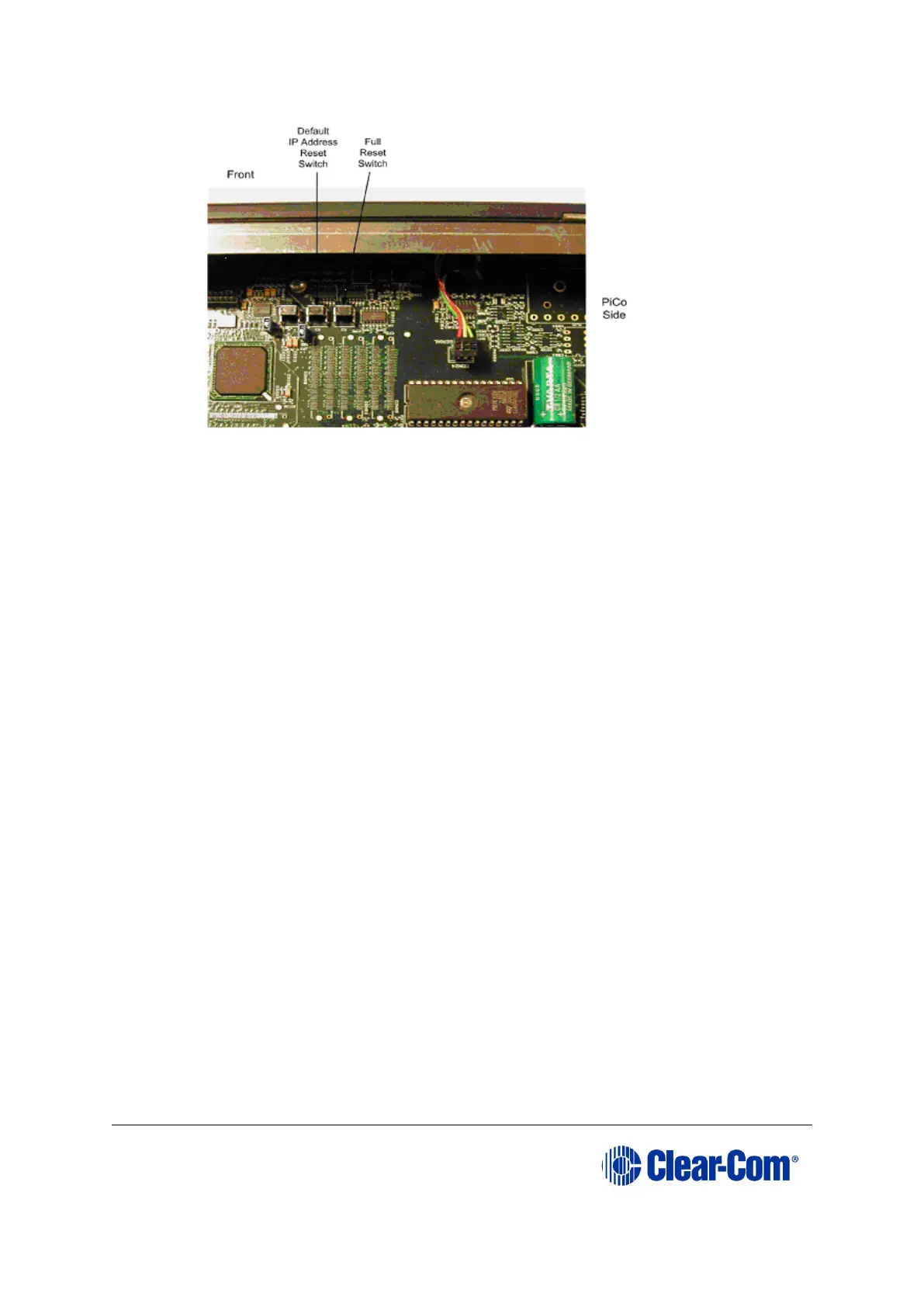
Figure 6-18: Eclipse HX-PiCo: resetting to the
factory default IP address
3. To reset the IP address, press and hold the two rightmost switches
simultaneously (the IP Reset switch and the Full Reset switch), then press and
release RESET on the front of the matrix.
4. Once the OK LED starts to flash, release both internal buttons.
5. Replace the Eclipse HX-PiCo lid.



 To Next Page