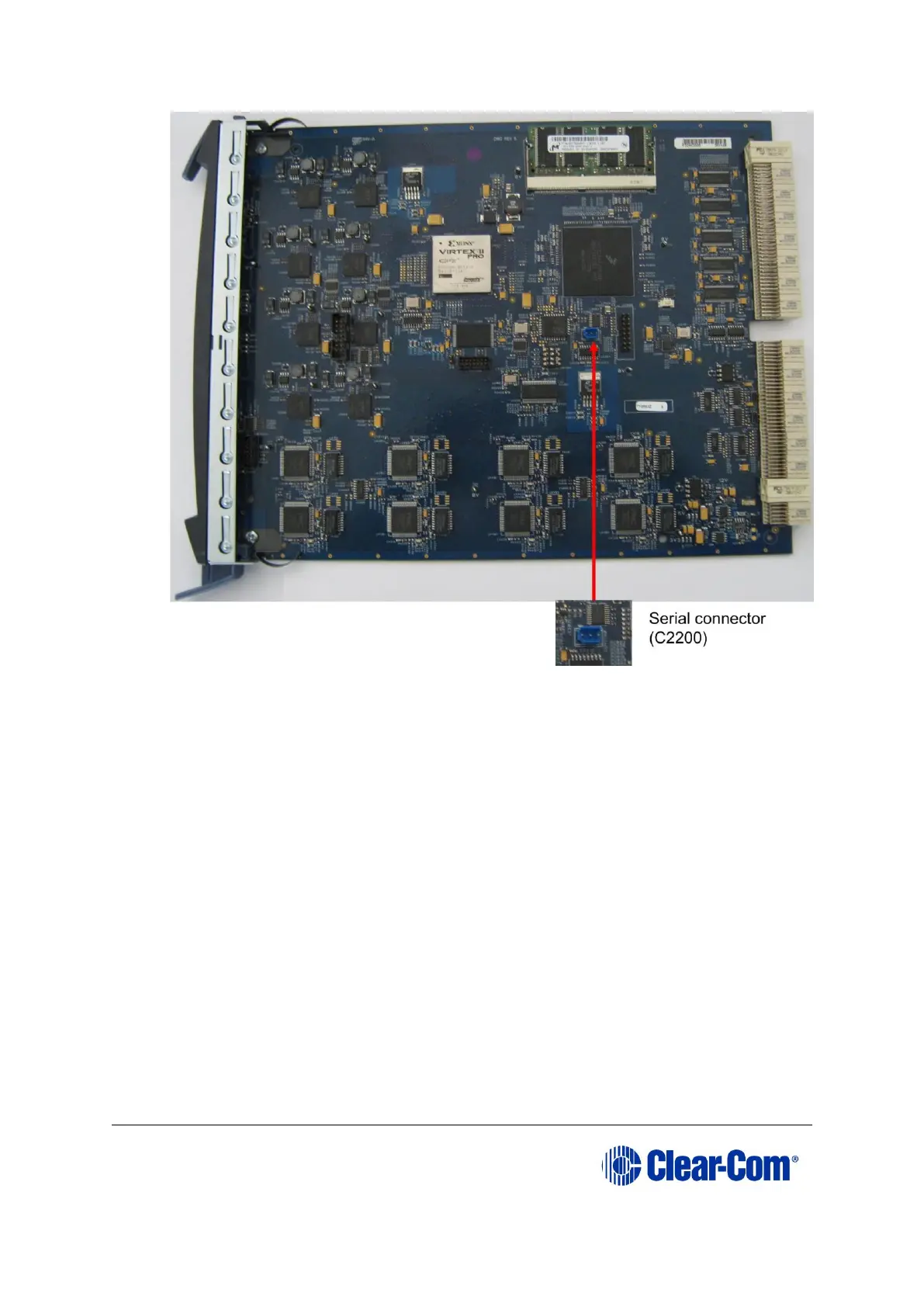
Figure 9-12: E-QUE card (MK2) serial connector
12. Power up the Eclipse HX-Median / Eclipse HX-Omega / Eclipse HX-Delta matrix (if not
already powered up).
13. Ensure that the E-QUE card (MK2) and the PC are either:
• Connected to your Ethernet network.
• Directly connected using a crossover Ethernet cable.
The LAN connector on the E-QUE card is the highest RJ-45 socket on the back panel. When
the E-QUE card is connected to the PC or to the network, check that the LAN LEDs (the
yellow and green lights at the bottom of the card) are flashing occasionally, indicating a
network connection.
14. In Tera Term, select Control > Macro and then navigate to the c:\tftp directory. Open
combined_eque_upgrade.ttl and follow the macro instructions.
Note:
The macro should reset and re-boot the E-QUE card automatically. However, if it does not,
you may have to reset the E-QUE card using the reset button on the front. The reboot should



 To Next Page