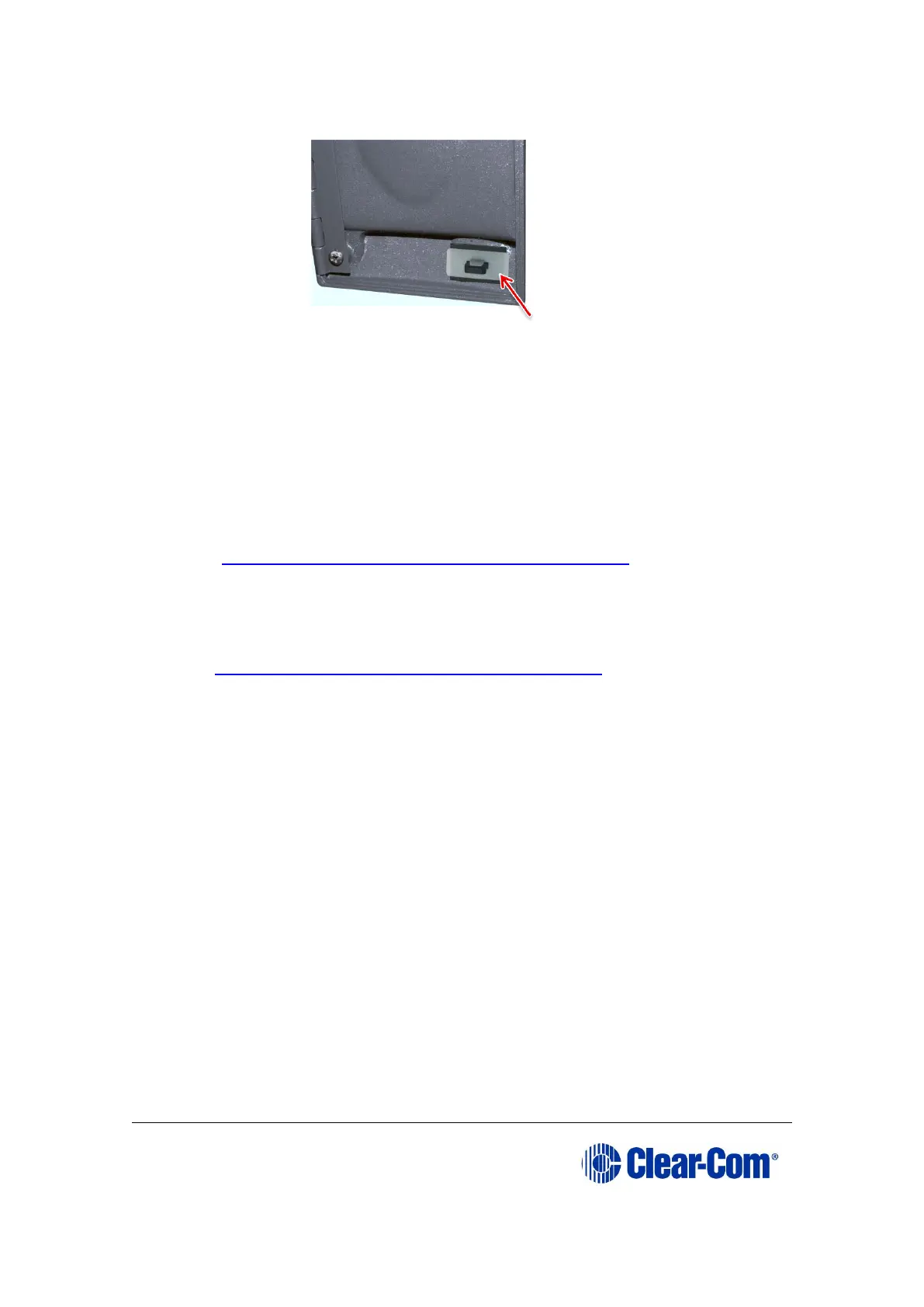
Figure 2-7: Removing the white plastic protector from
the latch
2.1.5 Help with upgrading
If you require more help with either a particular upgrade procedure or the
implementation of a whole system upgrade, contact either:
• Clear-Com Technical Support
(http://www.clearcom.com/contact/support-contacts).
• Your Clear-Com sales representative, to arrange for an engineer to visit
your site and assist you with the upgrade.
See page 2 of this guide for contact email addresses, or go to
http://www.clearcom.com/contact/sales-contacts.



 To Next Page