To upgrade FreeSpeak II beltpack or antenna application code using EHX:
1. Ensure that you have the following equipment:
Table 45: Required equipment
2. Start EHX on the PC.
3. Connect the PC to the matrix using either Ethernet or serial communications port.
4. Open the EHX configuration map within EHX.
5. Select System > Layout.
6. Right click the matrix and then select Firmware> Update Firmware.
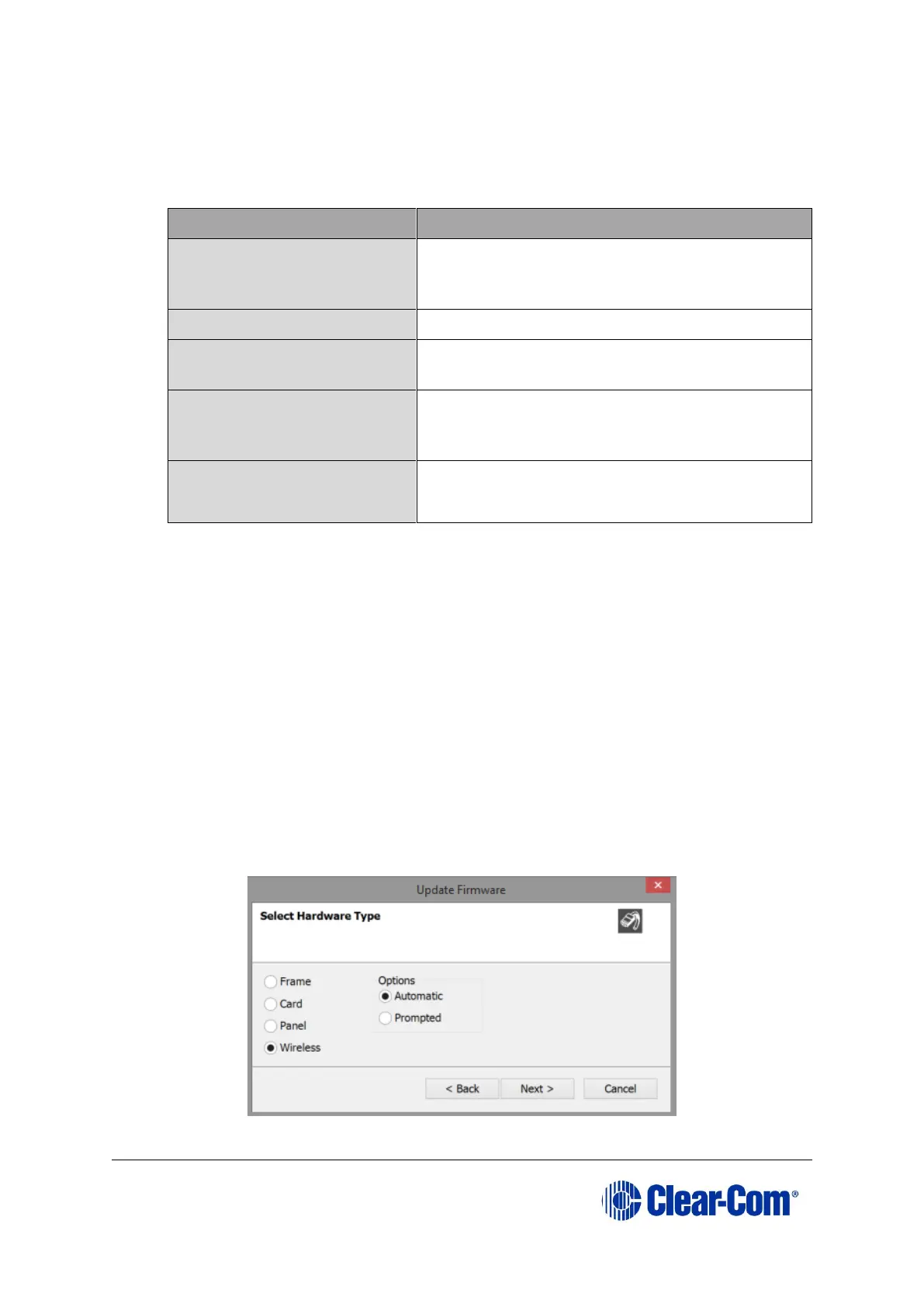
7. The update firmware wizard dialogue is displayed. Click Next and ensure that the
Wireless radio button is selected. The Wireless radio button will only be available
if you have an E-Que FSII-TA Antenna or E-Que FSII-TA Splitter card configured
in your matrix configuration.



 To Next Page