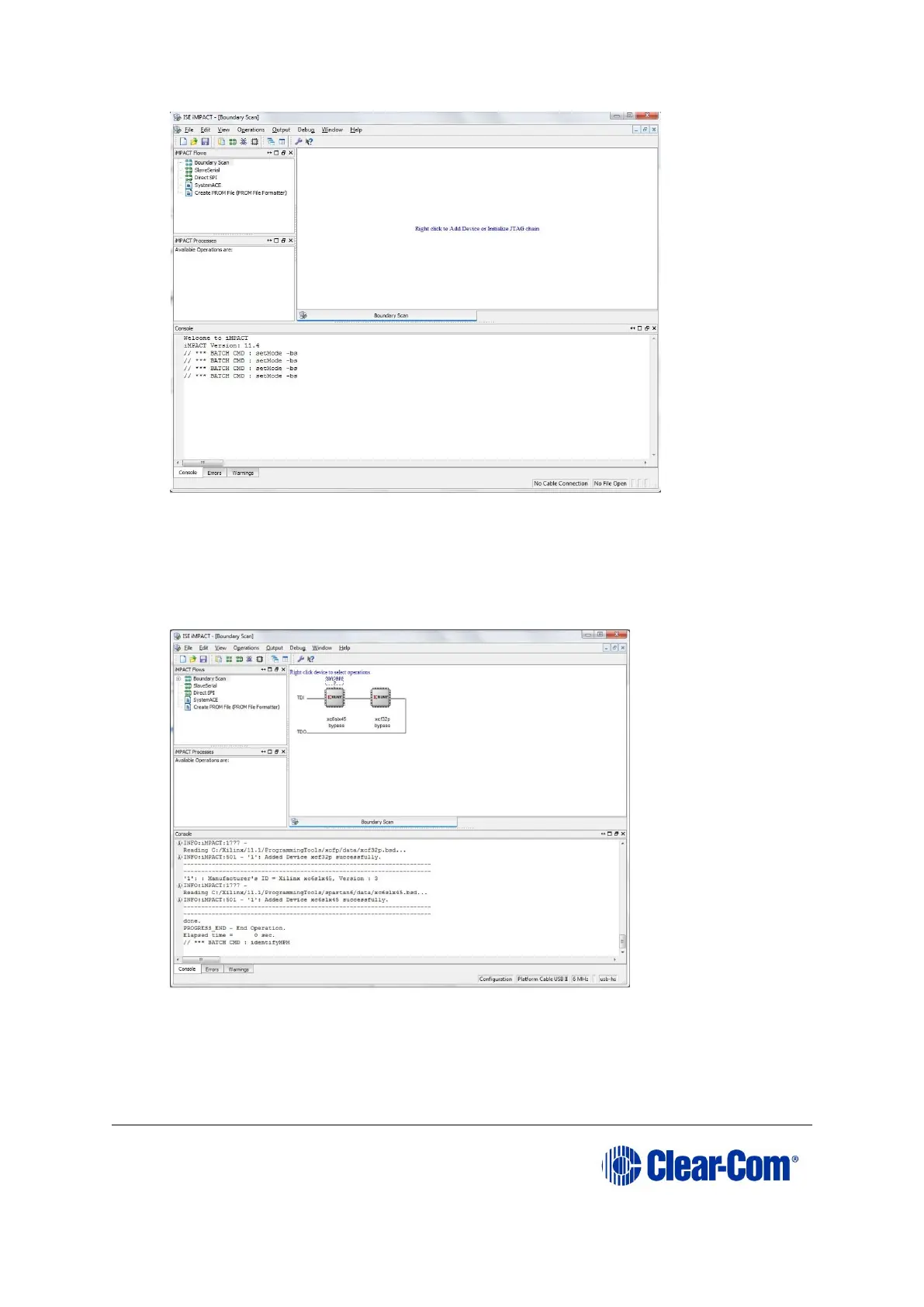
Figure 5-14: Example iMPACT Boundary Scan
8) If the cable is connected correctly, the application will connect and a Xilinx chip
chain will be shown. If the cable is not connected correctly, a cable connection
warning is given.
The full chain shows two devices, as shown below.
Figure 5-15: Example Xilinx chip chain
9) The Assign New Configuration File dialog asks you to select the CPLD code
for the first device in the chain or to bypass that device.
Select the first device in the chain.



 To Next Page