Answering Calls
Answering Outside Calls
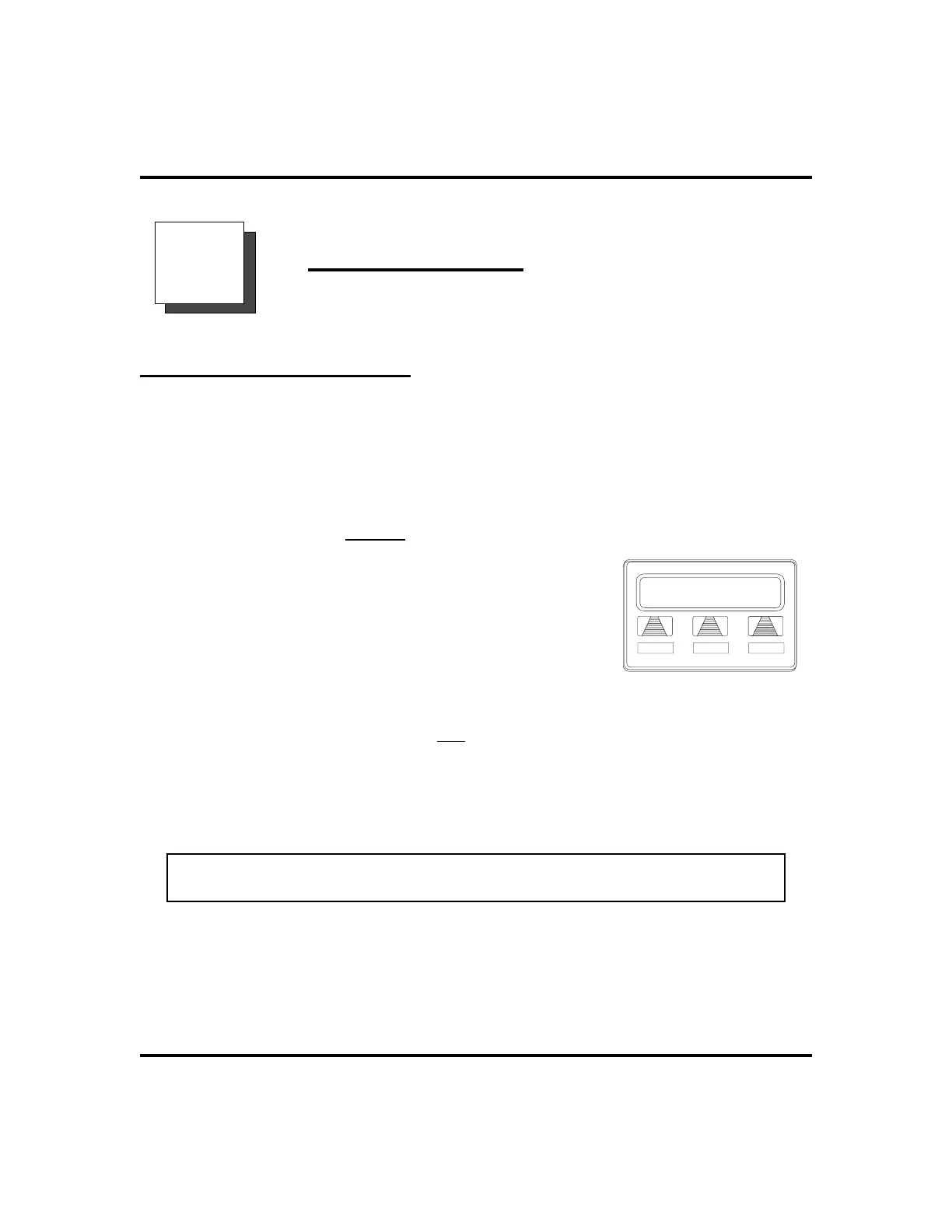
When an outside call rings at your station, the LCD screen displays the system line
number of the incoming call (e.g.,
L123
) and any caller ID information that your
station is programmed to receive. In addition to simply lifting the handset, your
other options for answering the call are displayed above the interactive buttons.
•
When you hear outside ringing (two long bursts) and
observe an orange
flashing light,
1. For speakerphone, PRESS flashing line button
OR SELECT
ANS
AND SPEAK toward
telephone.
2. For privacy, LIFT handset.
3. SELECT
DND
if you do not wish to answer the
call at this time.
•
When you hear outside ringing (two long
bursts) and observe a red
flashing light,
1. PRESS flashing line button OR SELECT
ANS
.
2. SPEAKtowardtelephoneORLIFThandsetif privacyis desired.
3. SELECT
DND
if you do not wish to answer the call at this time.
NOTE: For more information on setting
DND
at your station, see section titled
Do Not Disturb Condition on page 63.
LCD Speakerphone Station User’s Guide 13
GCA70-258 Answering Calls
2
L123 J Doe
DND
ANS
Outside Call On Line 123












 To Next Page