Redialing
For instruction on using your system’s Automatic Redial feature, see page 64 in the
Other Features chapter.
Redial - Last-Dialed Number
•
To redial the last-dialed number,
1. PRESS SPEAKER OR HANG UP handset to disconnect current
ringing or busy tone.
2. DIAL
#.
3. LISTEN for ringing or busy tone over the telephone speaker:
Redial Programming (Storing Numbers)
•
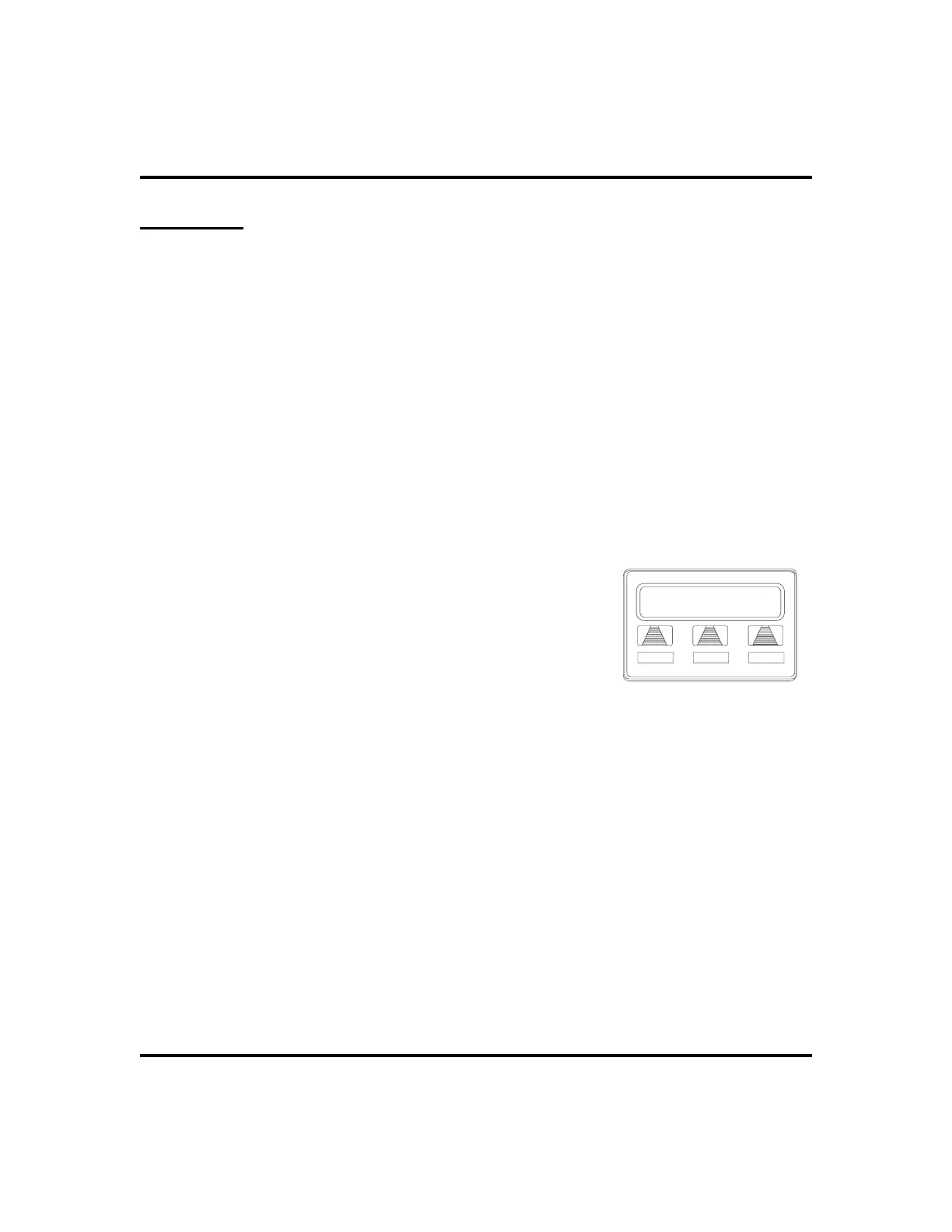
To permanently store a number you’ve just
dialed, choose one of these methods:
1. SELECT
SAVE
AND PRESS unused program-
mable button OR,
2. PRESS programmed SAVED NUMBER
REDIAL button (see Feature Buttons section on
page 56 for set up details).
•
To store a number while you are on a call (if available),
1. PRESS programmed SAVE NUMBER REDIAL button twice (the
display prompts you to dial a number).
2. DIAL the number that you wish to save (the system immediately
saves the number for later redial; it does not dial it over the line you
are on now).
•
To redial the saved number,
1. PRESS line button to select a line.
2. PRESS programmed SAVE NUMBER REDIAL button (system
automatically dials the number that you saved earlier).
26 LCD Speakerphone Station User’s Guide
Making Calls GCA70-258
L123
CONF ARDL
SAVE
Saving a Dialed Number












 To Next Page