Feature Access Codes
In addition to the system features which may be programmed using the interactive
buttons,several other features maybeprogrammed by using theiraccesscodes. The
feature codes are programmed like speed dial numbers and can occupy the same
programmable buttons on your telephone. Access codes are listed in Appendix A,
Feature Access Codes found on page 81.
•
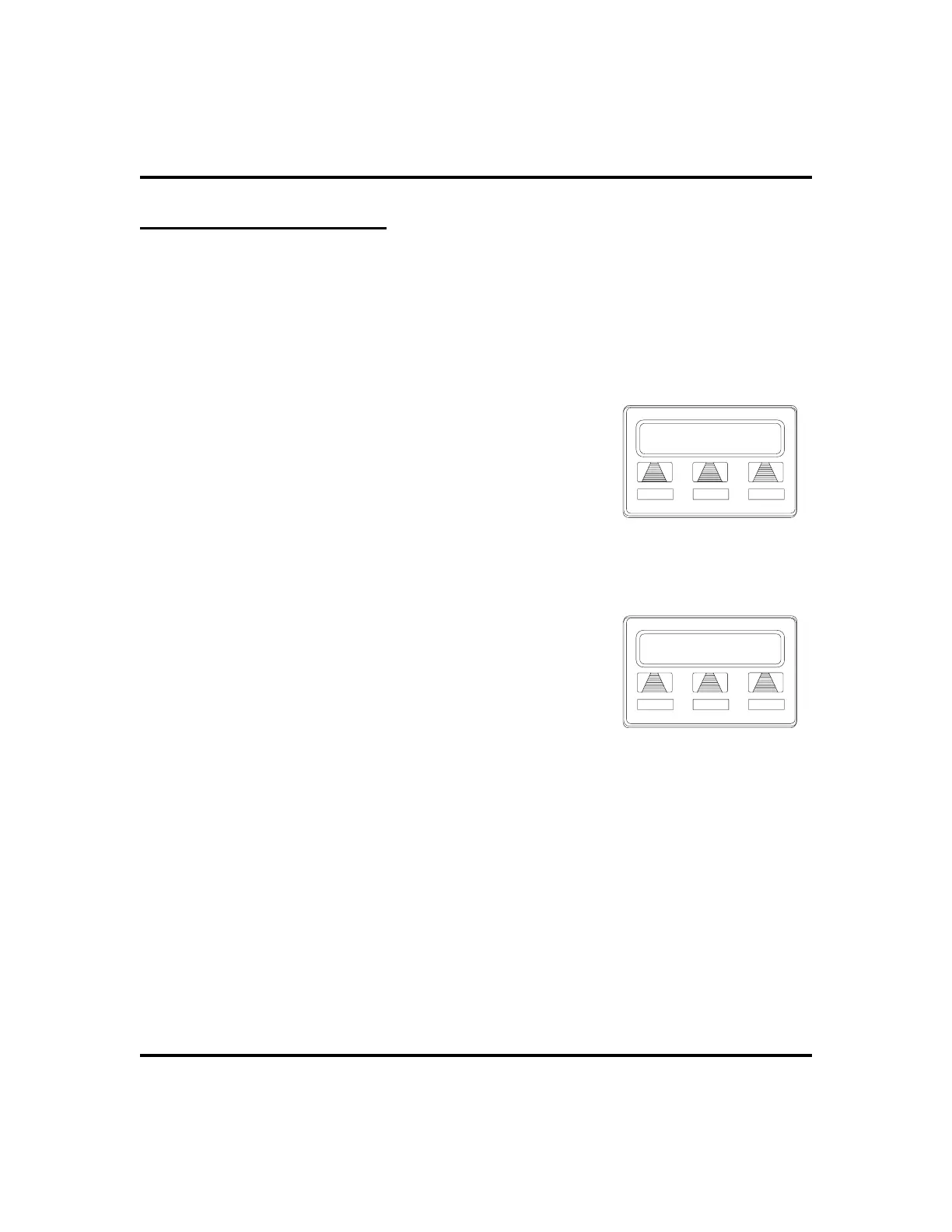
To store a system feature access code,
1. SELECT
OPTIONS
.
2. SELECT
NEXT
until
SDIAL
option appears.
3. SELECT
SDIAL
to choose speed dial
programming.
4. PRESS programmable button OR dial pad button
(0–9) to choose storage location (remember, to
access second level storage at a programmable
button, press SHIFT first).
5. PRESS INTERCOM when prompted to preselect line.
6. DIAL access code associated with feature.
7. SELECT
SAVE
to store the number.
8. REPEAT previous steps until all numbers are
stored, OR SELECT
EXIT
.
9. PRESS SPEAKER to end.
•
To manually store an access code,
1. PRESS INTERCOM.
2. DIAL
**3.
3. PRESS programmable button.
4. DIAL access code for feature.
5. PRESS SPEAKER to end.
6. LABEL button location.
54 LCD Speakerphone Station User’s Guide
Programming GCA70-258
Dial Number
SAVE BKSP EXIT
Dial the Access Code
Location
EXIT
Choose a Location












 To Next Page