Call Forward Outside System (CFOS)
If enabled by your installer, the Call Forward Outside System (CFOS)* feature allows
you to forward incoming or transferred line calls to telephone numbers outside the
system.
•
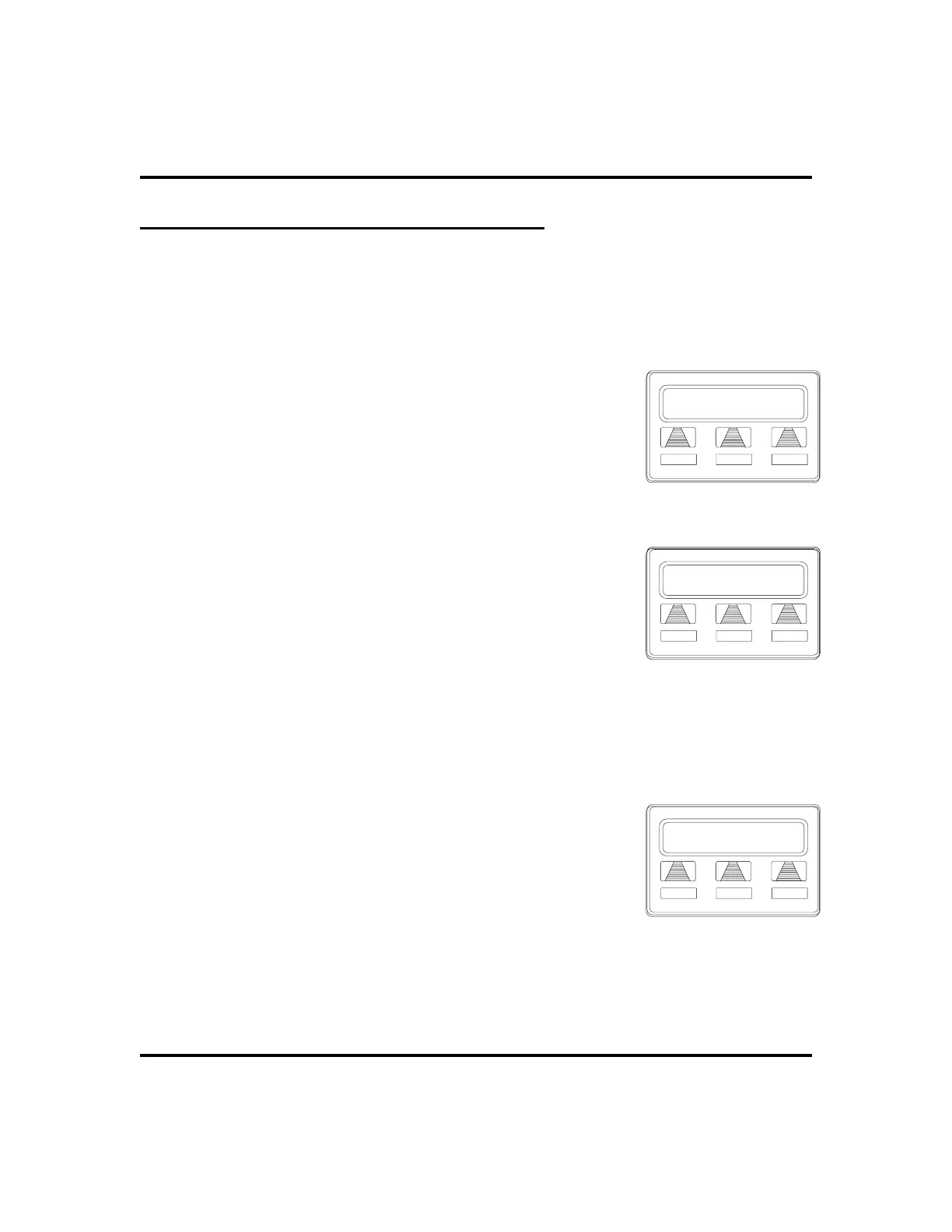
To activate CFOS with your LCD speakerphone,
1. SELECT
OPTIONS
.
2. SELECT
NEXT
until
CFWD
appears.
3. SELECT
CFWD
.
4. SELECT
SET
.
5. SELECT
NEXT
until
CFOS
appears.
6. SELECT
CFOS
.
7. CHOOSE a type of CFOS and SELECT the desired
interactive button (to switch the type of CFOS you
wish to select, PRESS
TGL
):
•
SELECT
Itcm
for intercom calls
•
SELECT
Line
for prime line calls
•
SELECT
Itcm/Ln
for all calls
•
SELECT
RNA Itcm
for ring-no-answer intercom
calls
•
SELECT
RNA Line
for ring-no-answer prime line calls
•
SELECT
RNA Itcm/Ln
for all ring-no answer calls.
8. SELECT outbound line (press line button, dial
appropriate code, or do nothing and let previously
selected line remain in effect). If you want to change
the destination, you must enter something for the
outbound line. (See page 62 for line access codes.)
36 LCD Speakerphone Station User’s Guide
Advanced Call Handling GCA70-258
Call Forwarding
NoANS CFOS NEXT
Selecting CFOS
CFOS Itcm/Ln
EXIT TGL NEXT
CFOS Itcm/Ln
EXIT TGL NEXT
Selecting Forwarding Type
No Preselect
NEXT
Selecting Line












 To Next Page