Default Volume Control
You can set a permanent loudness level for any volume control setting. The level
will remain at this volume (referred to as the default setting) until you change the
setting.
•
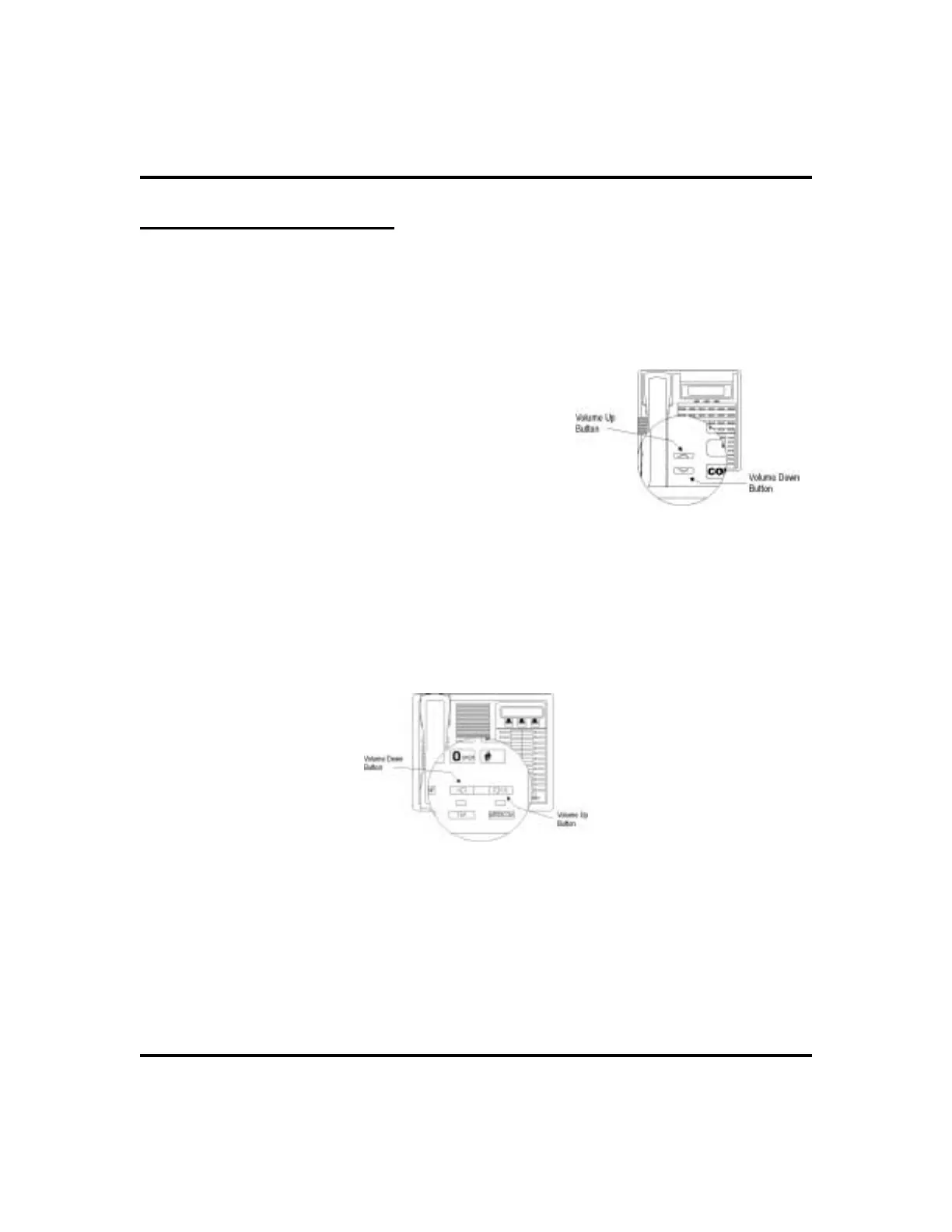
To set a permanent speaker, headset,
handset, or group listening loudness
for all future calls,
1. PRESS INTERCOM.
2. ACTIVATE speaker, headset, handset, or
group listen mode to be affected.
3. While in that mode, PRESSVOLUME UP or
VOLUME DOWN button to adjust loudness.
4. DIAL
**7 OR PRESS programmed
SAVE buttonto holdtheloudness atthe last
setting for all future calls (until you change
the default again).
5. REPEAT this procedure in each mode until you’ve set all default
volume levels.
74 LCD Speakerphone Station User’s Guide
Other Advanced Features GCA70-258
Impact SCS Volume Buttons
Impact Volume Buttons












 To Next Page