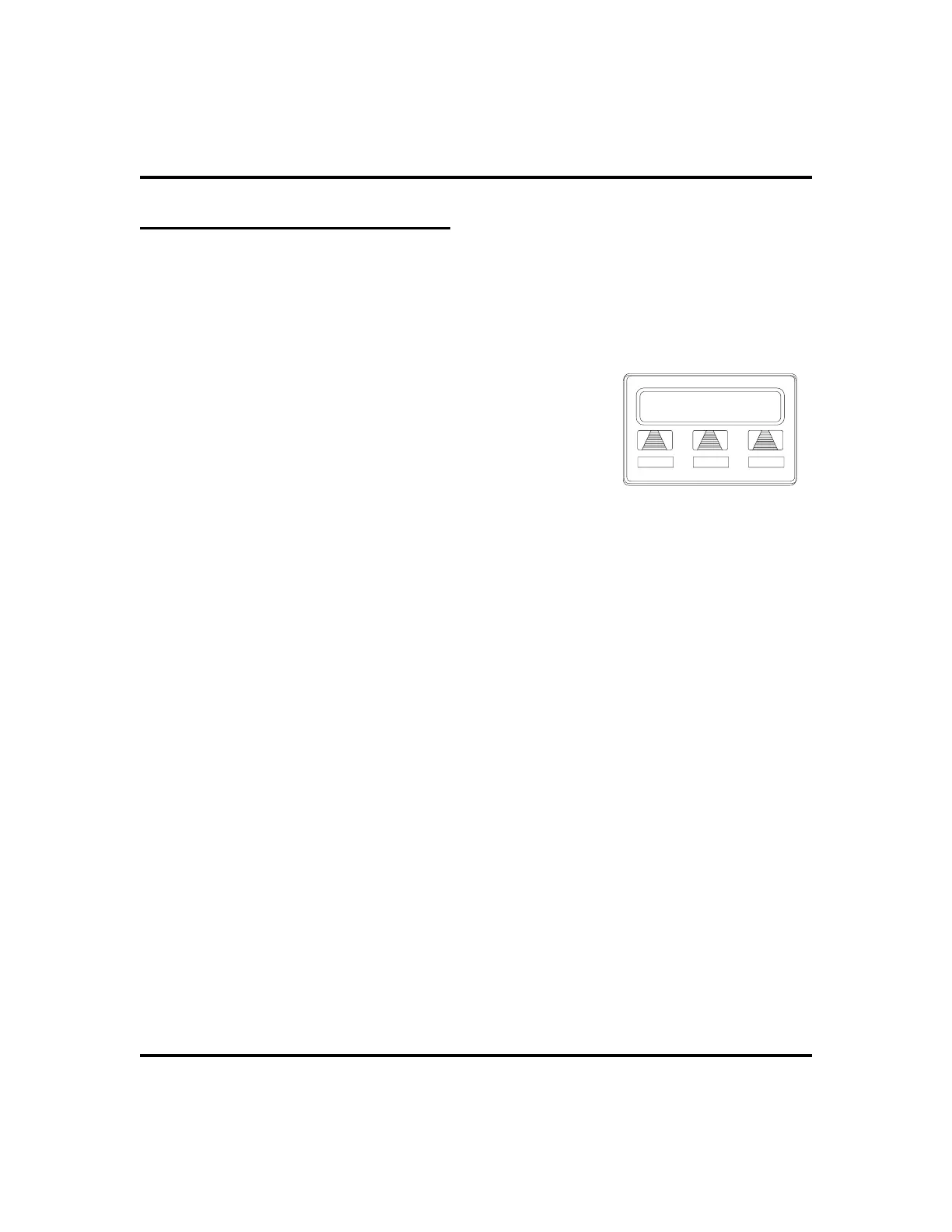
Programmed Button Display
Button Functions Display (Button Query)
Youcancausethedisplaytoidentifythefunctionofeachbuttononyour telephone.
•
To button query your telephone,
1. SELECT
OPTIONS
.
2. SELECT
NEXT
untilthe
QUERY
optionappears.
3. SELECT
QUERY
.
4. PRESS the button in question.
5. READ the displayed information (display will
hold for few seconds before the telephone returns
to idle).
Status Of Busy Lines and Stations (Busy DSS/BLF Button Inquiry)
You can use this feature to identify the station that is busy on a line or the line on
which a station is busy.
•
To identify the station that occupies a busy line,
1. PRESS DSS/BLF button for busy line.
2. READ your display for intercom number of station that is busy
on line.
•
To identify the line that a busy station occupies,
1. PRESS DSS/BLF button for busy station.
2. READ your display for the busy station’s line number.
LCD Speakerphone Station User’s Guide 75
GCA70-258 Other Advanced Features
Press any button
EXIT
Button Query












 To Next Page