Call Forwarding
Forwarding a Call
You can forward the calls that normally ring at your telephone to another telephone.
To remind you that your calls are being forwarded, your telephone will sound ashort
ring burst each time the system forwards a call.
•
To forward your calls,
1. SELECT
OPTIONS
.
2. SELECT
NEXT
until the
CFWD
option appears.
3. SELECT
CFWD
.
4. SELECT
SET
.
5. Choose one of the following call forwarding
options:
•
SELECT
PERS
to forward prime line and in-
tercom calls
•
SELECT
ALL
to forward all calls
•
SELECT
NEXT
AND
No ANS
to forward calls
that ring at your station but receive no answer
after a preprogrammed number of rings
(THEN PRESS
PERS
to forward your prime
line and intercom calls, OR PRESS
ALL
to
forwardallcallsthatringwithnoanswerat yourtelephone).
6. DIAL extension number of telephone to receive
your forwarded calls.
7. PRESS SPEAKER to end. Display shows
FWD
.
•
To cancel call forwarding,
1. SELECT the right interactive button.
2. SELECT
NEXT
until the
CFWD
option appears.
3. SELECT
CFWD
.
4. SELECT
CLR
to disable call forwarding.
5. PRESS SPEAKER to end.
34 LCD Speakerphone Station User’s Guide
Advanced Call Handling GCA70-258
Call Forwarding
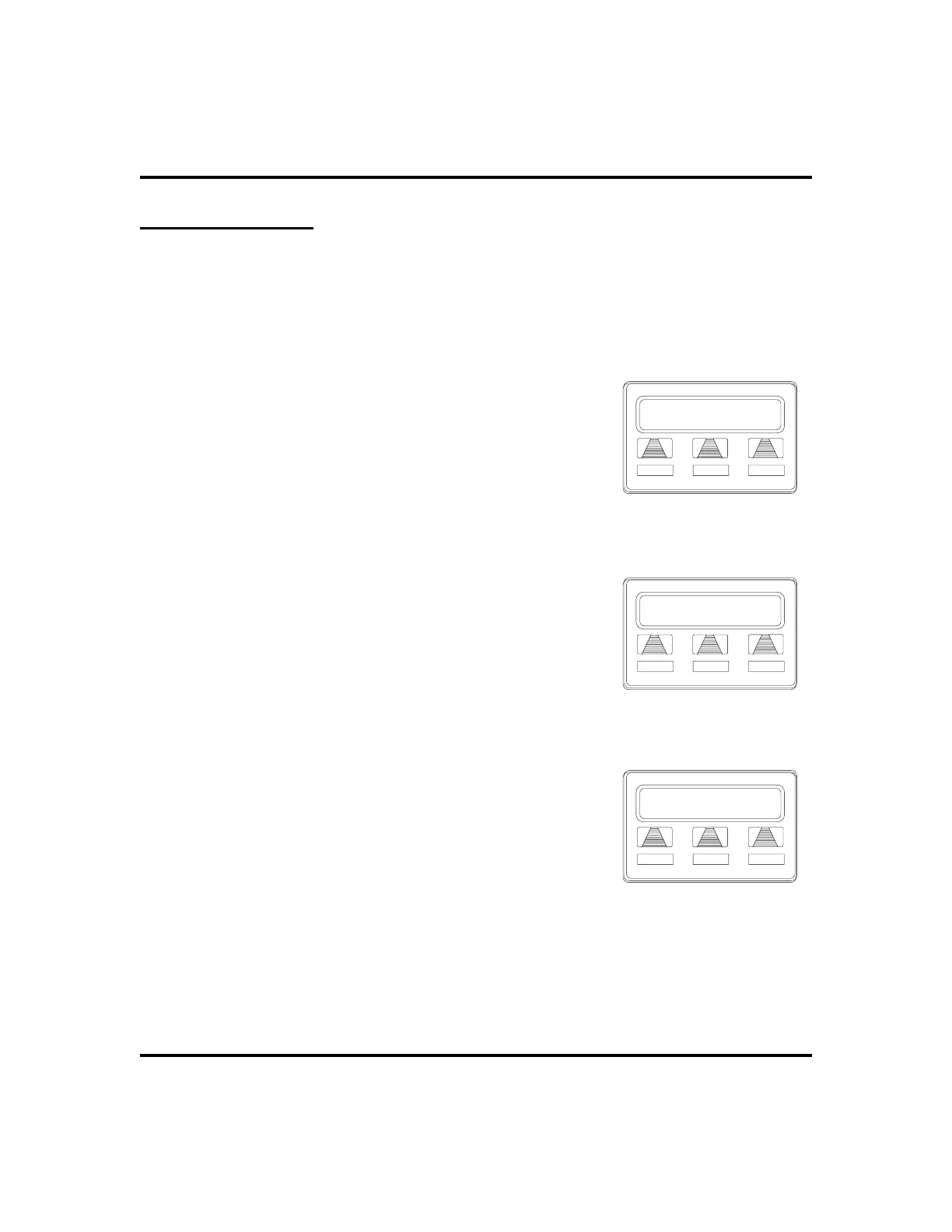
SET CLR EXIT
Selecting Call Forwarding
Call Forwarding
PERS ALL NEXT
Call Forwarding Options
FWD to J Doe Ext 321
MON
24 12:35
Call Forwarding Active












 To Next Page