Getting Started
Welcome
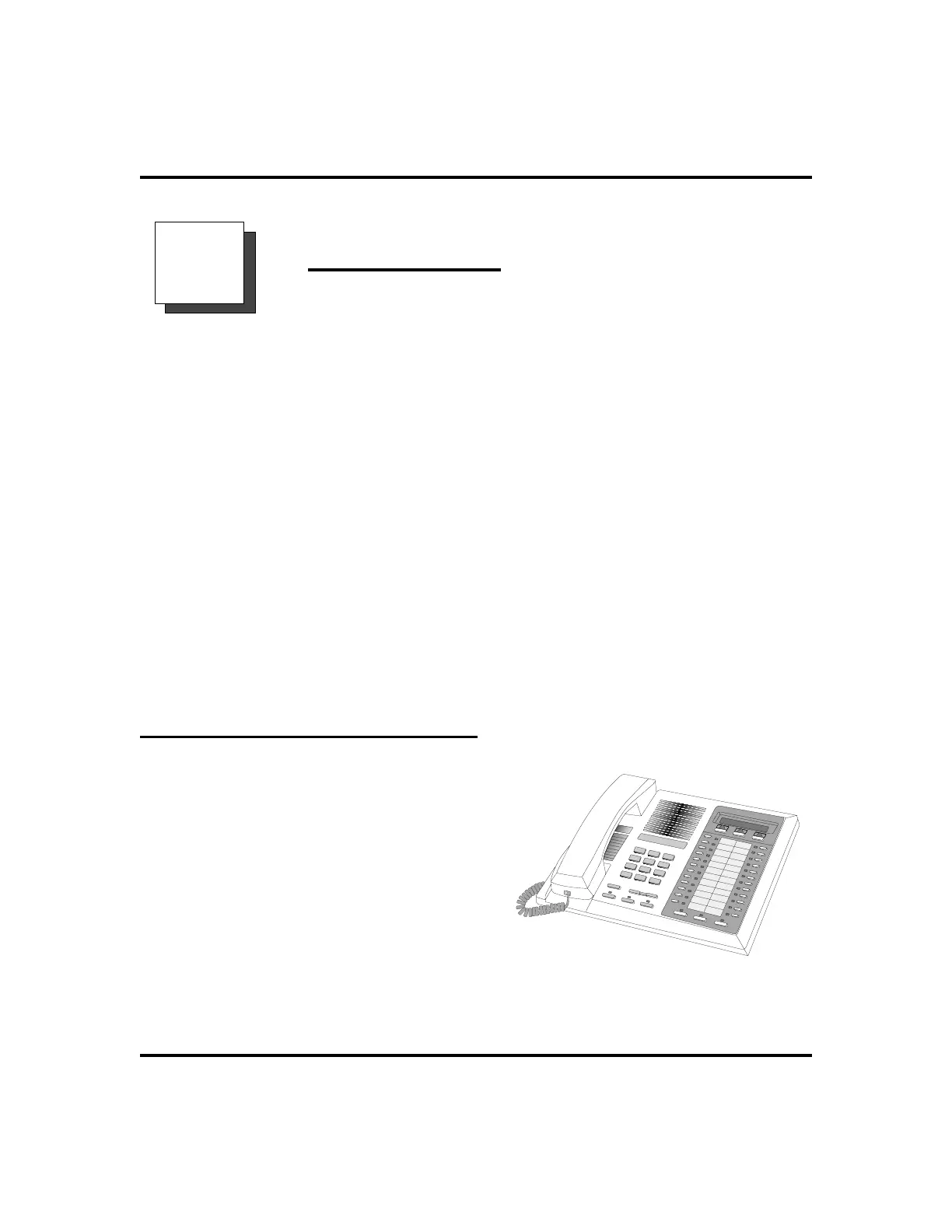
Congratulations and thank you for using a Comdial telephone! Your digital
speakerphone is supported by a communication system with hundreds of built-in,
standard features. This manual serves as a helpful guide for using these various
functions.
The sections in this introductory chapter help you initially set up your speakerphone
and become familiar with the controls and indicators. The remaining sections are
titled as follows:
•
Setting Up Your Speakerphone
•
Understanding the Basic Functions
•
Your Speakerphone’s Buttons
•
Your Speakerphone’s Display Lights
Setting Up Your Speakerphone
When your new speakerphone arrives, the
system installer unpacks your speakerphone
and connects the line to a system jack. The
following sections describe a few initial
adjustments that allow you to quickly begin
making and answering calls with some of the
most basic features.
LCD Speakerphone Station User’s Guide 1
GCA70-258 Getting Started
1
An Impact 8024 LCD Speakerphone












 To Next Page