Line Groups
Some systems have telephone lines arranged into line groups which may be
accessed for outside calling instead of selecting an individual line button.
•
If your system has line groups, access them as follows:
1. PRESS INTERCOM.
2. DIAL desired line group access code,
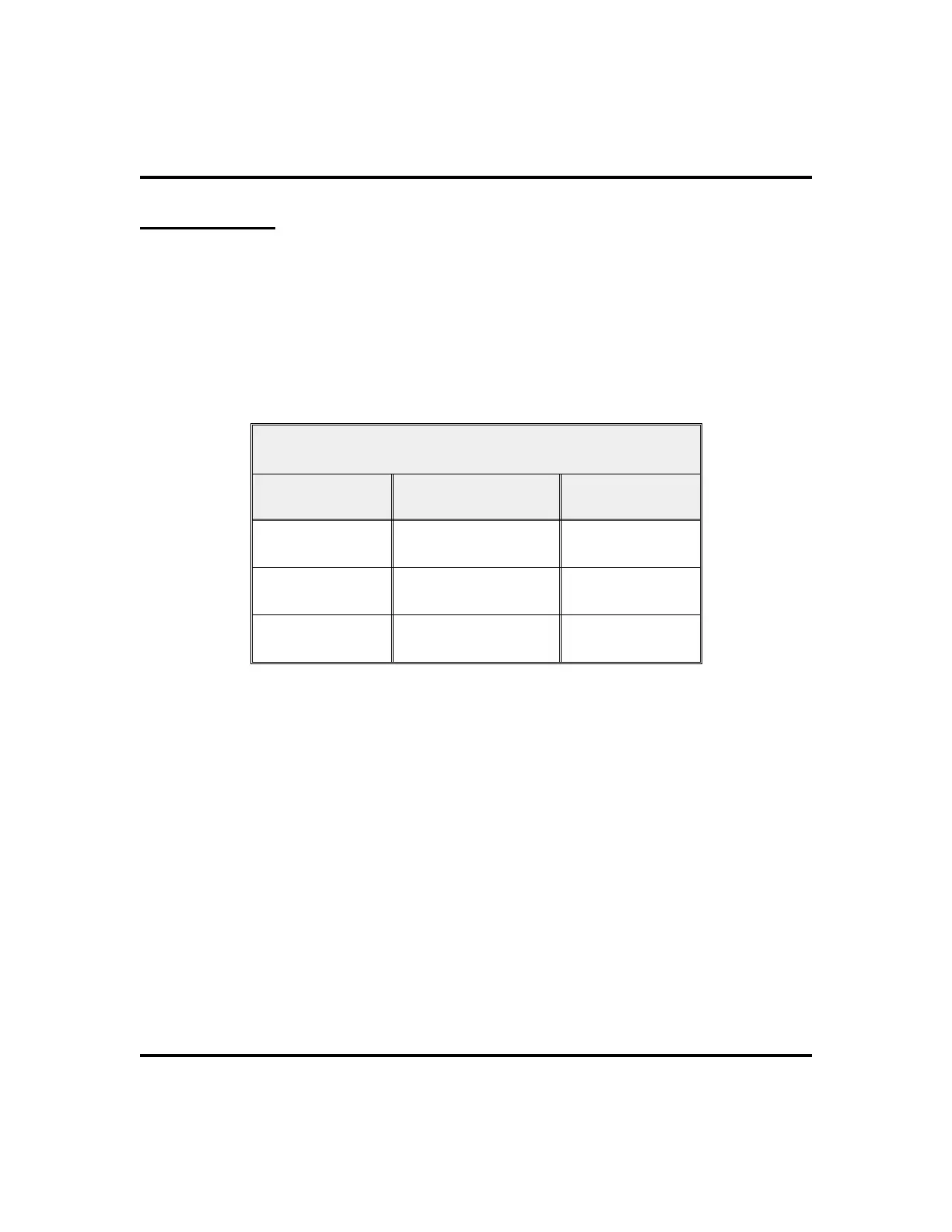
Line Group Access Codes
Line Group Default Code Active Code*
1
9
2 through 11
80 through 89
12 through 16
60 through 64
* If your system attendant has reassigned your line group access codes, write them here for future
reference.
3. LISTEN for outside dial tone.
4. DIAL desired number.
5. LIFT handset to talk.
62 LCD Speakerphone Station User’s Guide
Other Advanced Features GCA70-258












 To Next Page