Tracker Paging System
When installed with your system, the Tracker Paging System option allows you to
send call back and parked call messages to Tracker pagers assigned to station
extensionnumbers. Along with the parked call message, the system parks the call in
orbit for retrieval by the paged party. The type of message that the system delivers
(either alphanumeric or numeric-only) is dependent upon the Tracker pager model
in use at the station.
When outside callers call into a system that has both a Tracker Paging option and a
voicemail optioninstalled, thesystem givesthesecallerstheoption ofeither leaving
a message or tracking the person that they are calling.
•
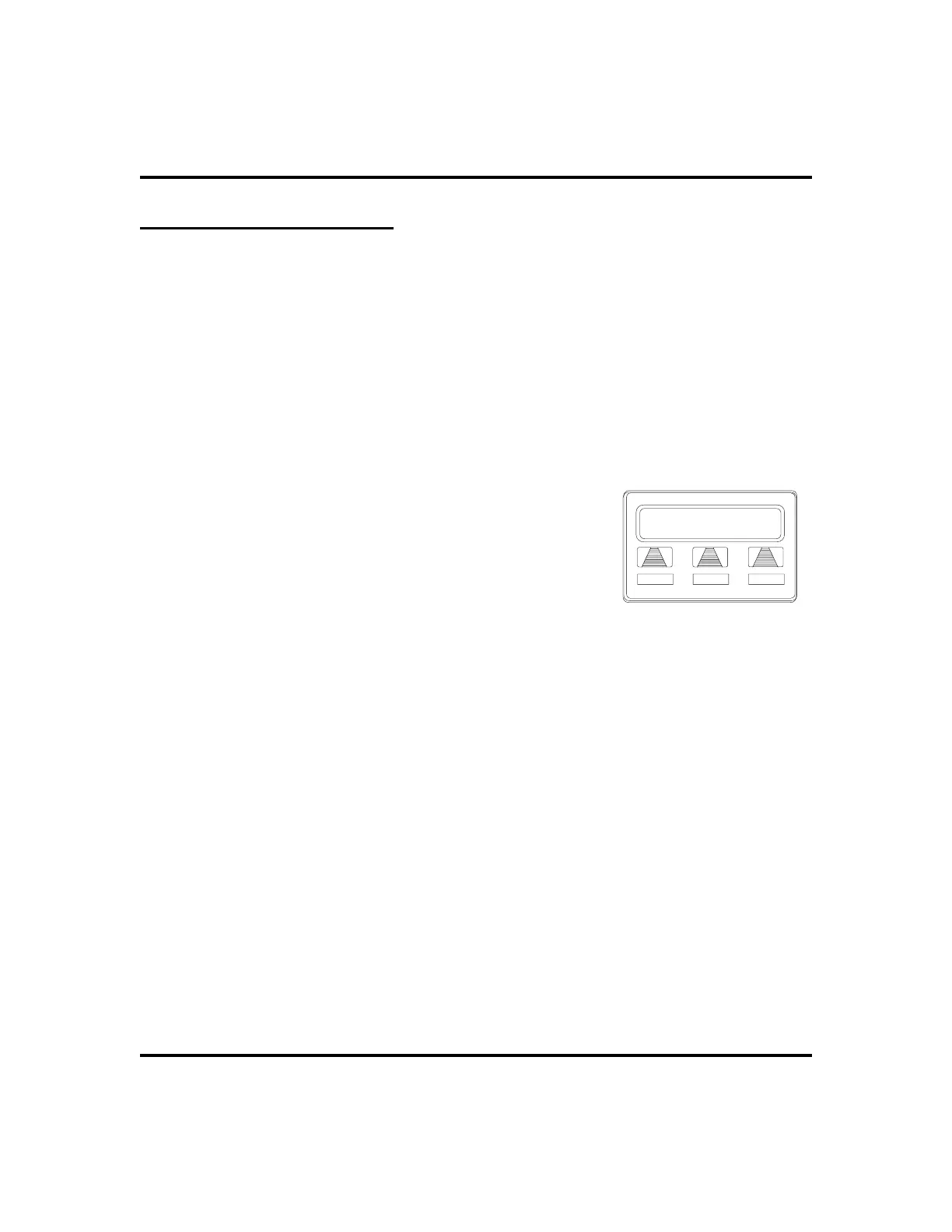
To track a called party after receiving a ring—no answer,
1. MAKE an intercom call to someone AND
RECEIVE no answer.
2. SELECT
TRACK
.
3. HEAR confirmation beep (Tracker page
accepted)ORHEARbusytone (Trackerpagenot
accepted).
4. PRESS SPEAKER to end.
•
To track a called party without first calling them,
1. PRESS INTERCOM AND DIAL *8.
2. DIAL extension number.
3. HEAR confirmation beep (Tracker page accepted) OR HEAR
busy tone (Tracker page not accepted).
4. PRESS SPEAKER to end.
66 LCD Speakerphone Station User’s Guide
Other Advanced Features GCA70-258
Calling J Smith
CALLBK
MSG
TRACK
Initiating a Tracker Page












 To Next Page