Conferencing
When your telephone is joined together with several other telephones on the same
call,theeffectiscalled conferencing. Youcanmakeconferencecalls thatinvolve up
to seven parties, including you as the originating party, in any combination of
outside lines and intercom parties.
NOTE: When setting up a conference call with outside lines and internal
telephones, you must call the outside lines first.
•
To set up a conference call that includes any combination of
outside lines and intercom parties,
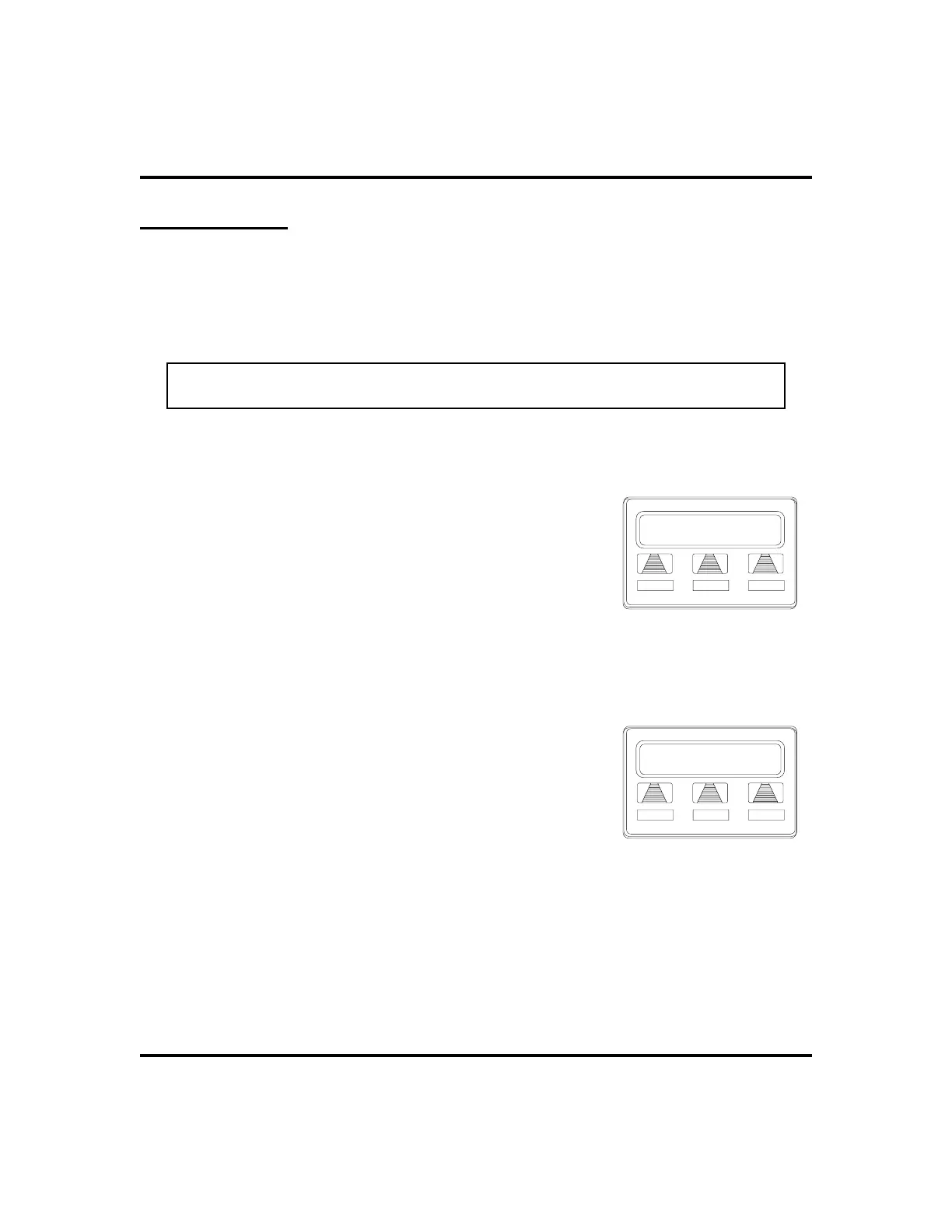
1. MAKE first call.
2. SELECT
CONF
. Call is placed on hold
automatically.
3. SELECT next line AND MAKE next call.
4. SELECT
CONF
to establish conference.
5. PRESS TRNS/CNF button to add more parties.
•
To continue conversation on remaining line after other
outside lines have dropped out of conference,
1. PRESS HOLD.
2. PRESS the line button of the remaining party.
•
To retrieve a line from hold and bring that
party back into the conference,
1. PRESS TRNS/CNF.
2. PRESS line button.
3. PRESS TRNS/CNF.
If you are involved in a conference call with two outside lines, you can drop out of
this established conference call and leave the outside lines in the conference with
each other. This is known as an unsupervised conference call.
32 LCD Speakerphone Station User’s Guide
Advanced Call Handling GCA70-258
L123
CONF ARDL
Establishing a Conference
J Doe
Conference
J Smith
A Conference












 To Next Page