Speed Dial Numbers
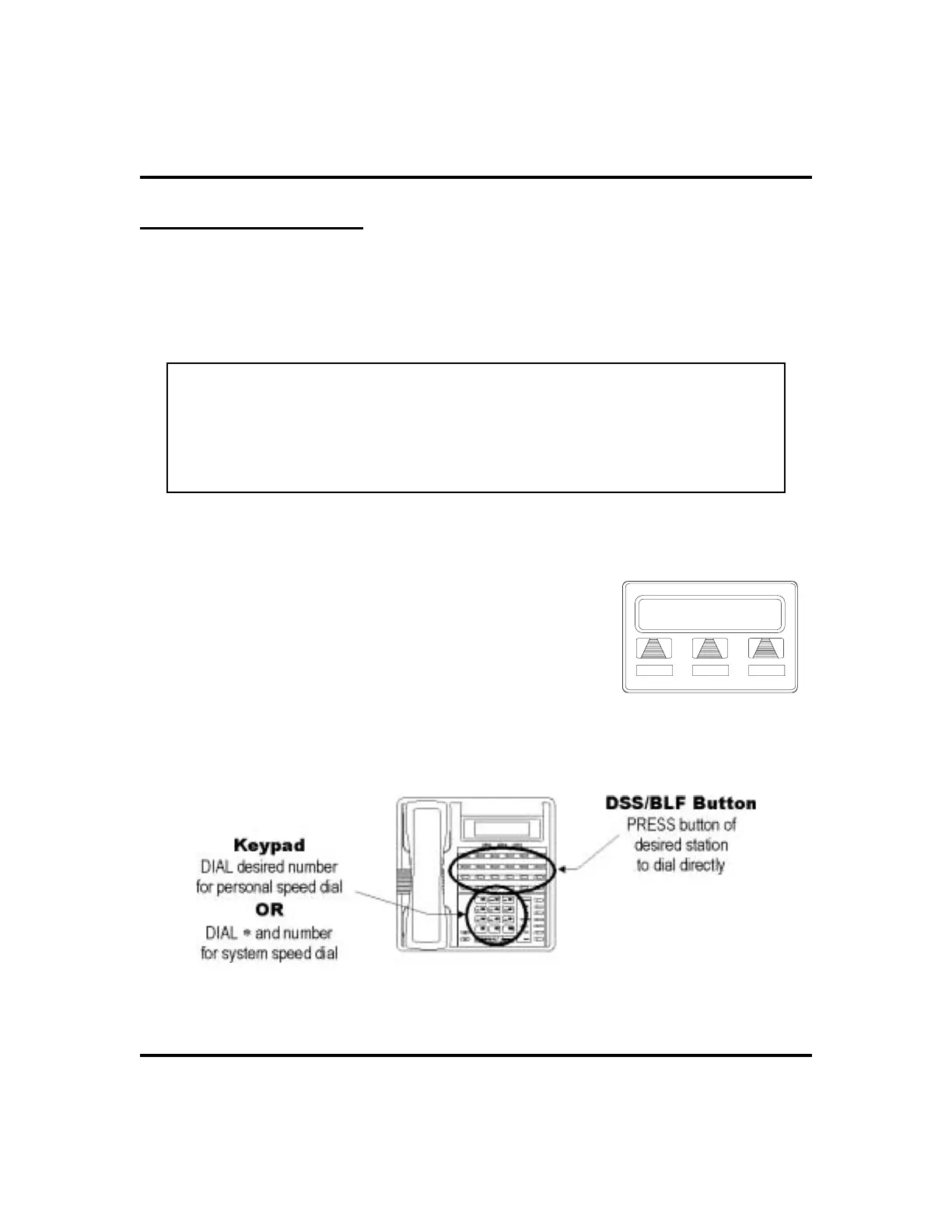
Speeddialing is a featurethatletsyou store and dialfrequentlycalled numbers using
one or two buttons. You can store numbers for speed dialing at any programmable
button that is not now assigned as a line button or other feature by the system admin
-
istrator or installer or at the keypad numbers.
NOTE: The Federal Communications Commission (FCC) requires that when
programming emergency numbers and(or) making test calls to emergency
numbers:
1. Remain on the line and briefly explain to the dispatcher the reason for the
call;
2. Perform such activities in the off-peak hours, such as early morning or late
evening.
•
Tostoreanoutsidenumberasaspeeddialnumber,followthe
display prompts and proceed as follows:
1. SELECT
OPTIONS
.
2. SELECT
NEXT
until
SDIAL
option appears.
3. SELECT
SDIAL
to choose speed dial
programming.
4. PRESS programmable button OR dial pad button
(0–9) to choose storage location (remember, to
access second level storage at a programmable
button, press SHIFT first).
52 LCD Speakerphone Station User’s Guide
Programming GCA70-258
EXIT
Location
Choosing a Button
Speed Dialing Options












 To Next Page