Advanced Camping On Options
Camping On - Idle Station, Automatic Callback
If you call another station and hear ringing but receive no answer, you can press a
buttonthat will cause thesystemto ring your telephonewhenanyactivity is initiated
at that station.
•
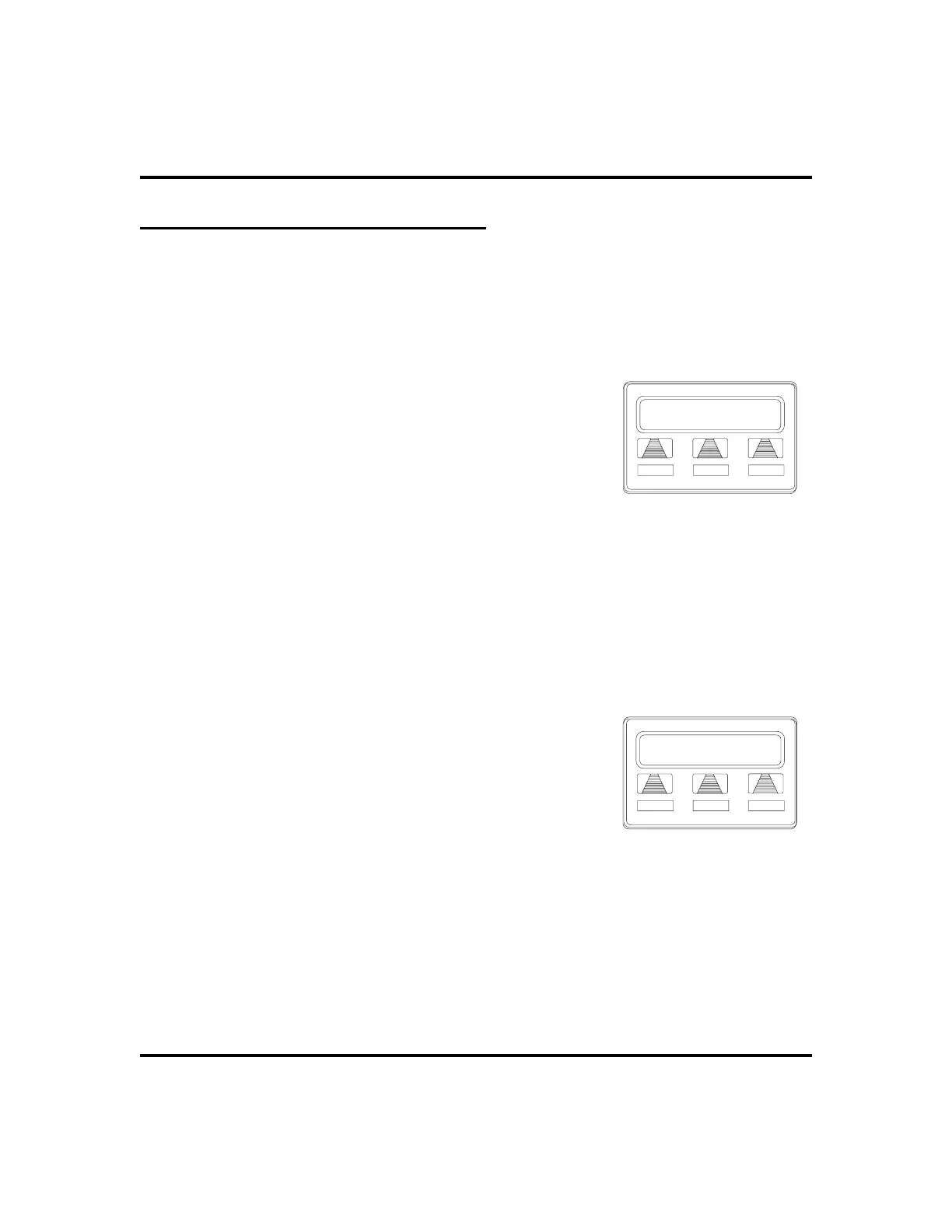
To camp on at a station for which you hear
ringing but receive no answer,
1. SELECT
CALLBK
. Callback will occur after any
activity is initiated at dialed station.
•
To cancel the camp-on condition,
1. PRESS INTERCOM AND DIAL #6.
2. HANG UP OR PRESS SPEAKER to end.
Camping On - Busy Station, Wait For An Answer (Call Waiting)
If the telephone you have called is busy, you can send a call-waiting tone to the
telephone and wait on the line for an answer (you must be using the handset for this
feature to work).
•
To activate call waiting when you hear a
busy signal,
1. DIAL *6 (called party hears tone).
2. WAIT on line for reply.
3. Called party can place the current call on hold or
disconnect from the call to answer your
call-waiting tone, or choose to ignore your
call-waiting tone and continue current conversation.
•
To cancel call waiting,
1. PRESS INTERCOM AND DIAL #6.
2. HANG UP OR PRESS SPEAKER to end.
28 LCD Speakerphone Station User’s Guide
Making Calls GCA70-258
Calling J Smith
CALLBK
MSG
Requesting Callback
CMP RCL J Doe
DND ANS
Camped Station Calling












 To Next Page