•
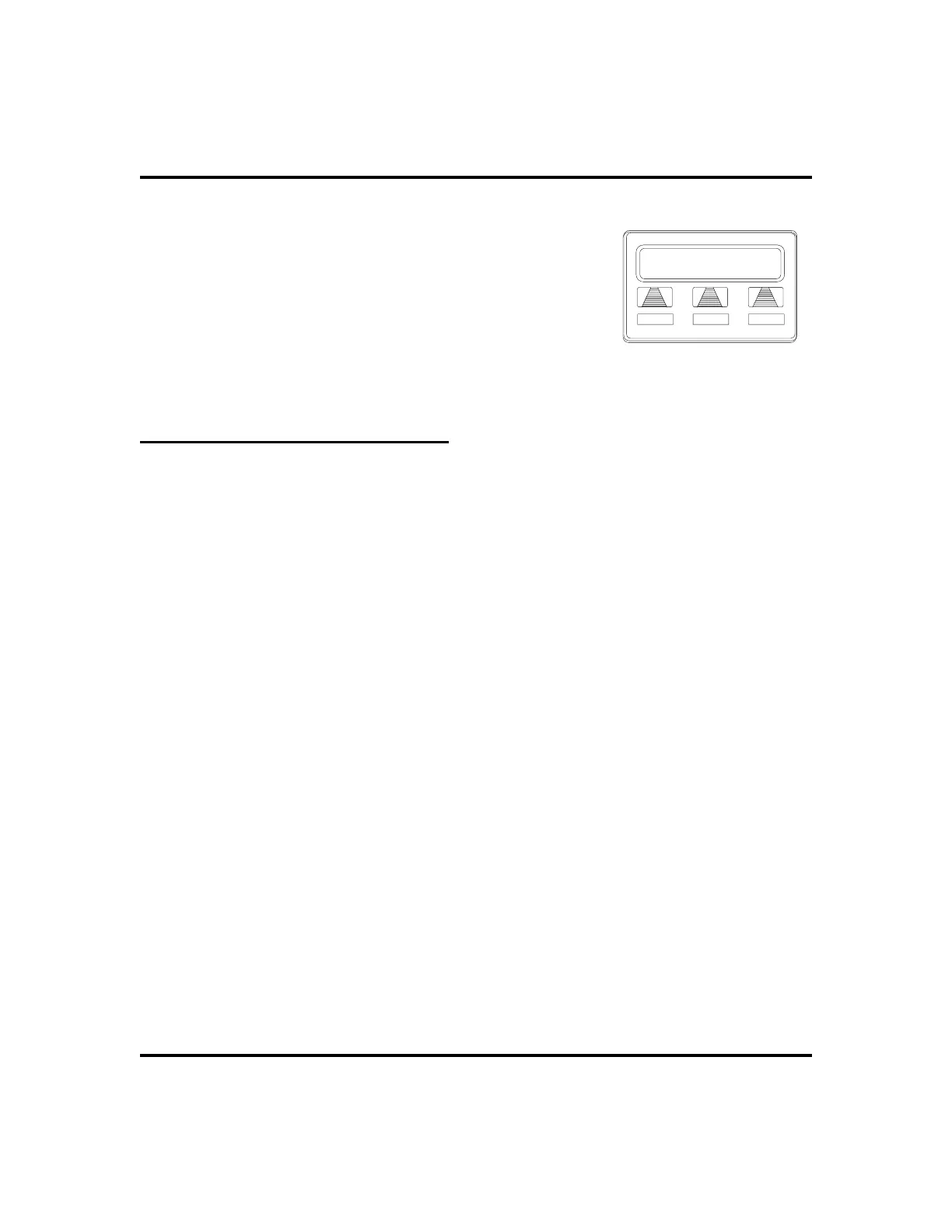
Toreceiveamessageatanalertedstation,
1. OBSERVE flashing message waiting light and
the LCD message indicating who called for you.
2. SELECT
CALL
to dial the messaging station
automatically.
3. SELECT
CLEAR
to clear the message from your
station.
Response Message Delivery
By programming one or more RESPONSE MESSAGE buttons on your LCD
speakerphone, you can respond with a variety of messages to many calling situa
-
tions. A scrolling RESPONSE MESSAGE button allows the sender to select from
several different messages which have been programmed by the system attendant.
A fixed RESPONSE MESSAGE button sends the same message you previously
select each time it is pressed. (See page 59 for instructions on programming a
dedicated RESPONSE MESSAGE button.
•
To send an LCD message when you call and receive busy
signal or no answer,
1. While still on the call, PRESS the appropriate RESPONSE
MESSAGE button to send a preselected message to the other
telephone,
2. If a scrolling Response Messaging was programmed, continue to
PRESS RESPONSE MESSAGE button AND DIAL # when your
display shows the message you wish to send.
•
To send an LCD message to a caller who has initiated a
SOHVA or intercom call from another LCD telephone,
1. HEAR the SOHVA tone or voice announcement in your handset or
headset.
2. PRESS the appropriate fixed RESPONSE MESSAGE button to
send a preselected message to the calling telephone,
3. If a scrolling Response Messaging was programmed, continue to
PRESS RESPONSE MESSAGE button AND DIAL # when your
display shows the message you wish to send.
LCD Speakerphone Station User’s Guide 49
GCA70-258 Nonverbal Messaging
Call J Doe
CALL
CLEAR
Receiving a Message












 To Next Page