Receiving Subdued Off-Hook
Voice Announcements (SOHVA)
Handling an Incoming SOHVA
This feature allows an intercom caller to break into your call by making an
announcement through your handset receiver. The distant party that you are
currently talking to cannot hear the announcement made by the SOHVA caller.
•
To respond to a SOHVA verbally,
1. SELECT AND HOLD
REPLY
OR PRESS
MUTE.
2. SPEAK into handset. Distant party cannot hear
your response.
3. RELEASE
REPLY
OR MUTE after response is
complete to return to distant party.
•
To respond to a SOHVA nonverbally
through Response Messaging,
1. SELECT
MSG
.
2. SELECT
HAVE HOLD
OR
TAKE MSG
. (Message
appears in the display of the telephone making the
SOHVA).
3. CONTINUE your current call with distant party.
(SOHVA caller is automatically disconnected
from your telephone).
•
To respond to a SOHVA by blocking (see below for more
information),
1. SELECT
BLOCK
when you hear SOHVA tone. (SOHVA call is
disconnected).
NOTE: A station that is currently active in speakerphone mode or has Voice
Announce Block set CAN NOT receive a SOHVA.
20 LCD Speakerphone Station User’s Guide
Answering Calls GCA70-258
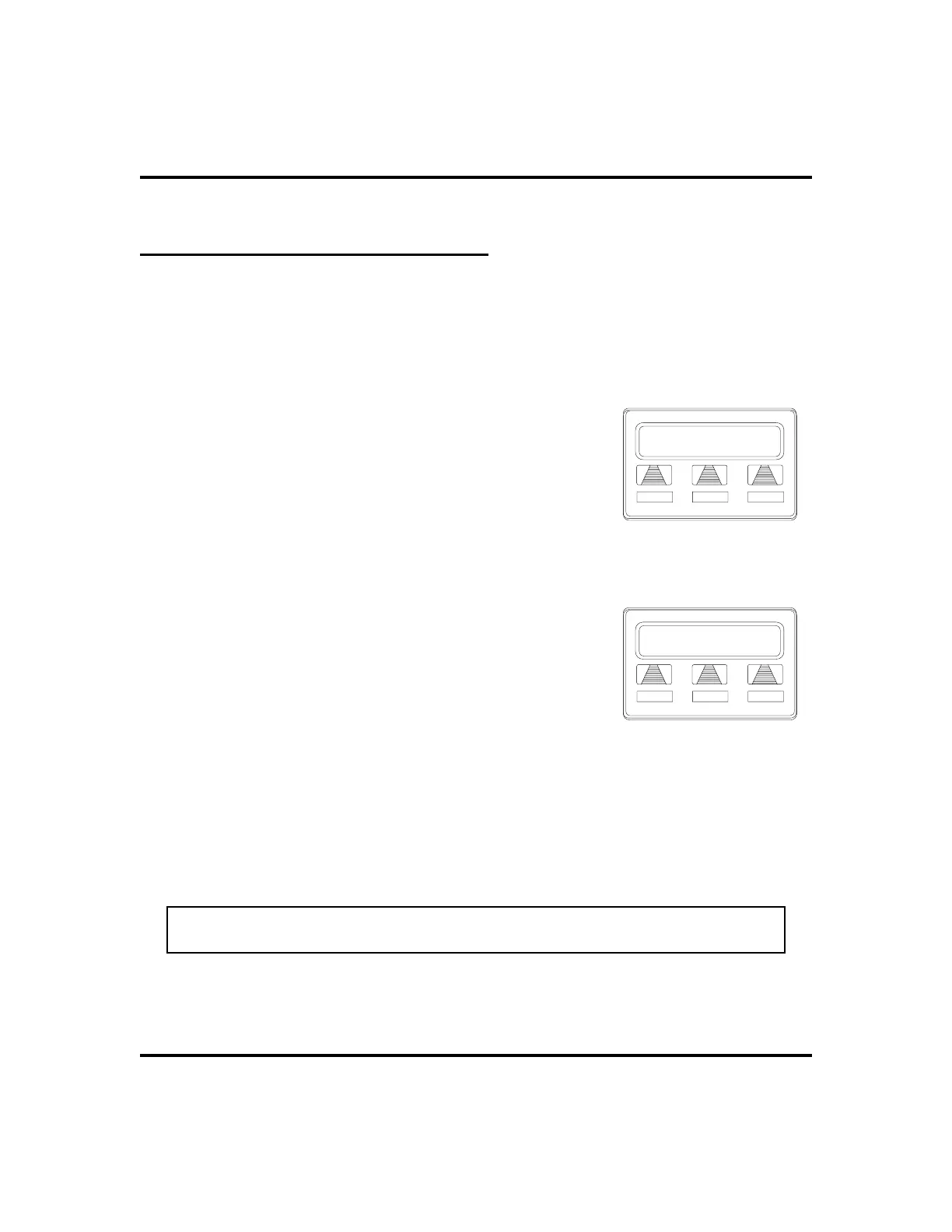
J Doe Ext 321 Calling
BLOCK
MSG
REPLY
Incoming SOHVA
J Doe Ext 321 Calling
HVHLD
TKMSG
CLBK
Message Response












 To Next Page