Camping On - Busy Station,
Automatic Callback
If you call another station and receive a busy signal or a Do Not Disturb tone, you
can press a button that will cause the system to ring your telephone when the station
is available.
•
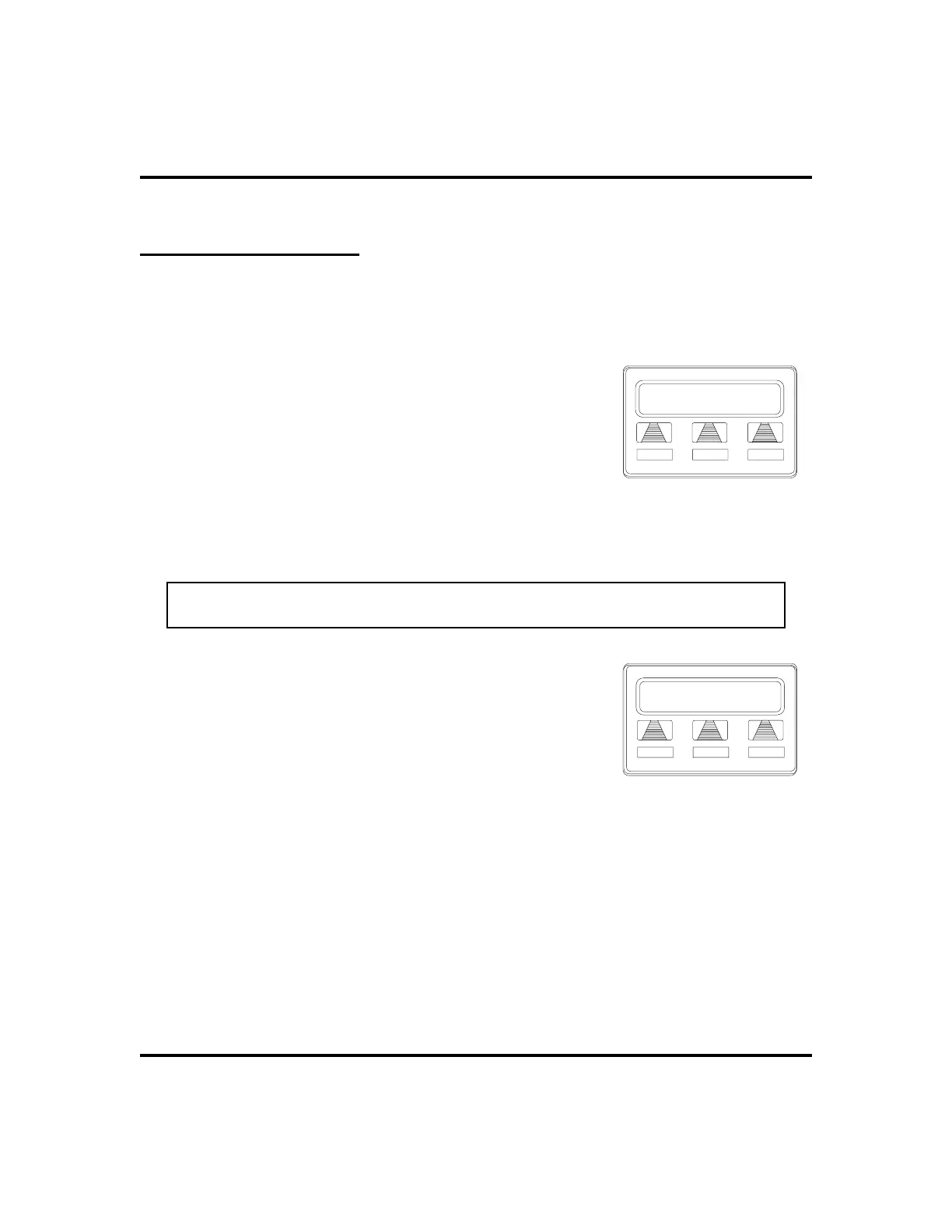
To camp on at any busy station,
1. SELECT
CAMP
.
2. Your telephone immediately hangs up. When the
station you called becomes available, your
telephone will ring with five short tone bursts.
•
When you hear five short tone bursts,
1. PRESS INTERCOM OR SELECT
ANS
. The other telephone will
start ringing.
NOTE: If you do not press INTERCOM after the ring back tones within the time
limit set by the installer, the call back is canceled.
•
To cancel the call back before your
telephone sounds the tone bursts,
1. PRESS INTERCOM AND DIAL #6.
•
To camp on at a station with a Do Not
Disturb condition set,
1. SELECT
CAMP
. A call back will occur when
called station is no longer set in the Do Not Disturb mode.
LCD Speakerphone Station User’s Guide 27
GCA70-258 Making Calls
J Doe Ext 321 Is Busy
SOHVA
CAMP
NEXT
Camping On Selection
Camp-On J Doe
MON
24 12:35
Camping-On Set












 To Next Page