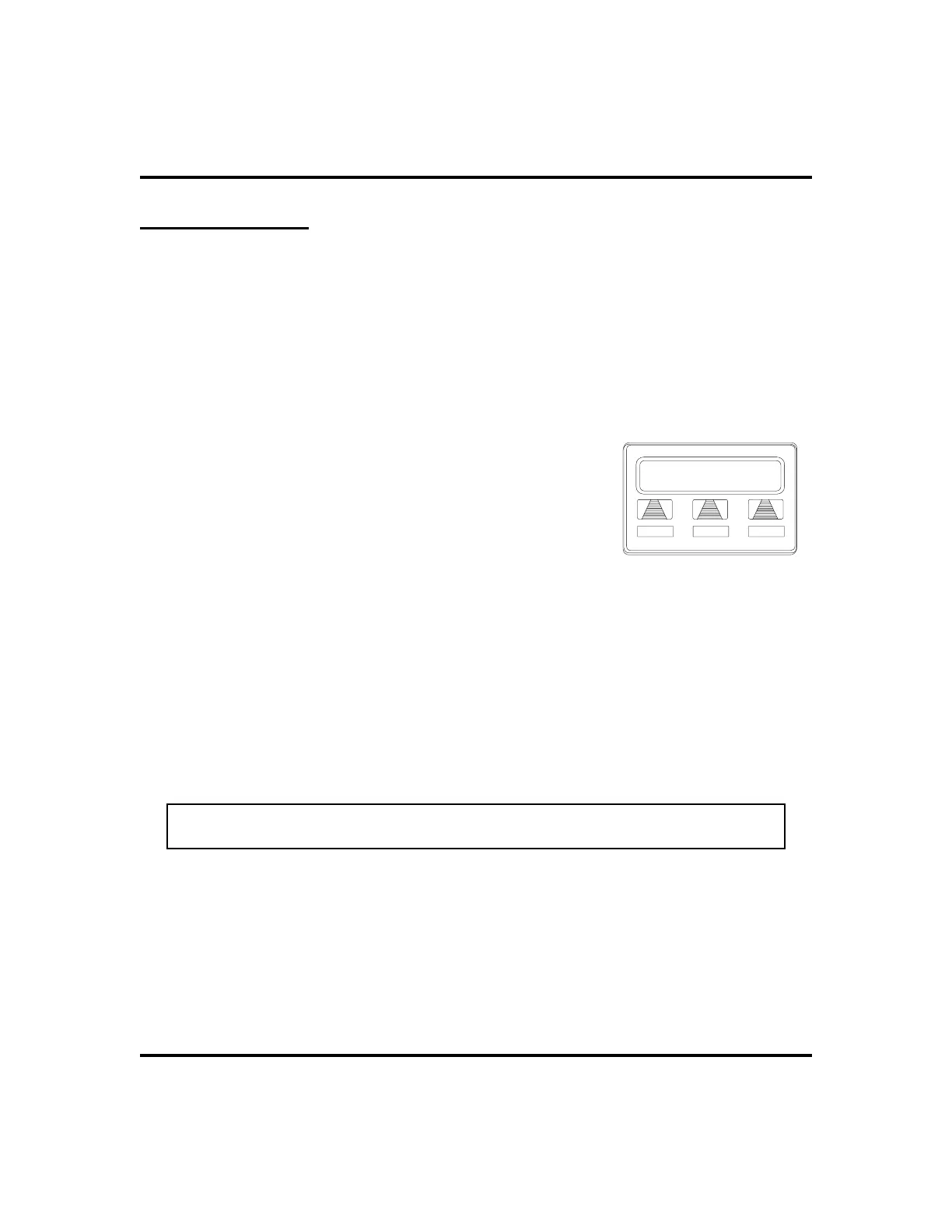
Account Codes
If the installer has arranged your system for account code entry, your display may
prompt you to enter an account code after answering a call.
•
To enter account code on an incoming call,
1. IF available, PRESS programmed ACCOUNT CODE button (the
call in progress is not interrupted).
2. IF not available, PRESS INTERCOM AND DIAL
*04 (call
is automatically placed on hold).
3.
DIAL account code. Your telephone automati
-
cally returns to the call after you’ve dialed the
complete account code.
If the installer has arranged your system for account code
entry, your display may prompt you to enter an account code
before dialing. Depending upon how the installer has
programmed your system, these account codes may be
“forced”(mandatory) for dialing outside numbers
•
To enter account code on an outgoing call,
1. DIAL 9 OR other line button (the display will prompt for
Account Code
if programmed to do so).
2. PRESS INTERCOM (call is automatically placed on hold).
3. DIAL
*04 AND account code, OR PRESS programmed
ACCOUNT CODE button, .
4. LISTEN for dial tone AND DIAL number you are calling.
NOTE: See page 56 for instructions on programming a dedicated ACCOUNT
CODE button.
70 LCD Speakerphone Station User’s Guide
Other Advanced Features GCA70-258
Enter Acct. Code
Account Code Entry












 To Next Page