•
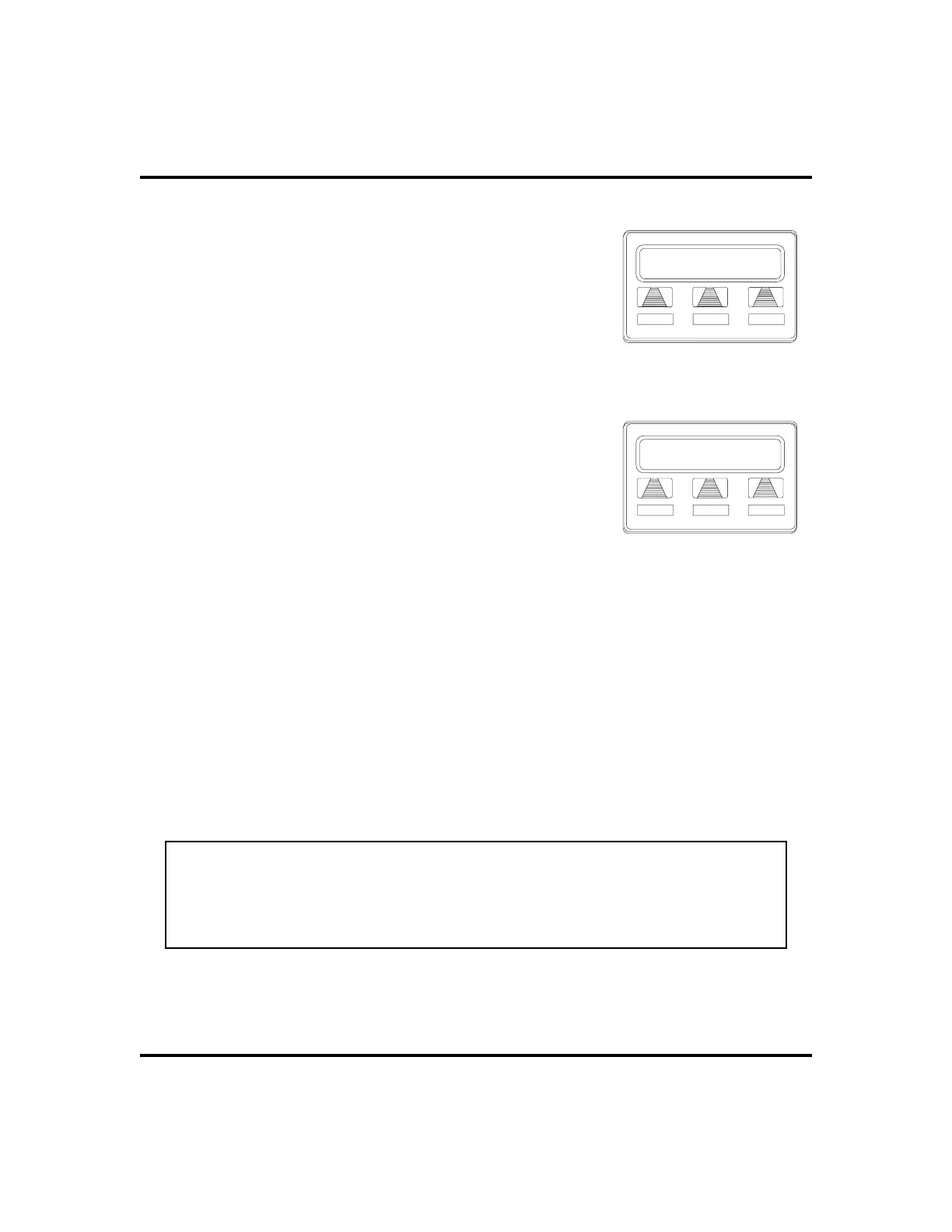
Program the enable/disable buttons (at
any blank programmable button location)
as follows:
1. SELECT
OPTIONS
.
2. SELECT
NEXT
until the
FEAT
option appears.
3. SELECT
FEAT
.
4. SELECT
NEXT
until the desired options appear.
5. SELECT desired auxiliary feature:
•
APAGE
to choose pager
•
ARECD
to choose recorder
•
ARING
to choose external ringer
•
HDSET
to choose headset
6. PRESS blank programmable button location to
serve as enable/disable button for the feature you’ve selected.
7. RETURN to previous steps to add another device, OR SELECT
SPEAKER to quit.
•
To enable an auxiliary mode,
1. SELECT enable/disable button to enable mode. Light associated
with button turns on and display denotes feature.
•
To disable an auxiliary mode,
1. SELECT enable/disable button. Light associated with button will
turn off and display no longer denotes the feature.
CAUTION
With the exception of a headset microphone, do not connect the audio out
-
put of any external device to the auxiliary jack. Also, do not connect the tip
and ring leads of a telephone line to the auxiliary jack. Do not connect any
devices to the auxiliary jack other than those mentioned above.
LCD Speakerphone Station User’s Guide 69
GCA70-258 Other Advanced Features
Program Button
ARING HDSET NEXT
Selecting a Feature
SPKR to Quit
DSS FEAT NEXT
Programming Button












 To Next Page