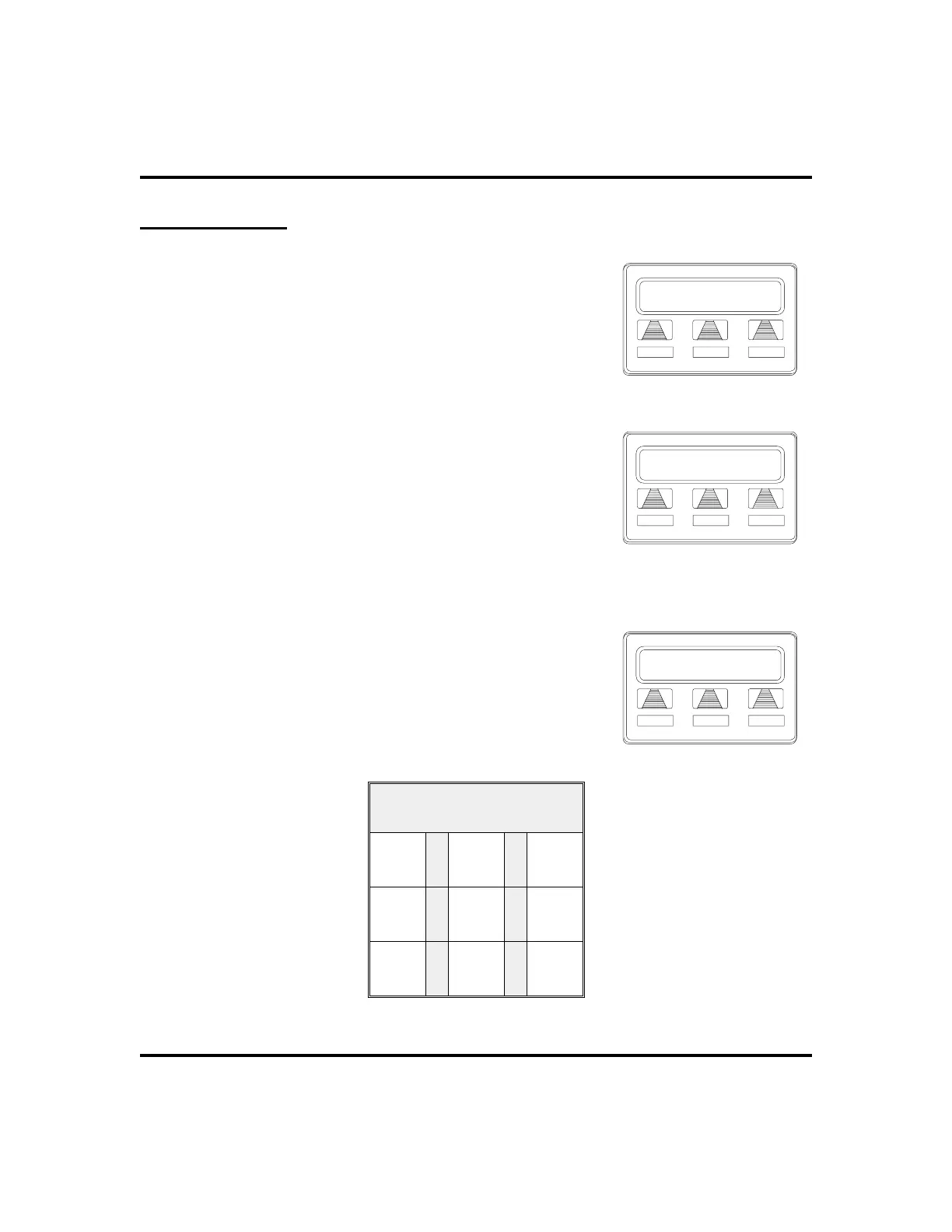
Dial By Name
TheDialByNamefeatureprovidesanindexofnamesforyou
to search through. When you select a name in the index, the
system will automatically dial that person’s extension
number.
•
To use Dial By Name,
1. SELECT
OPTIONS
to enter the dial by name
menu.
2. SELECT
INT
button for intercom calling, OR
SELECT
EXT
for speed dial calling.
3. SELECT
ALL
toview all entries ORDIALdigits
corresponding to the letters in the name you want
to locate (for example, dial 266 for Comdial).
There is no limit to the number of digits you can
dial.
4. The display shows the first existing name match
to the dialed digits or shows a
NO MATCH
message
if the system can not find a match.
5. SELECT
NEXT
to display the subsequent names
in the index until you reach the name you need.
6. SELECT
DIAL
to call the displayed location.
7. IFthe display says
NO MATCH
, SELECT
BACK
to
return to previous screen OR ENTER new digits
to search for a new name.
Alphanumeric Keypad
1
QZ
2
ABC
3
DEF
4
GHI
5
JKL
6
MNO
7
PRS
8
TUV
9
WXY
LCD Speakerphone Station User’s Guide 71
GCA70-258 Other Advanced Features
Dial by Name
INT EXT NEXT
Selecting Dial By Name
Enter Digits
ALL EXIT
Entering Search
No Match
ALL BACK
RETURN
Finding No Match












 To Next Page