•
Pick-UpButton
(
PCKUP
)—allows you to pick up a call ringing elsewhere
in your system.
•
Privacy Release Button
(
PRIV
)—allows other telephones which share
a line appearance for current call to join.
•
SavedNumberRedialButton
(
SAVE
)—redialsthelastnumbersaved
•
Voice-AnnounceBlockButton
(
VAB
)—blocksvoiceannouncements.
Programming of the feature access buttons may require several selections involving
many LCD screens. If an abbreviation used is not familiar to you, consult Appendix
B, Display Abbreviations on page 87.
•
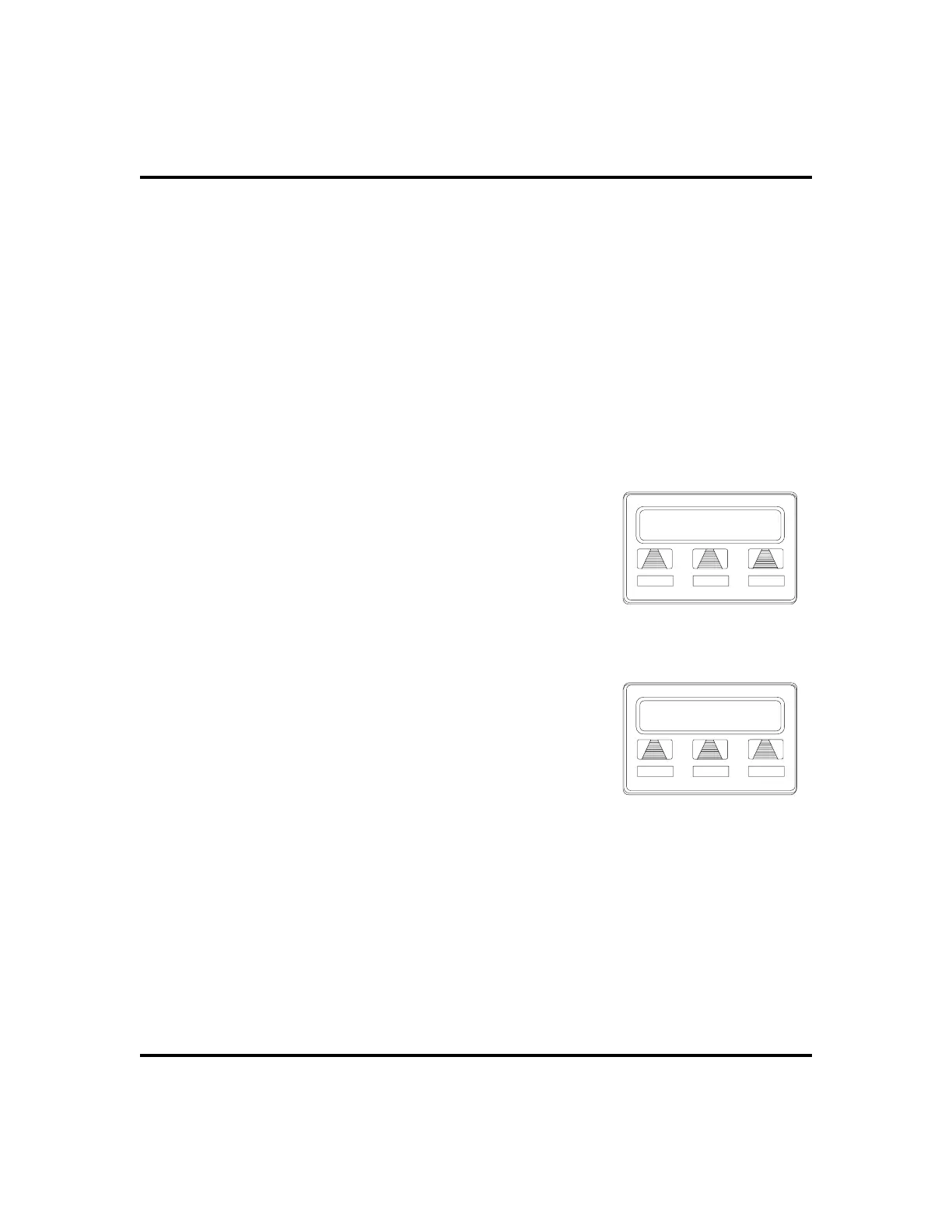
To create a feature access button,
1. SELECT
OPTIONS
.
2. SELECT
NEXT
until the
FEAT
option appears.
3. SELECT
FEAT
.
4. SELECT
NEXT
repeatedly until desired feature
choice is displayed.
5. SELECT one of the buttons below the current
display to choose desired selection.
6. RESPOND to any menu prompts associated with
feature (see example for Pickup).
7. PRESS programmable button for storage
location.
8. REPEATsteps3through 7 for otherfeatures,OR
SELECT
EXIT
to end programming.
•
To clear a feature button assignment,
1. REPEAT the above procedure, but SELECT
CLEAR
before selecting storage location button.
LCD Speakerphone Station User’s Guide 57
GCA70-258 Programming
Program Button
CAMP CFWD NEXT
Selecting a Feature
Pickup
GRP DIRECT
EXIT
Responding to Prompts to
Program a Pickup Button












 To Next Page