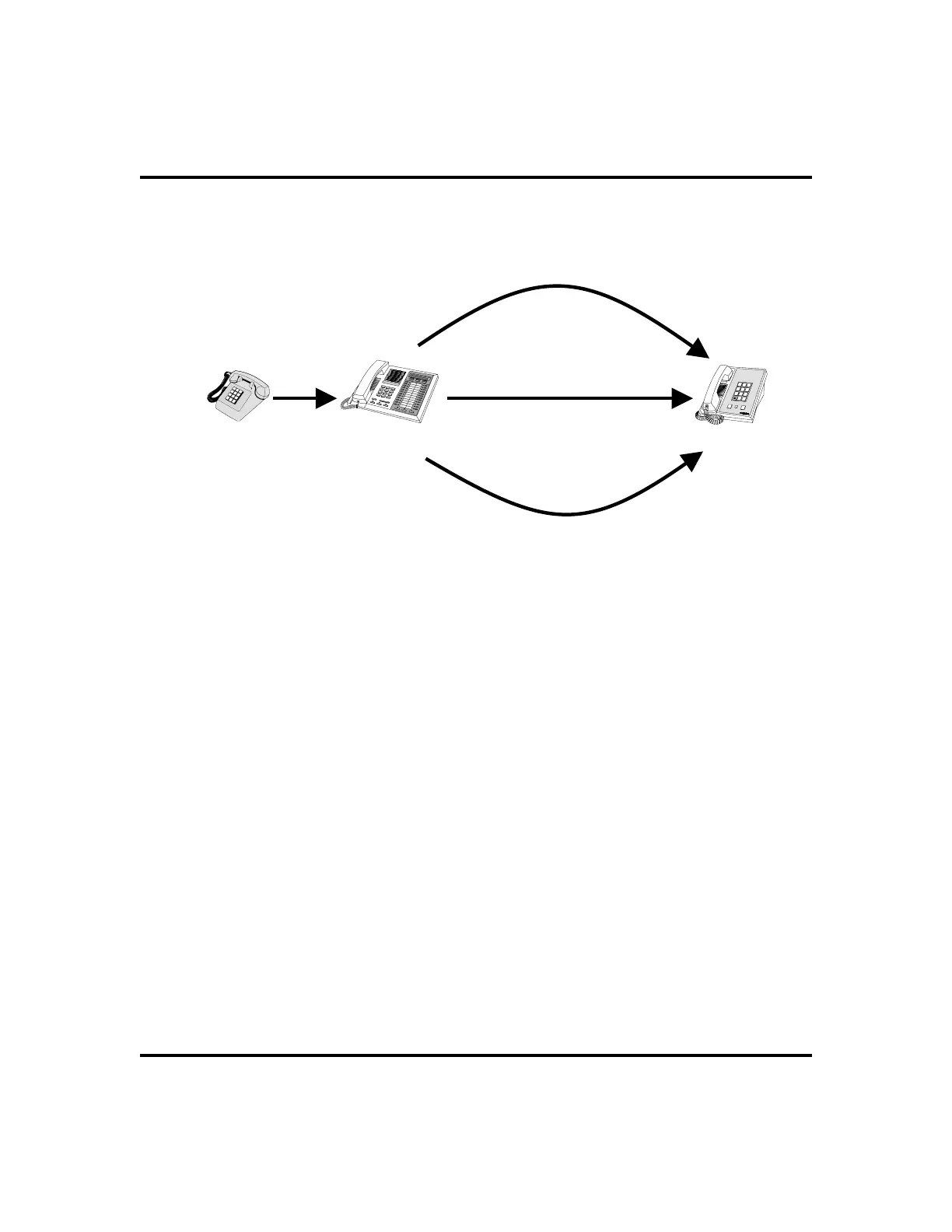
Diverting All Incoming Calls To Another Station
Call diverting permits you to send an incoming call to another station that you have
previously designated. You can divert an incoming call to the designated station
whether you are busy or idle.
•
To identify the station to receive diverted calls,
1. PRESS INTERCOM.
2. DIAL
*55.
3. DIAL extension number of station to receive diverted call.
•
To divert calls to the designated station,
1. HEAR ringing AND/OR SEE flashing line status light.
2. PRESS programmed CALL FORWARD button (system immedi
-
ately forwards ringing call to station you designated). See page 54
for programming instructions.
LCD Speakerphone Station User’s Guide 35
GCA70-258 Advanced Call Handling
HOLD
SHIFT
TAP
1
4
7
2
5
8
0
3
6
9
#
OPER
PRS
GHI
TUV
JKL
ABC
WXY
MNO
DEF
Caller
Your
Station
Forward
Station
PERS
ALL
NoANS
Forward Only Your
Prime Line and
Intercom Calls
Forward All Calls
That RIng At Your
Station
Forward Only Calls
That Are Not Answered
At Your Station
Call Forwarding Options












 To Next Page