Sending Subdued Off-Hook
Voice Announcements (SOHVA)
You can make a private voice announcement to another station that is off-hook and
busy on a call if the installer has arranged the system to provide this feature.
•
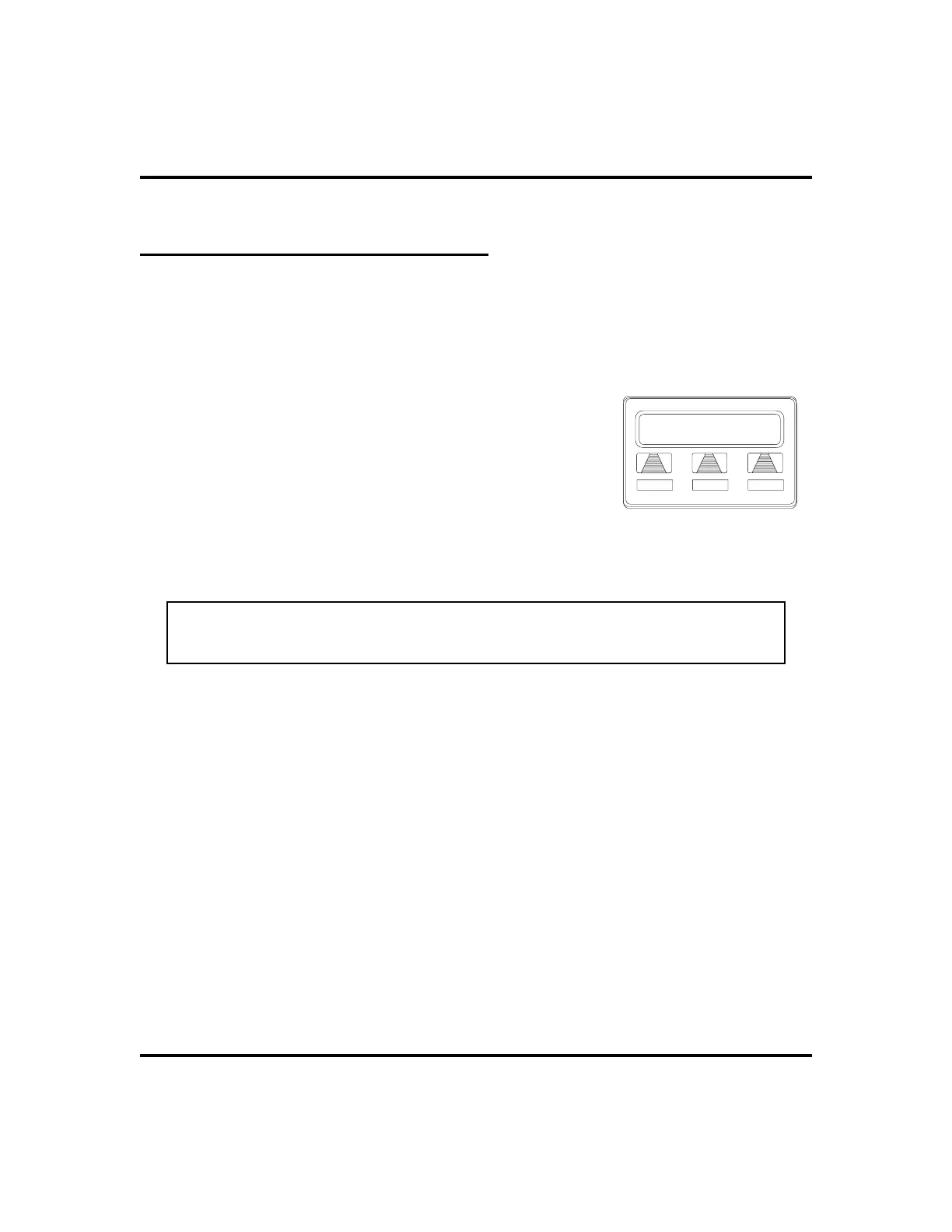
Make a SOHVA announcement using the SOHVA button as
follows:
1. MAKE intercom call AND HEAR busy tone. If
called station is on outside line, ring-back tone is
heard, but SOHVA is still available.
2. SELECT
SOHVA
ANDHEARseveralquick tone
bursts.
3. MAKE announcement.
4. WAIT on line for reply (either verbal or LCD
reply). If your station returns to idle, the called
party has blocked your SOHVA.
NOTE: If thecalledstationiscurrently inspeakerphonemodeorif theSOHVA
has been denied by system programming, interactive button selection for
SOHVA will not be available.
30 LCD Speakerphone Station User’s Guide
Making Calls GCA70-258
J Doe Ext 321 Is Busy
SOHVA
CAMP
NEXT
Making a SOHVA












 To Next Page