•
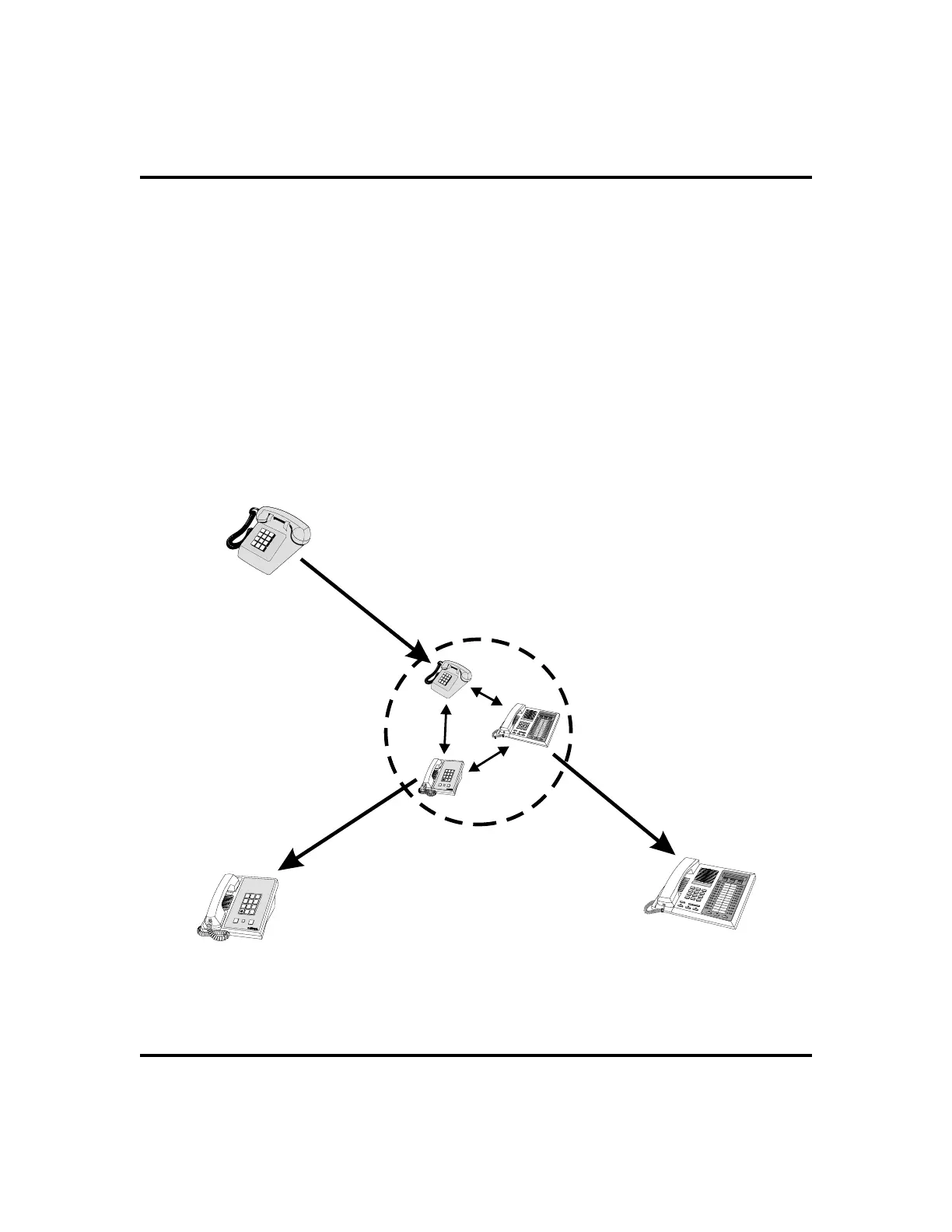
To drop out of a conference call you initiated involving
outside lines (creating an unsupervised conference),
1. DIAL # (lines remain lighted and in use until one or both outside
parties disconnect; when only one party drops out of an unsuper
-
vised conference, the other party remains on hold until he hangs up
or the line is answered).
•
To rejoin an unsupervised conference between two outside
lines,
1. PRESSTAP or DSS/BLF button ofone ofthe conferencingstations.
LCD Speakerphone Station User’s Guide 33
GCA70-258 Advanced Call Handling
HOLD
SHIFT
TAP
1
4
7
2
5
8
0
3
6
9
#
OPER
PRS
GHI
TUV
JKL
ABC
WXY
MNO
DEF
Managing a
Conference
Call
HOLD
SHIFT
TAP
1
4
7
2
5
8
0
3
6
9
#
OPER
PRS
GHI
TUV
JKL
ABC
WXY
MNO
DEF
Other
Station
Other
Station
Your
Station
ToAddaCaller
to a Conference...
ToRemoveaCaller
From A Conference...
To D ro p Out of
A Conference...
...Select CONF
or Press TRNS/CNF.
...Select Line Button
and Disconnect Line.
...Dial #.
Conferencing Options












 To Next Page