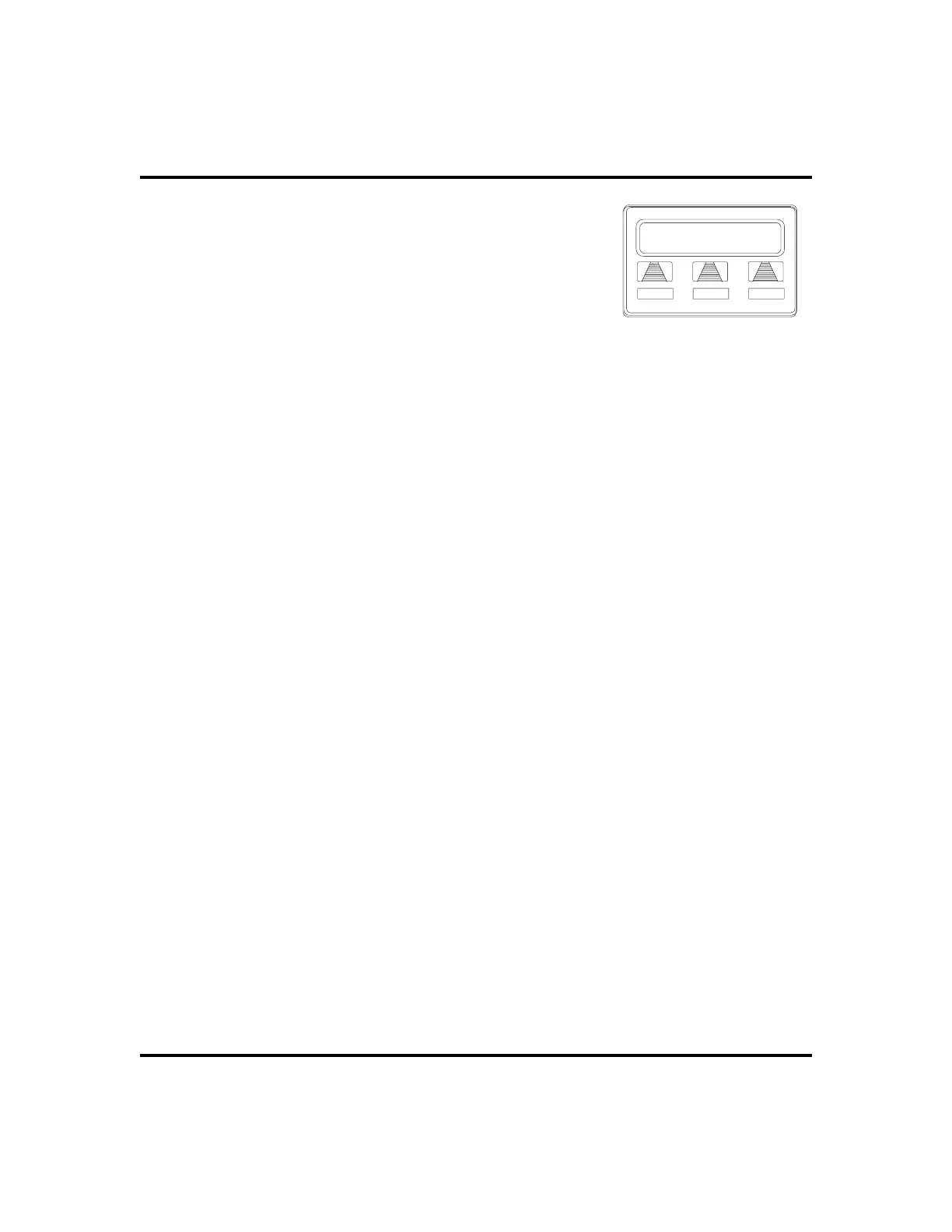
9. SELECTforward destination (dial number, press
speed dial button, or do nothing and let previously
selected destination remain in effect).
10. PRESS SPEAKER to end (display shows
CFOS
and type of forwarding).
•
To deactivate CFOS, choose one of the
following:
1. PRESS INTERCOM AND DIAL *56 OR,
2. SELECT
OPTIONS
.
3. SELECT
NEXT
until
CFWD
appears.
4. SELECT
CFWD
.
5. SELECT
CLR
.
•
To join an active CFOS call from the CFOS-enabled station,
1. NoteflashingHOLD lightindicating activeCFOS call,and pressTAP.
Join CFOS-forwarded party and CFOS destination in a conference
call.
* Comdial has taken reasonable steps in the design of all product features, including CFOS ,
which protect againstunauthorized or fraudulent access to, or use of, a system, or which pro-
tect against unauthorized, fraudulent or unaccounted-for access to, or use of, long distance
lines. However, no system is entirely invulnerable or immune from unauthorized or fraudu-
lent access or use, or unaccounted-for access or use, and therefore Comdial disclaims any
and all liability, and makes no warranty, express or implied, relating to unauthorized or
fraudulent access or use, or unaccounted-for access or use.
LCD Speakerphone Station User’s Guide 37
GCA70-258 Advanced Call Handling
No CFOS Number
SAVE BKSP NEXT
Set Forward Destination












 To Next Page