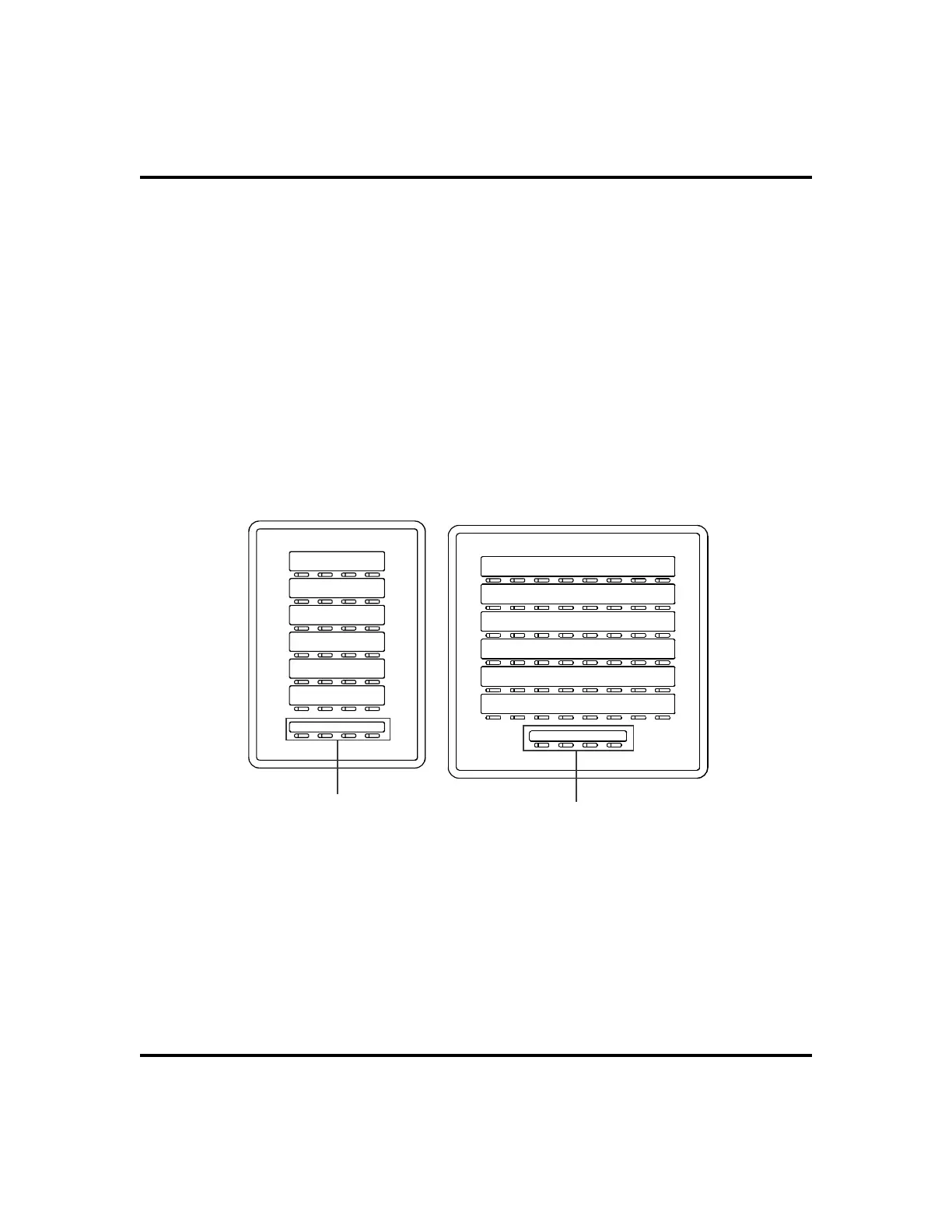
Accessing The DSS/BLF Console Button Levels
The IB24X and IB48X DSS/BLF consoles have four levels of buttons, quadru
-
pling the consoles’ button capacity. The four buttons at the bottom of each
console allow you to select which button level is currently active. To change
button levels, press one of the buttons at the bottom of the console. The leftmost
button activates level 1, the next button activates level 2, etc. A light beside the
appropriate button lights to indicate which level is currently active.
80 LCD Speakerphone Station User’s Guide
Other Advanced Features GCA70-258
ib24x
L
la
tt
n
IB24X DSS/BLF Console
ib48x
L
la
tt
n
IB48X DSS/BLF Console












 To Next Page