Page 11
VIEW MEMORY MODE
The PW64 alarm panel has an event memory which stores the most recent events, (up to 255), including all alarm
events, all system events such as mains failure etc as well as arming & disarming by Area. This event memory is
displayed via the LCD keypad with the most recent event shown first and subsequent events following in
descending order from newest to oldest.
The LCD display will show "NEW EVENT" when there is a new alarm in memory which has not been viewed. To
view the memory events simply press the MEMORY button and the event memory will be flashed back to you with
the most recent event shown first. The events will automatically scroll through in descending order at 2 second
intervals or you can manually move through the events by pressing the Memory button. To cancel the memory
display at any time just press “ENTER”. Each event is separated by a beep tone. Each event has a full text
description plus the time and date that the event occurred. If the text is too long to fit the display you can scroll to
the right by pressing the <âBYPASS> button repeatedly or move bacK to the left by pressing the <áSTAY”>
button.
Current System Faults
When viewing the memory event buffer at the keypad by pressing the “MEMORY” button, the first thing that will
always be displayed is any Current System Faults that are present. There are up to 8 different system faults that
can be indicated by the LCD keypad. If there are no current system faults the keypad will show “No current Faults”.
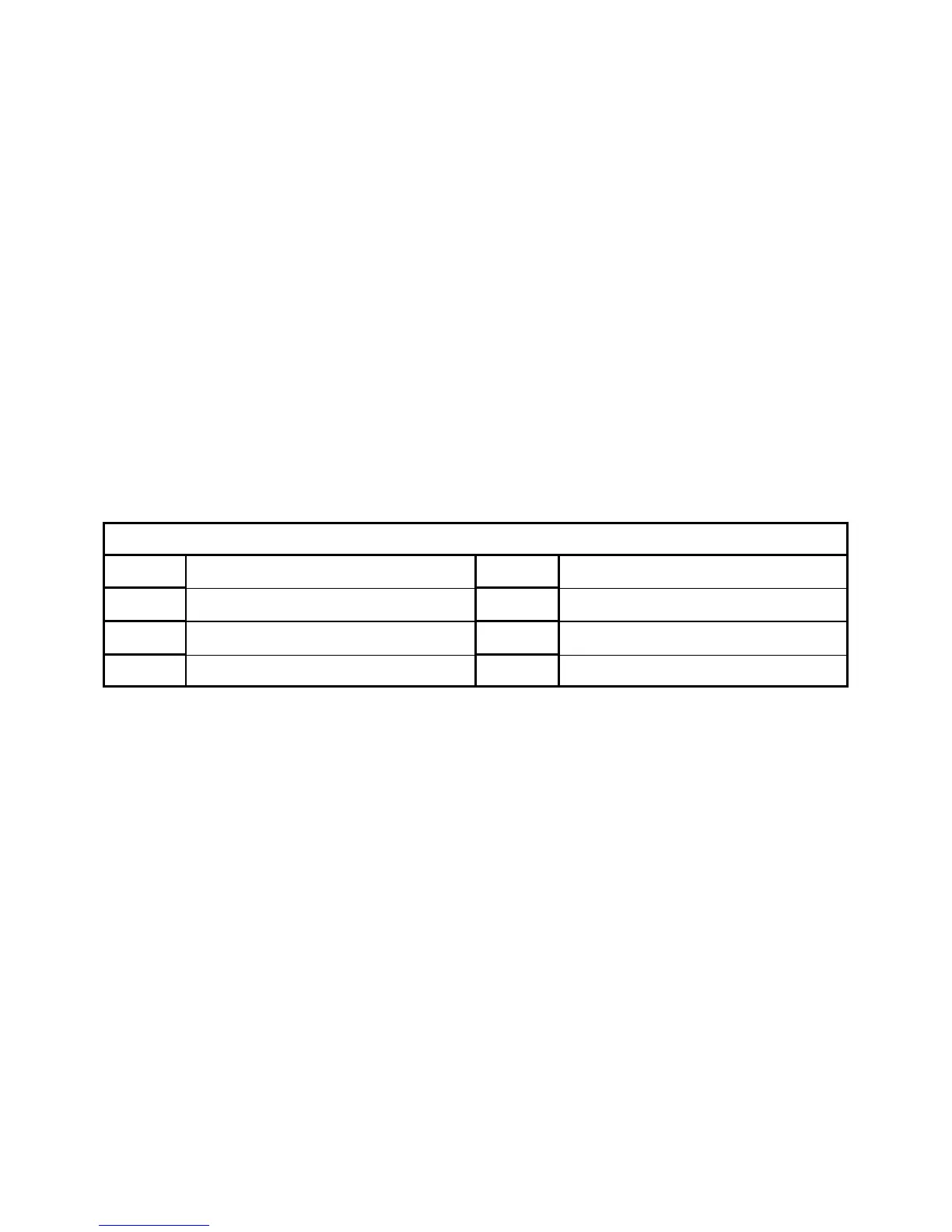
The possible 8 different system faults that can be displayed by the keypad are listed in the table below. Following
the display of current system faults the panel will then sequence through the 255 historical memory events starting
at the most recent event.
1
Battery Low
5
Radio Pendant Battery Low
2
Mains or 12V Fuse Failure
6
Supervised Detector Failure
3 Telephone Line Failure 7 Zone Inactivity Timeout
4 Radio Detector Battery Low 8 Dialler Kiss-off Failure
CURRENT SYSTEM FAULTS



 To Next Page