11
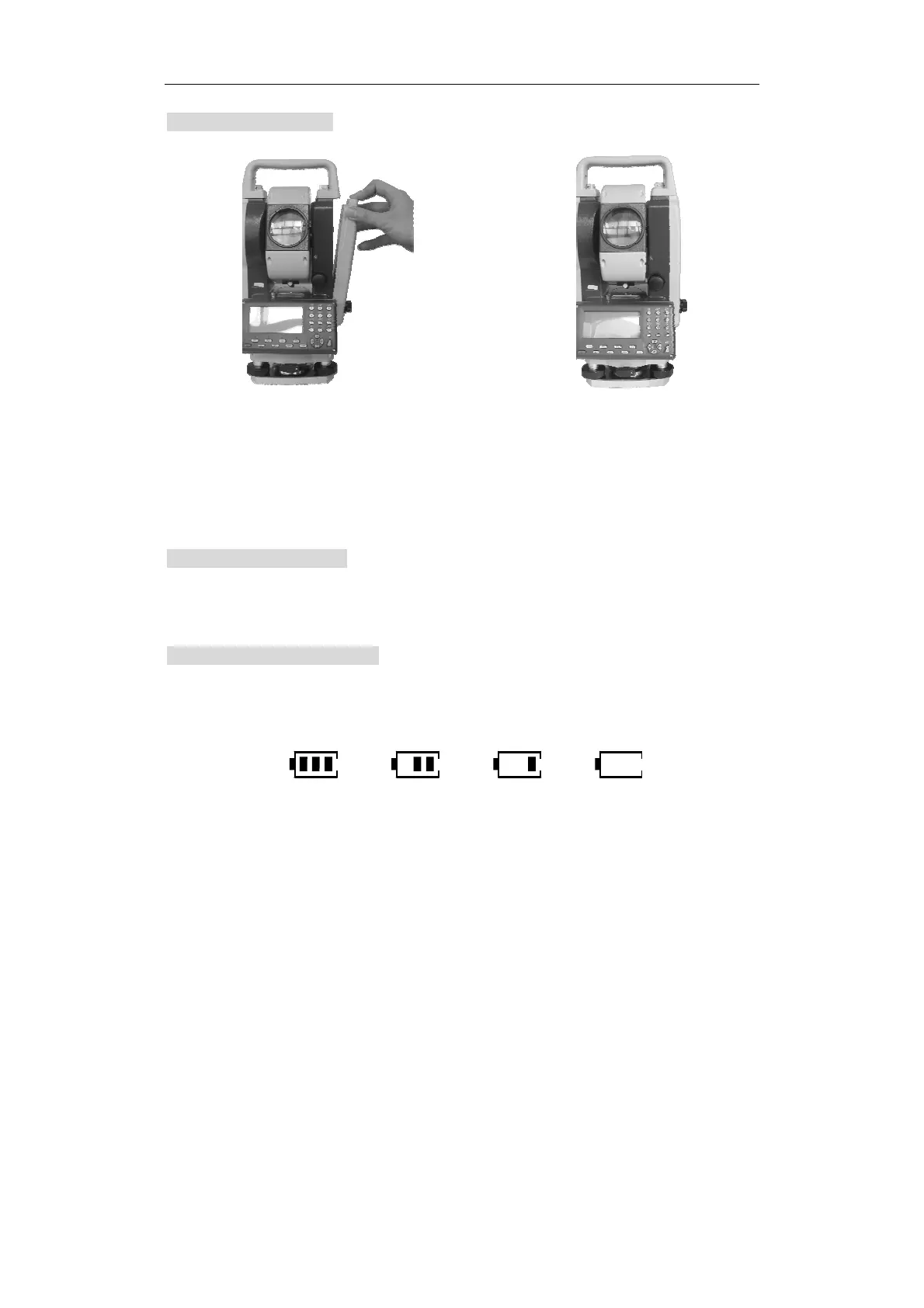
5.4 Installing battery
5.5 Removing battery
Press the button down and take battery out of groove.
5.6 Battery power display
There is a display on the screen that can be used to check the status of the battery
power.
90-100% 50-90% 10-50% 0-10%
If there is no power, the instrument will give an alarm every ten seconds, and it will
display “Battery is low”. You should finish the measurement quickly, saving data and
change to another battery. If you do not, the unit will power off after one minute.
1. Press the button down and place the battery into the groove in the instrument.
2. Release button and press button upward..
Fig.1 Fig.2











 To Next Page