20.1.3 Deleting a job
O
eratin
Ke
s Dis
la
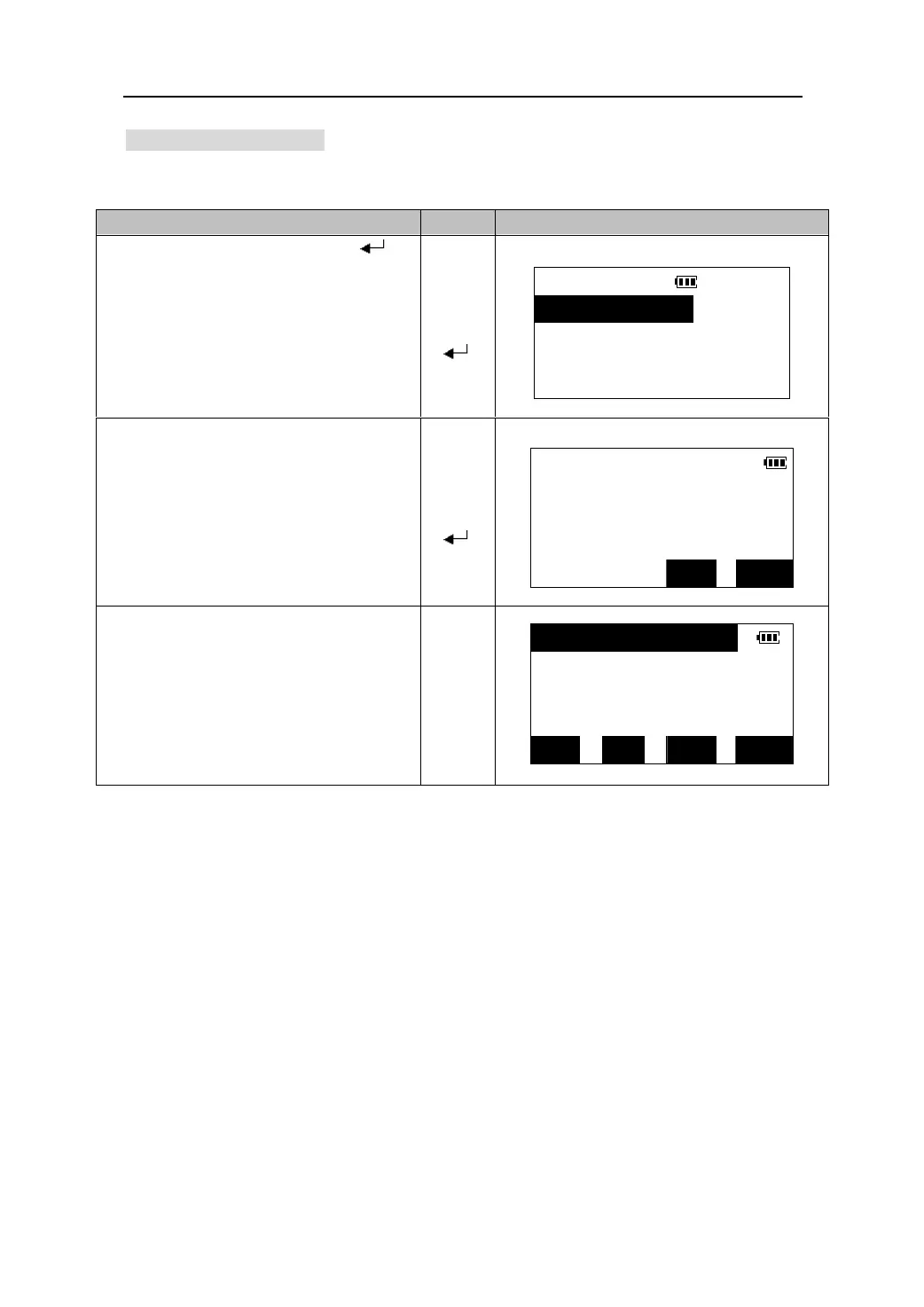
1.Select a job in the job list. Press【 】to
come in the screen of managing job file.
JOB
1.View
【】
【】
2.Comm output
【
】
3.Rename
4.Del
2. Select “4. Del”,and a confirmation screen
view.
【】
【】
【
】
JOB
Del job JOB001?
NO YES
3. Press 【YES】 to confirm the deletion. The
job together with the data in it are
deleted.
z Press 【NO】to abort the operation.
【YES】
JOB002 254
MTS001 136
SFT TOP LAST SRCH
72











 To Next Page