20.7 Displaying the status of memory
O
eratin
Ke
s Dis
la
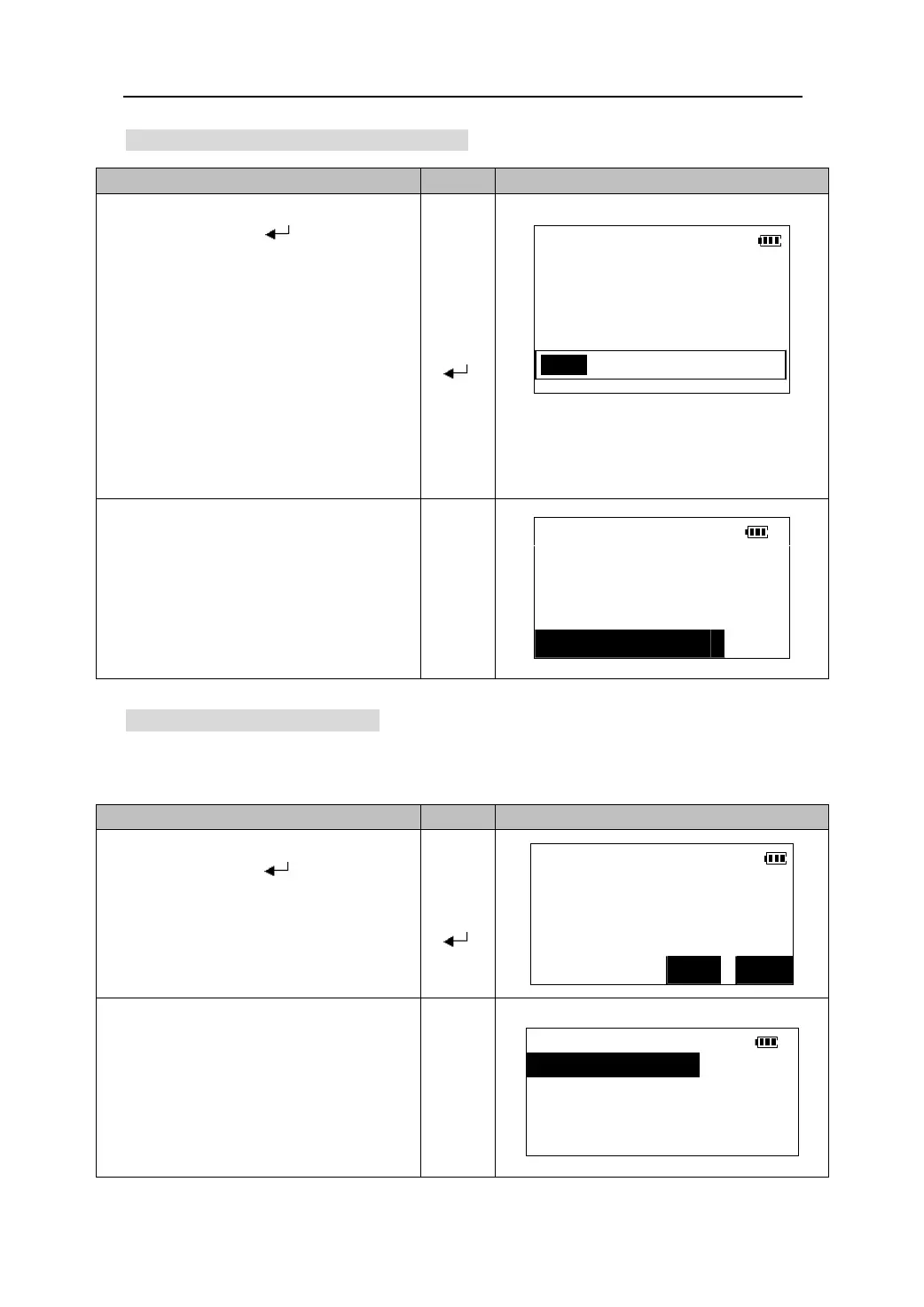
1. Select “4.Memory status” in the memory
mode and press 【
】.
Memory status
z Jobs:The number of job files in the
memory.
Jobs : 3
Known pts: 456
【】
z Known pts:
he number of known points
in the memory.
Free recs: 11276
【】
【
z Free recs:
he number of the free record
blocks that can be used to store data in
the instrument’s memory.
】
z The progress bar shows the status of the
memory capacity graphically.
20.8 Initializing the memory
This function will delete all the data in the memory and resume the memory to factory
status.
2. Press 【ESC】to return to the Memory
MEMORY
Mode menu.
1.Job
2.Known data
【ESC】
3.Code
↓4.Memory status
O
eratin
Ke
s Dis
la
1. Select “5. Init. Memory” in the Memory
Init. Memory
Mode and press 【
】.
【】
Erase all data?
【】
【
】
NO YES
2. Press 【Yes】to delete all the data in the
Memory and return to the memory mode.
MEMORY
↑5.Init. memory
【YES】
80











 To Next Page