11.4 Outputting distance measurement data
1. Connect the total station to computer or peripheral equipment.
2. Define【SEND】in the Meas mode(Please see “22.3.1 defining softkeys”),and set
the communication baud rate(Please see “22.2 instrument configuration”).
3. Sight the target point.
4. Press 【Send】to output the distance data to computer or peripheral equipment.
O
eratin
Dis
la
Keys
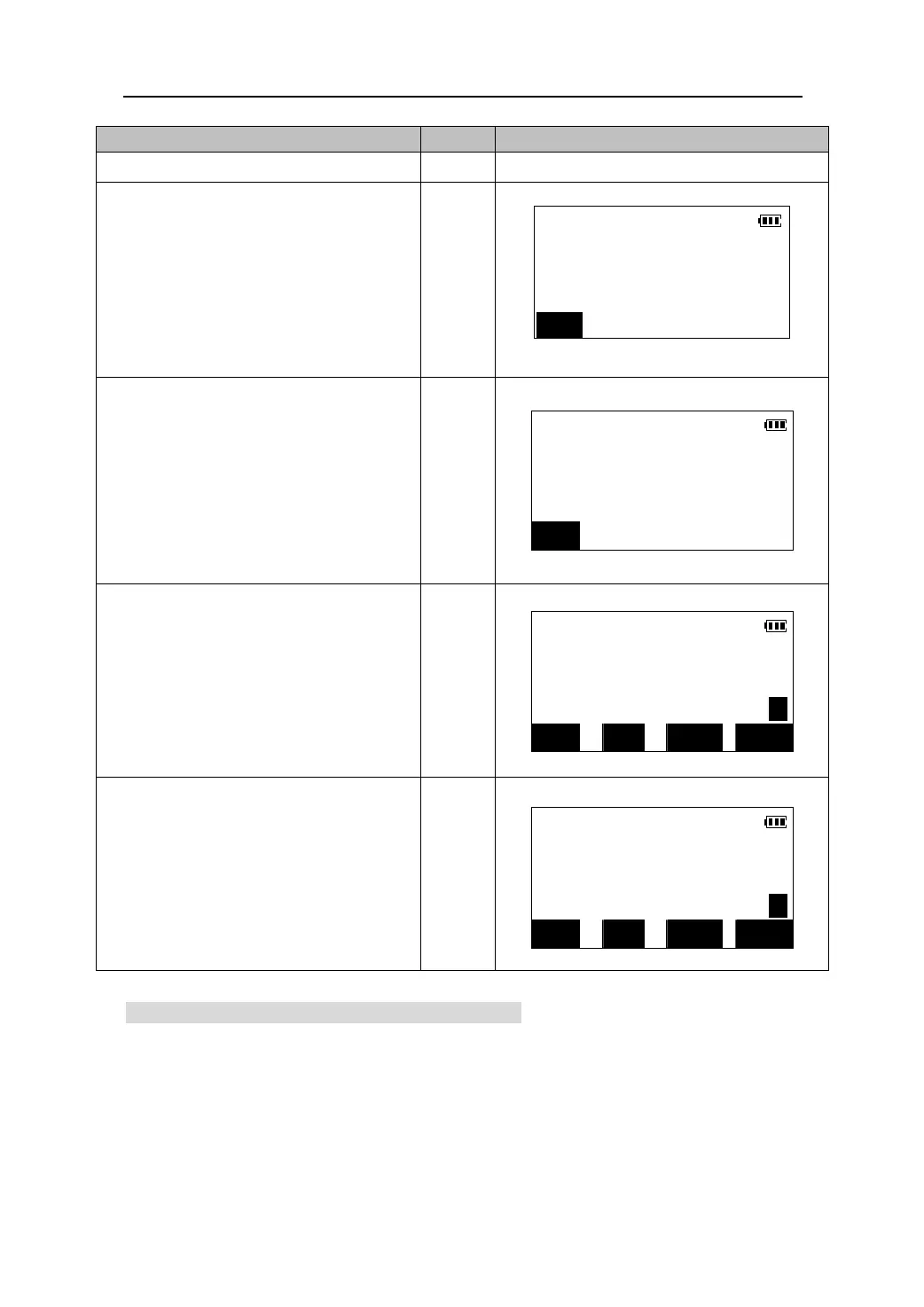
1. Sight Target as normal practice dictates.
2.To take measurement, press 【DIST】 from
Dist.
the Meas Mode Screen. When the
Shot PC = 0
measurement starts, EDM information
ppm = 0
【DIST】
(distance mode, prism constant
Mode: Fine r
correction value, atmospheric
STOP
correction factor) is displayed and
“Shot” flashes.
3. A short beep sounds, and the measured
distance data(H),vertical angle(ZA),and
Dist.
【STOP】
horizontal angle(HAR) are displayed.
H 265.437m *
ZA 99°43′13″
Press 【STOP】 to quit distance
measurement and return to the Meas
mode.
HAR 120°21′12″
STOP
4. After pressing stop, measurement data
will be displayed on the Meas Mode
main screen.
MEAS.
H 265.437m
ZA 99°43′13″
HAR 120°21′12″ P1
DIST SHV HSET EDM
5. By Pressing the【SHV】key, the slope
distance “S”, horizontal distance “H” and
height difference “V” are both displayed
【SHV】
on the screen at the same time.
MEAS
S 269.303m
H 265.437m
V -45.469m P1
DIST SHV HSET EDM
28











 To Next Page