87
22. CHANGING THE PARAMETER SETTINGS
This section explains parameter settings and how to change settings. Each item
can be changed to meet your measurement requirements and remains until it is
changed again, even when the power is cut off.
22.1 Observation Condition
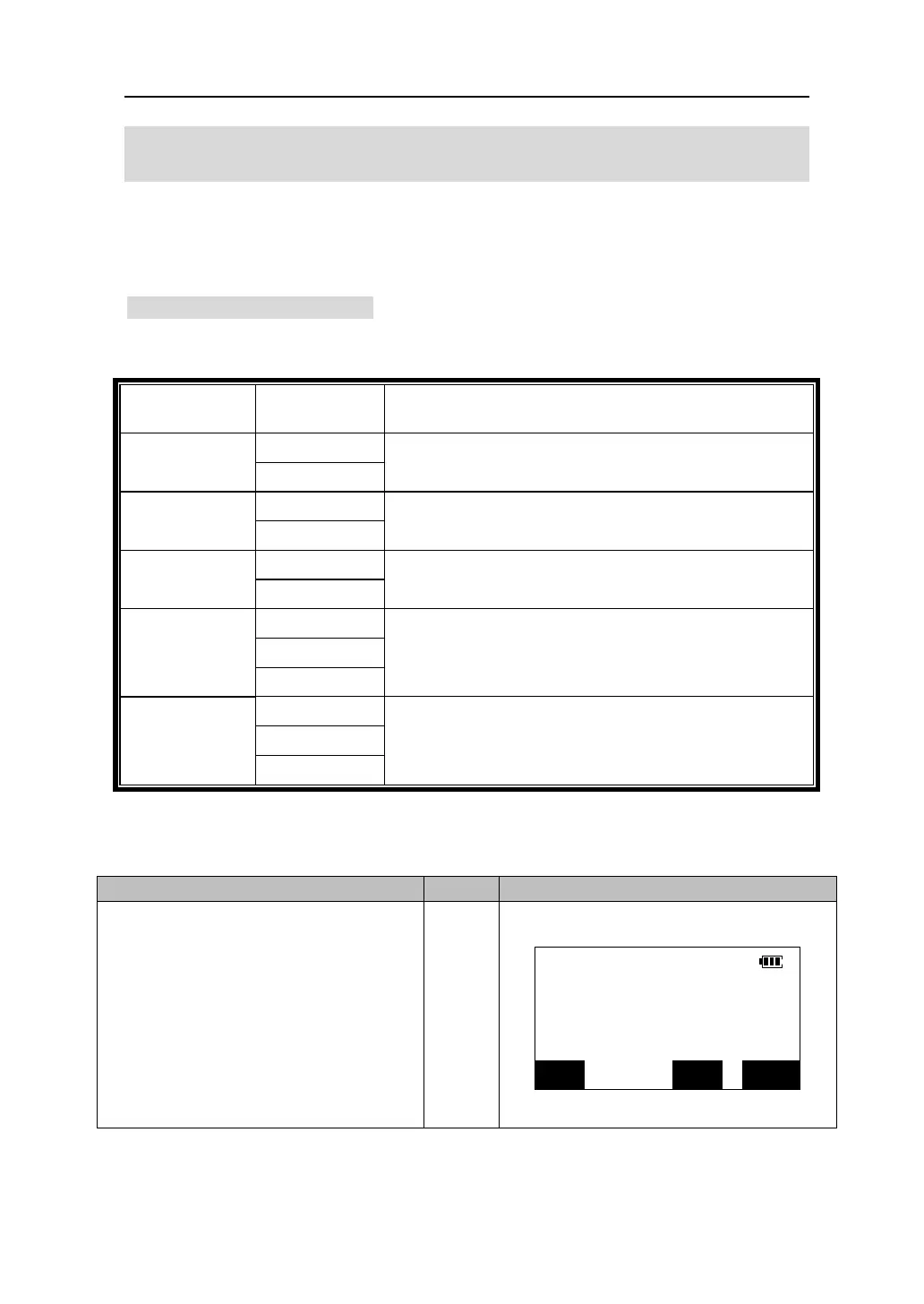
The items and their options listed in the following table can be set in Observation
Condition setting. The option marked with “*” is factory setting.
Items Options Explanation
*Zenith
V.obs
Vertical
Select vertical angle display method from zenith
(0~360°)or vertical(0~±90°)。
*No
Tilt crn
Yes
Select whether tilt angle compensation function is
enabled.
*No
Coll. crn
Yes
Select whether collimation correction function is
enabled.
*1″
5″
Ang. reso
10″
Select angle resolution..
* Hdist
Sdist
Dist. mode
Vdist
Select priority distance display mode in the Meas
mode
1. In the Meas mode, press 【ESC】
to come in the status screen.
【ESC】
Total Station
Ver 3.5
NO. 000001
MEAS
MEM
CNFG











 To Next Page