88
Operating Keys
Display
2.Press 【CNFG】to enter the config mode.
【CNFG】
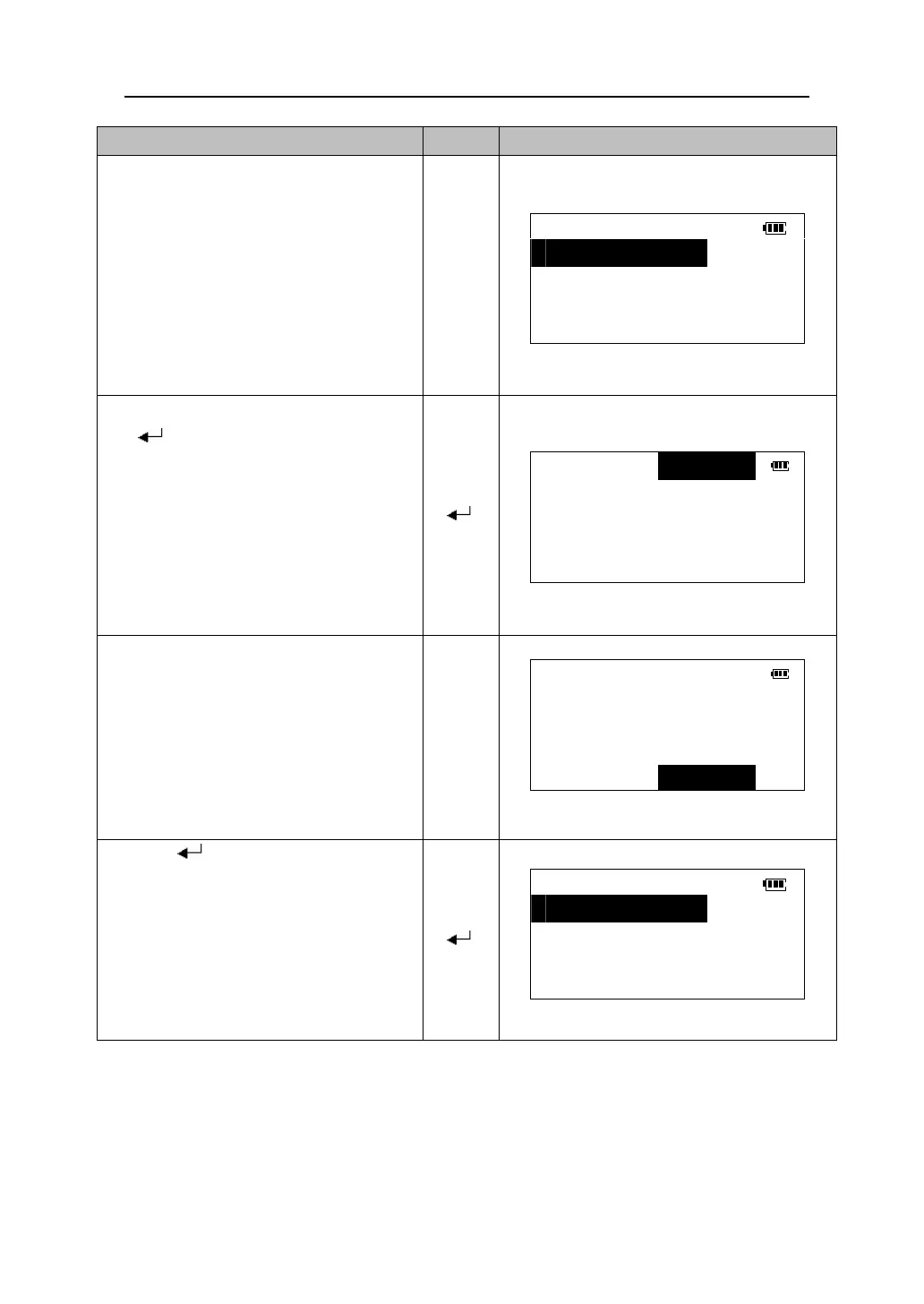
CONFIG
1.Obs.condition
2.Instr.config
3.Key function
4.Unit
3. Select “1. Obs.condition” and press
【 】to go to the observation
condition setting screen.
【 】
V.obs *Zenith
Tilt crn *No
Coll. crn *No
Ang. reso *1″
Dist. mode *Hdist
4.Press 【5】/【6】
and down to select item. Press 【3】/【4
to change the option of the item.
Example: Change the vertical angle
method to “Vert”,change the distance
display mode to “Sdist”.
【5】
【6】
【3】
【4】
V.obs Vert
Tilt crn *No
Coll. crn *No
Ang. reso *1″
Dist. mode Sdist
5.Press 【 】
to accept the option change
and return to the config mode menu.
【 】
CONFIG
1.Obs.condition
2.Instr.config
3.Key function
4.Unit











 To Next Page